Jupyter Notebook Error - No module named Sharpy #150


|
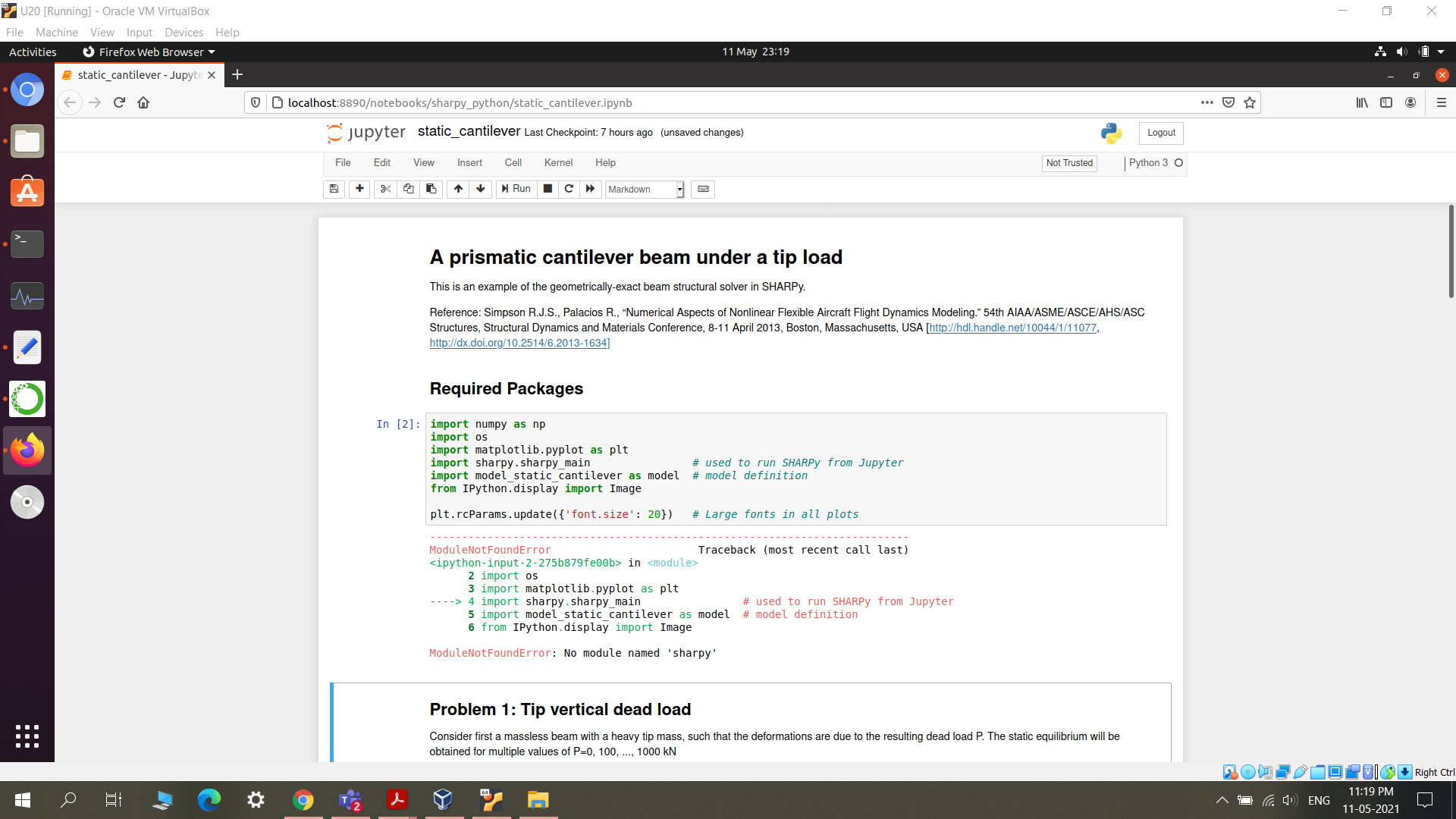
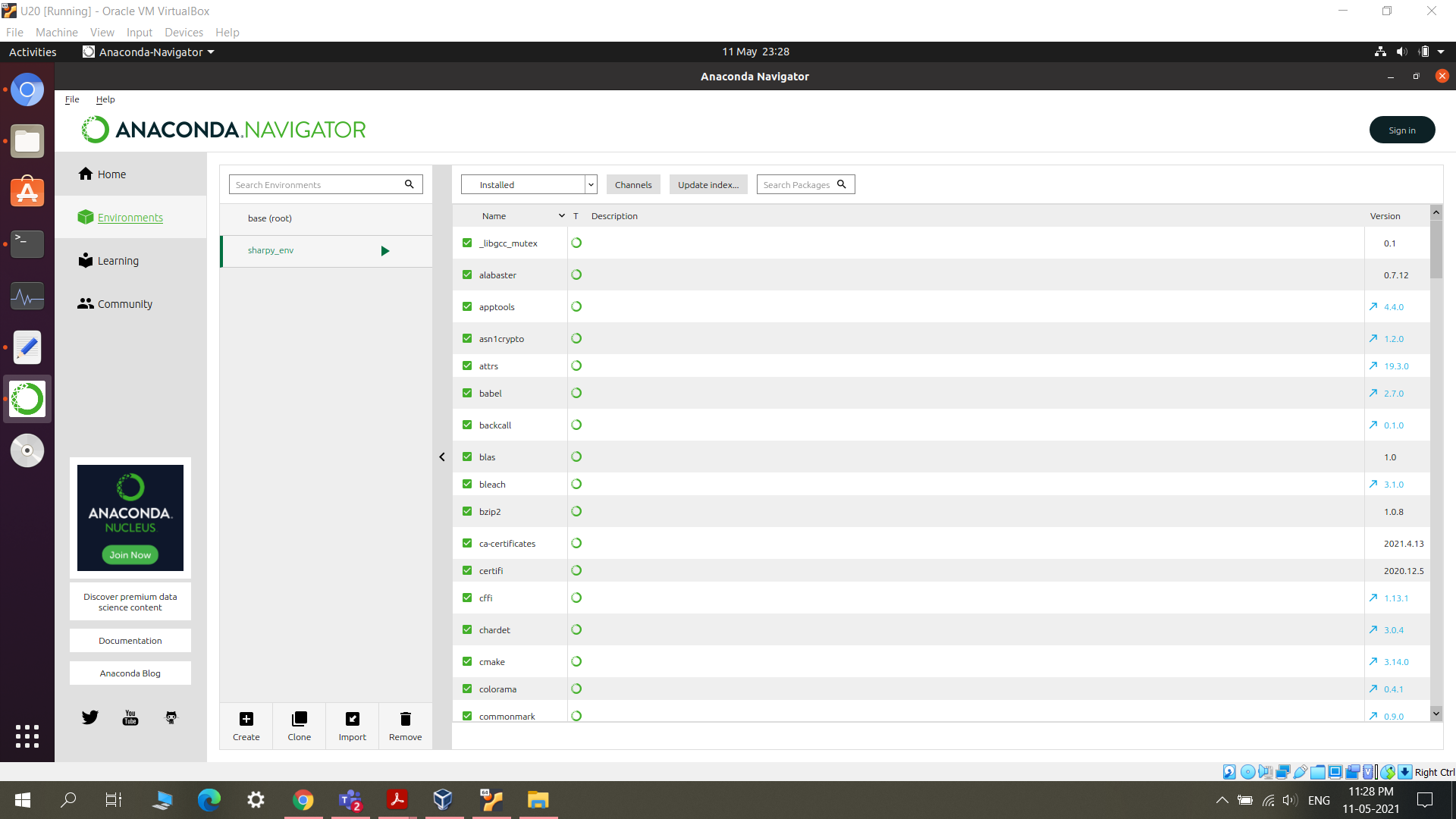
Hello, I have installed SHARPy successfully and have run the 'xbeam' test. But when I downloaded the accompanying notebook 'A prismatic cantilever beam under a tip load', it gives an error as shown below in the image. I have activated the sharpy_env on the anaconda navigator before opening Jupyter notebook.
TIA! |
Replies: 1 comment 3 replies

|
Hi askper, |

|
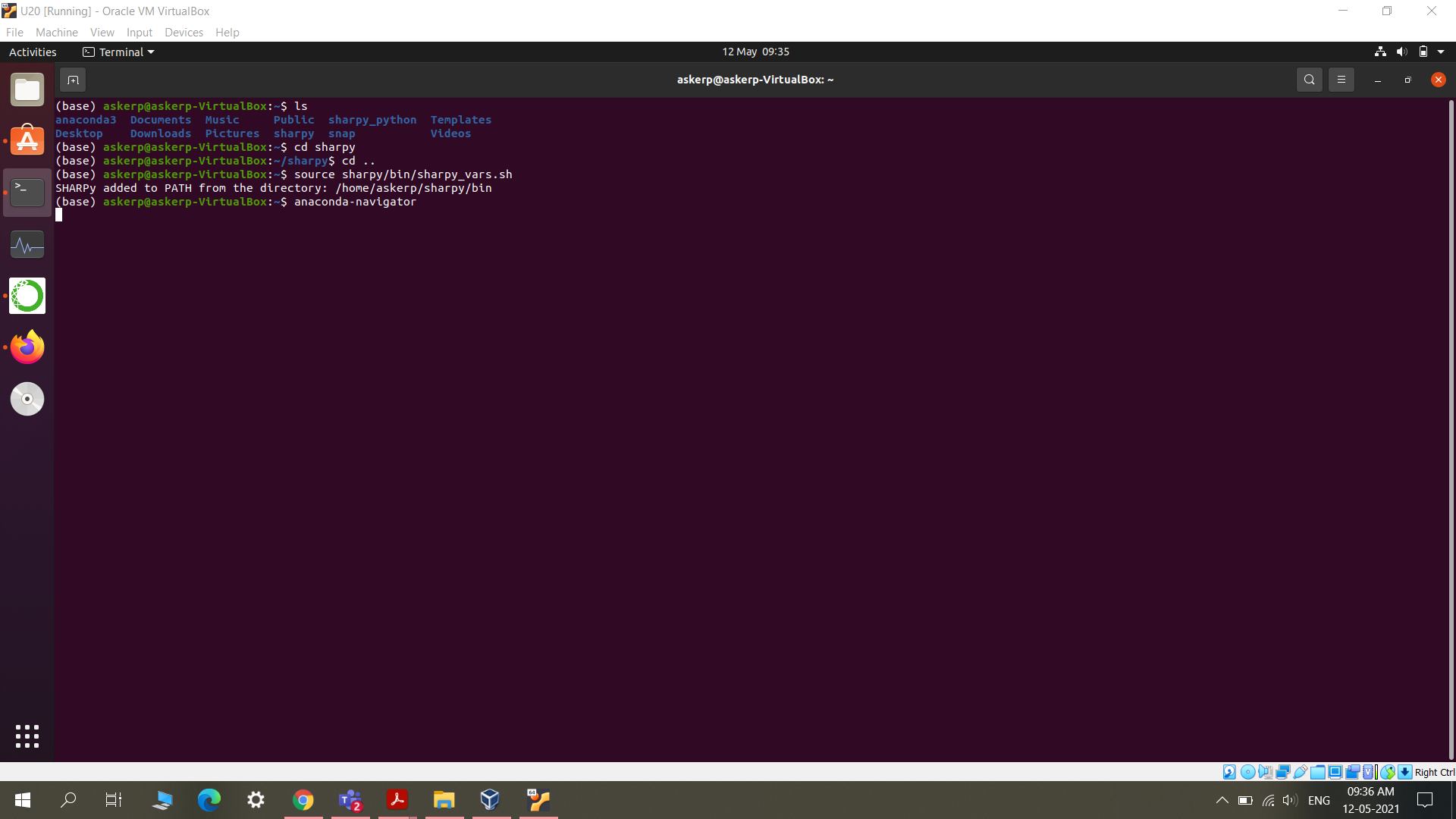
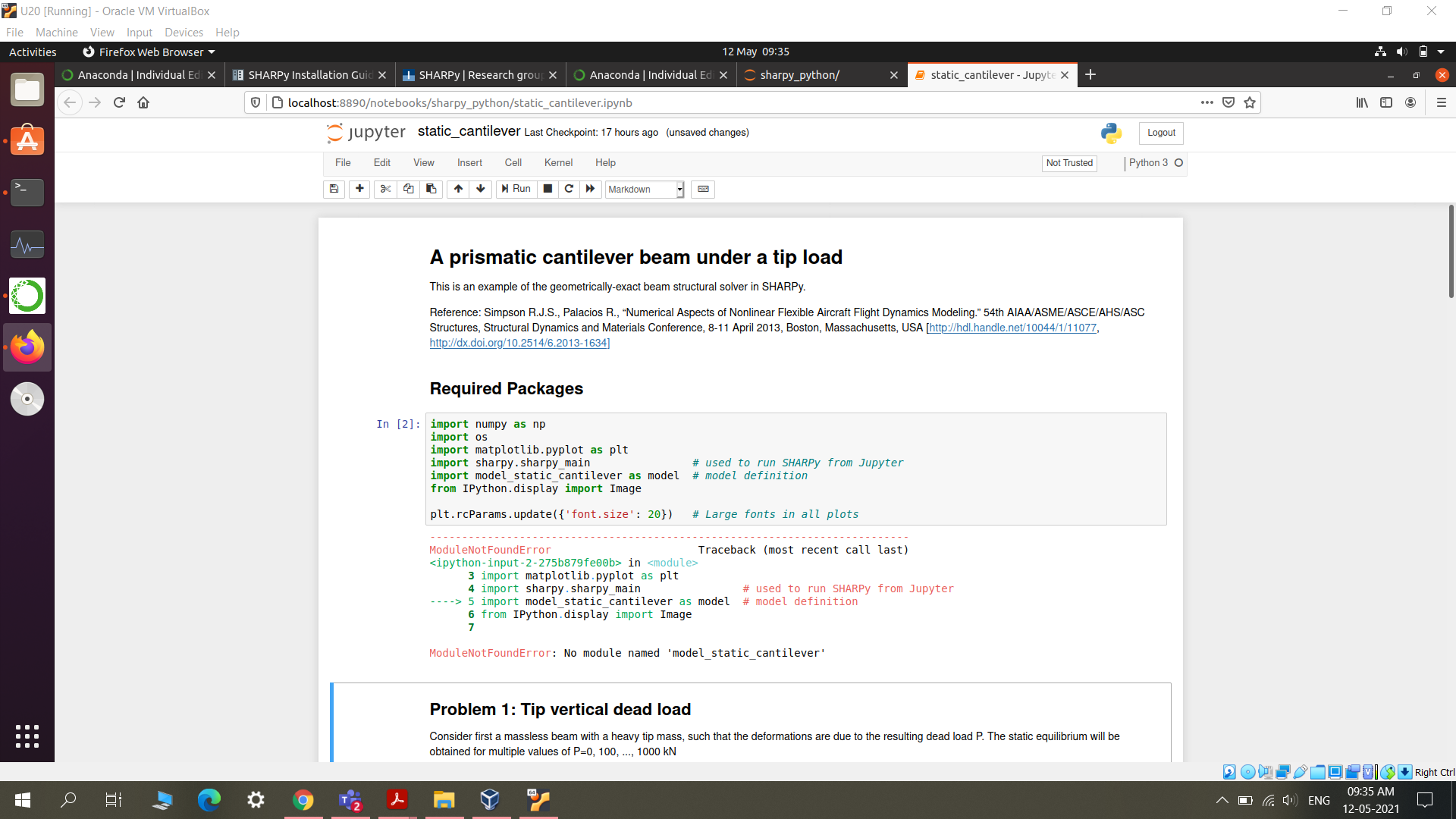
Yes, I have done source bin/sharpy_vars.sh, now it shows: No module named 'model_static_cantilever'
The above occurs when I activate the conda (python) env and then open the anaconda navigator, if I activate sharpy_env and then try to open anaconda navigator I get the following error:
|
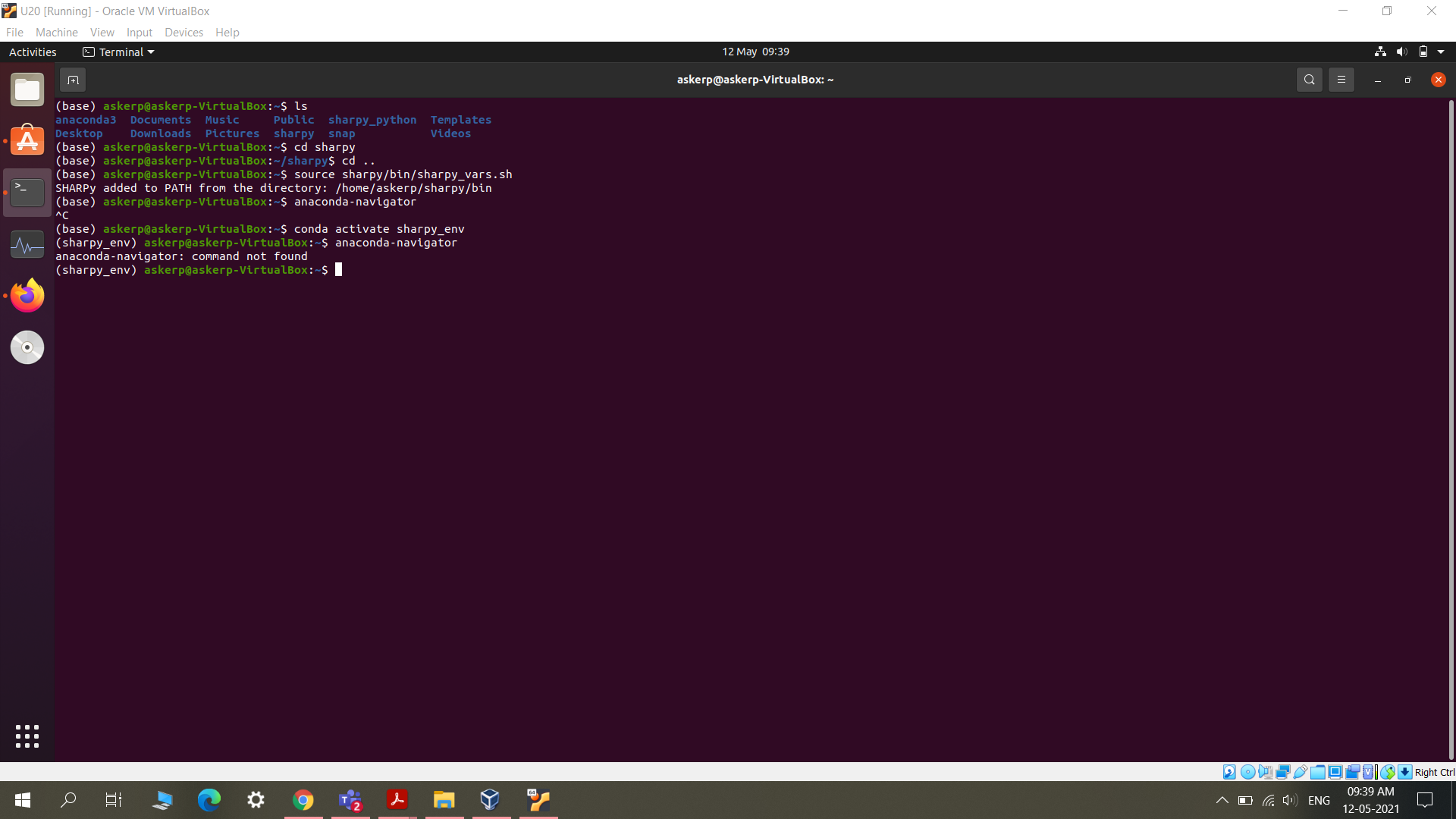

|
It cannot find the model definition file. Have you downloaded the corresponding files in |
|
Yes, I accessed the python files from the path mentioned and it worked. Thank you! |


Hi askper,
have you also loaded the sharpy environment variables (
source bin/sharpy_vars.sh) before running the jupyter notebook?Best regards