When creating a container from an image, we can set some environment variables. Each image is unique and has its specific environment variables. For example mongo has the MONGO_INITDB_ROOT_USERNAME variable. To set this environment variable we can set the value in the container creation command. Like this:
ㅤ
docker create -e MONGO_INITDB_ROOT_USERNAME=manel -e MONGO_INITDB_ROOT_PASSWORD=12345aA mongo
ㅤ
Creates a container from the image "mongo" with two environment variables, MONGO_INITDB_ROOT_USERNAME and MONGO_INITDB_ROOT_PASSWORD.
Dockerfile is a file that contains the commands that the new containers have to execute when they're being created. We need to create a file called Dockerfile on the project root folder. In the Dockerfile we can write the commands for our future container. In this file must be all the required commands needed to successfully start our application. With this Dockerfile we're creating our unique image. To then be able to create a container with it. Once is created, we'll be able to share this image between the development team as needed.
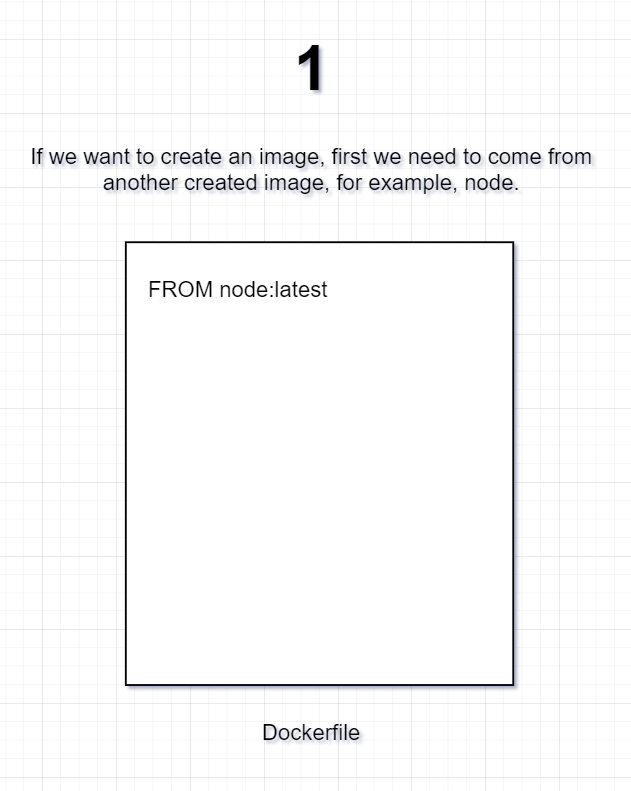
If we want to create an image, first we need to come from another created image, for example, node.
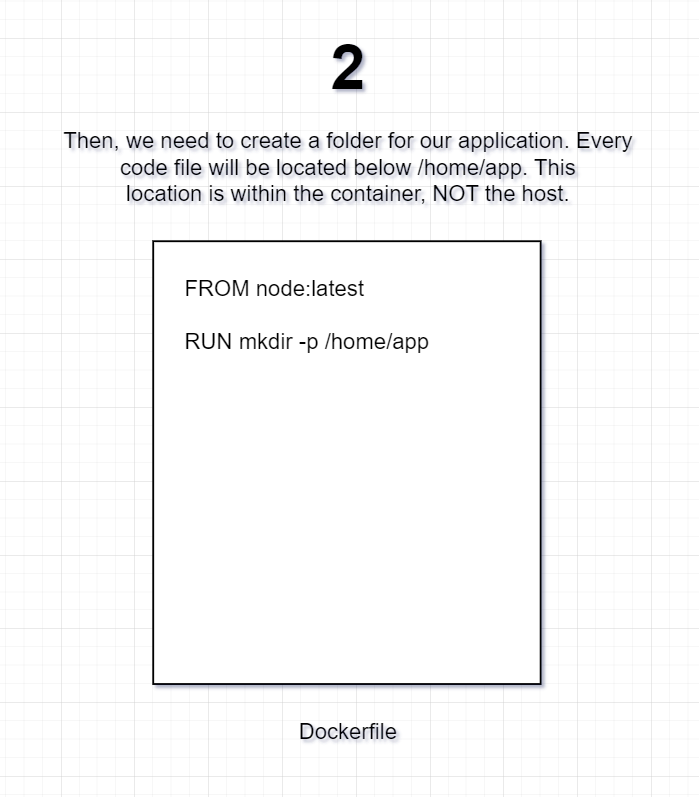
Then, we need to create a folder for our application. Every code file will be located below /home/app. This location is within the container, NOT the host.
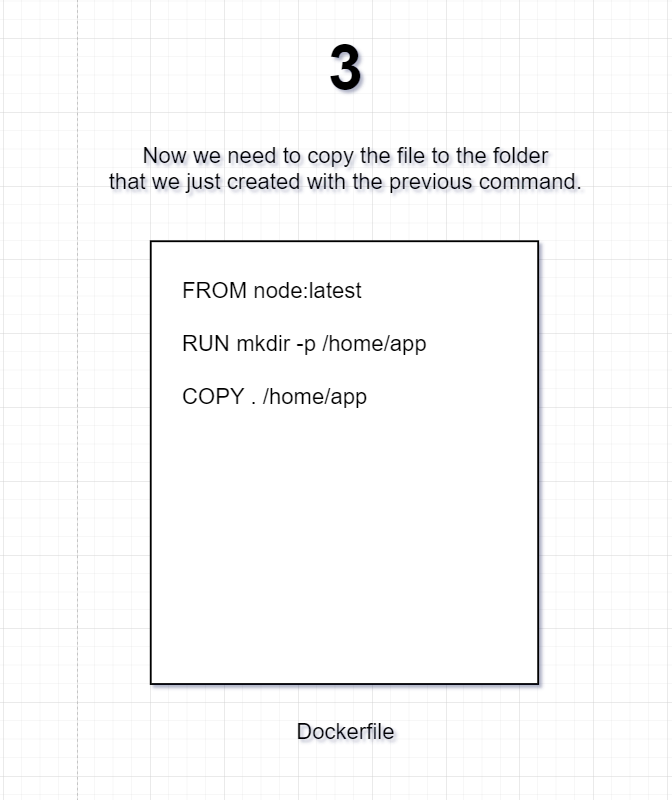
Now we need to copy the file to the folder that we just created with the previous command.
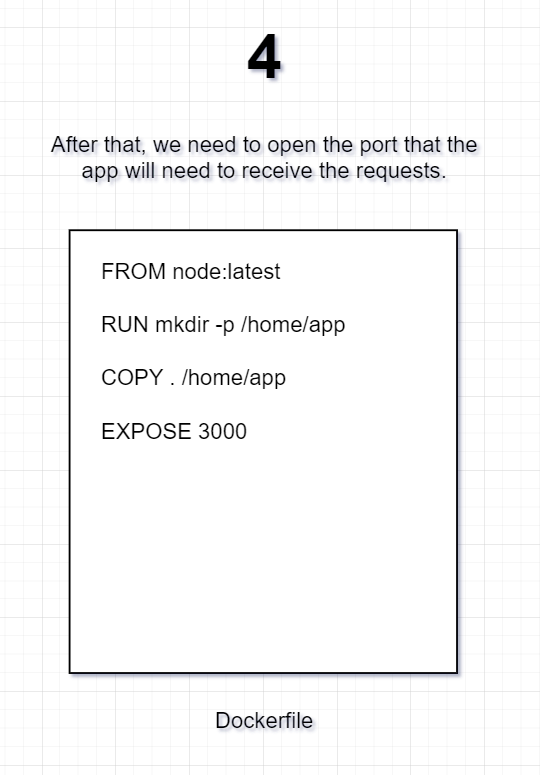
After that, we need to open the port that the app will need to receive the requests.
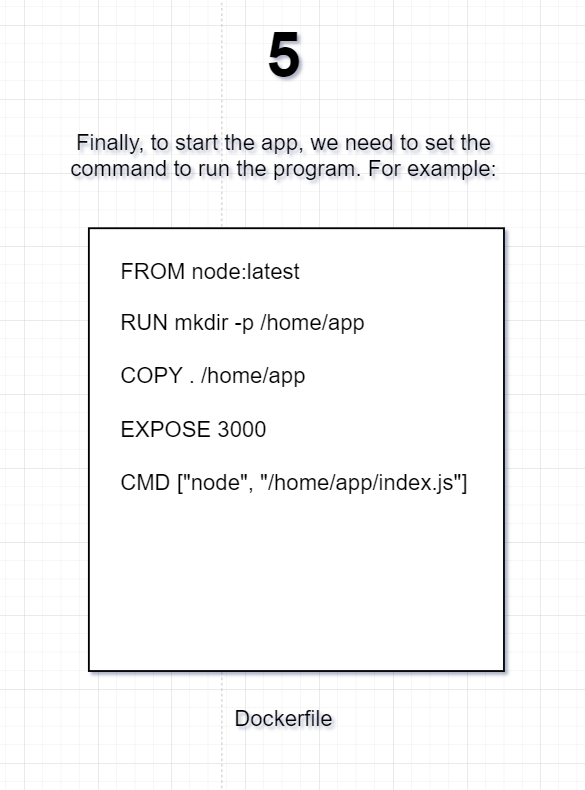
Finally, to start the app, we need to set the command to run the program. For example:
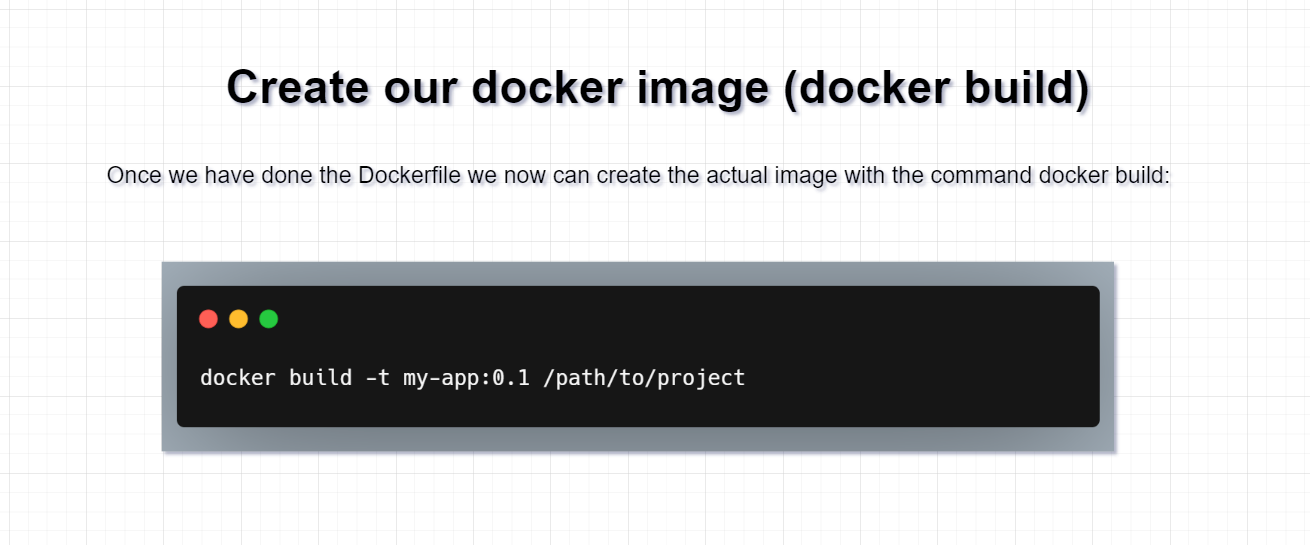
Once we have done the Dockerfile we now can create the actual image with the command docker build: