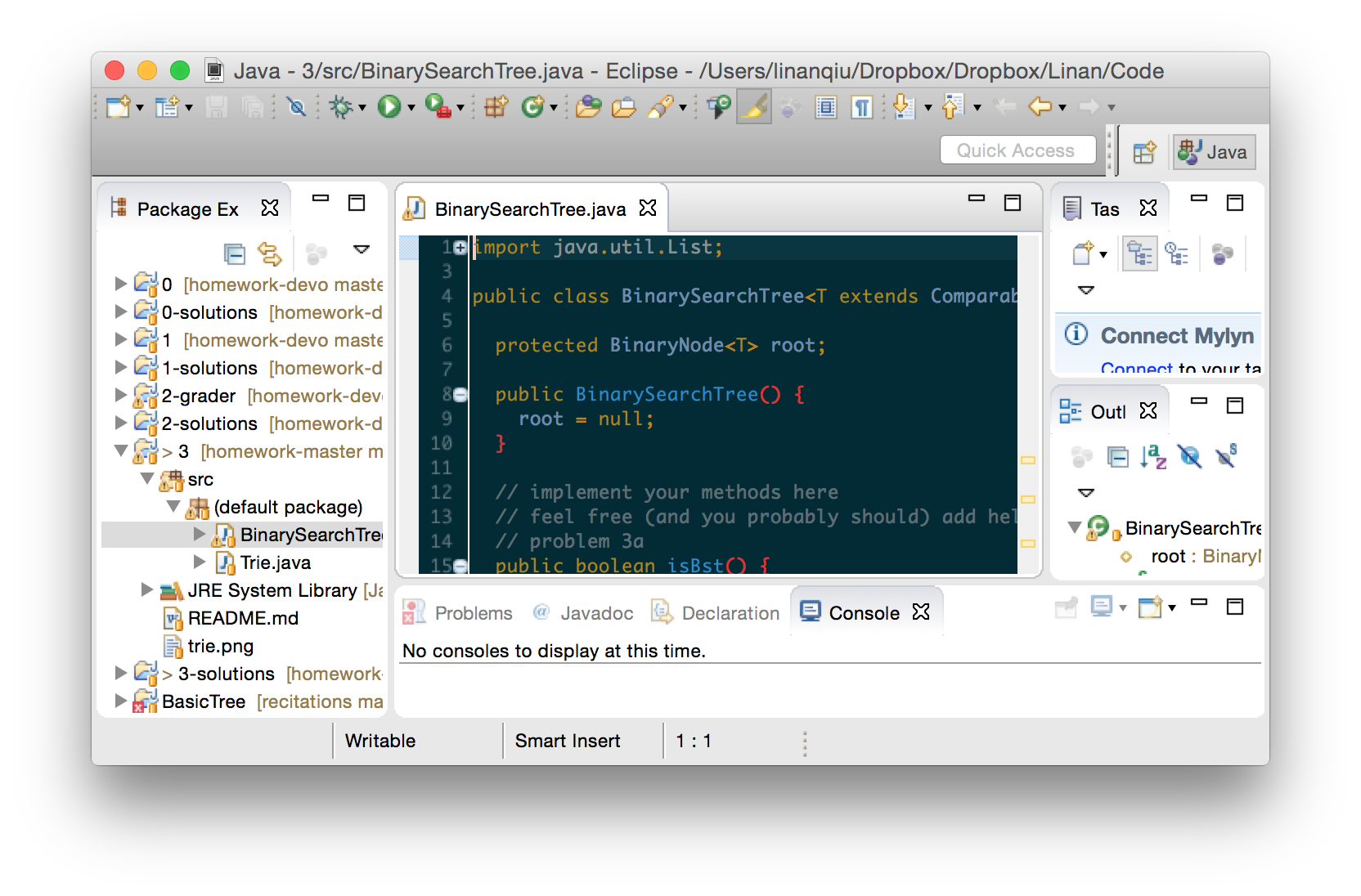
Here's how you can add additional homeworks into Eclipse without importing the entire directory again.
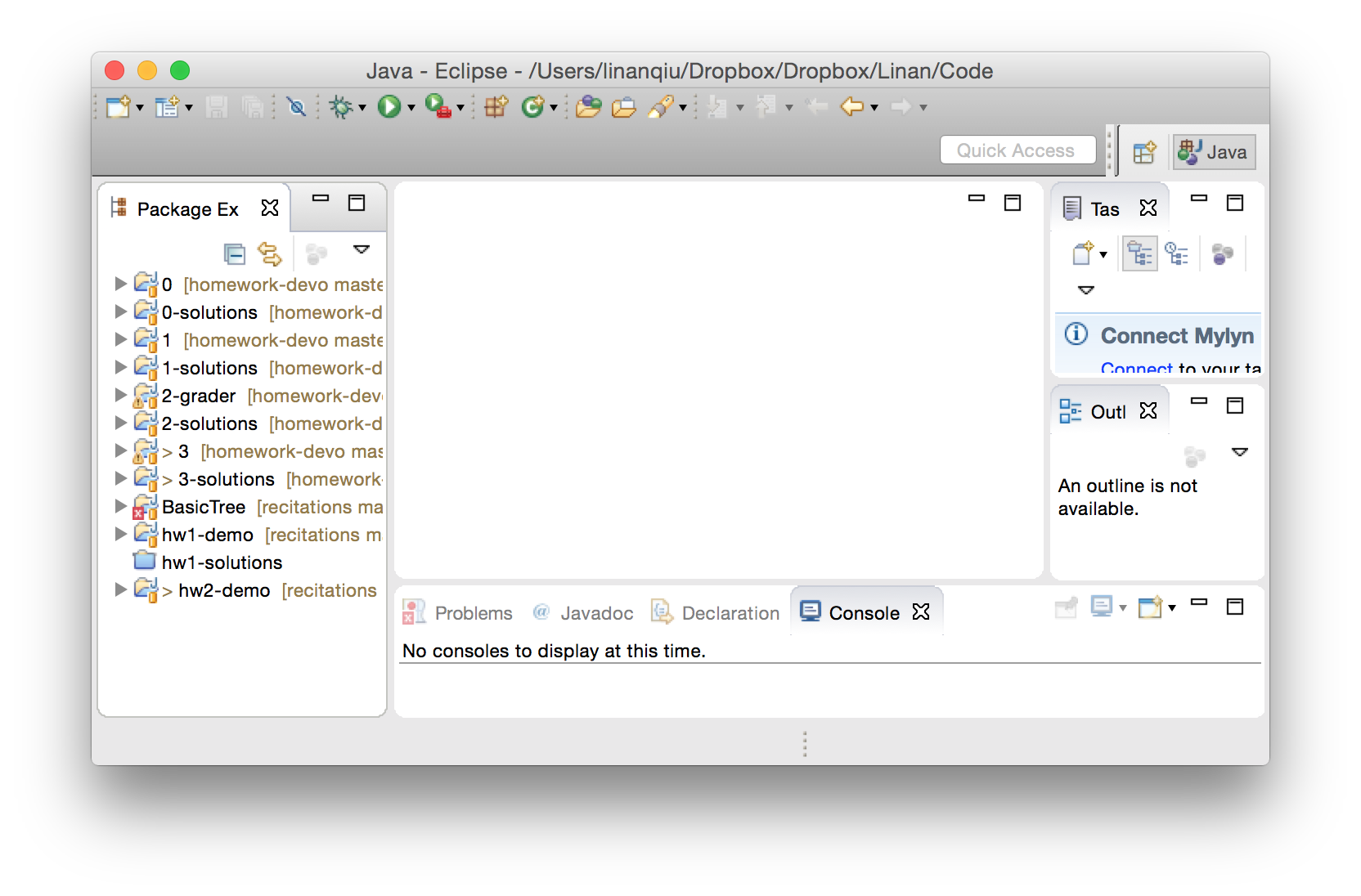
- Fire up Eclipse. It should look like this:
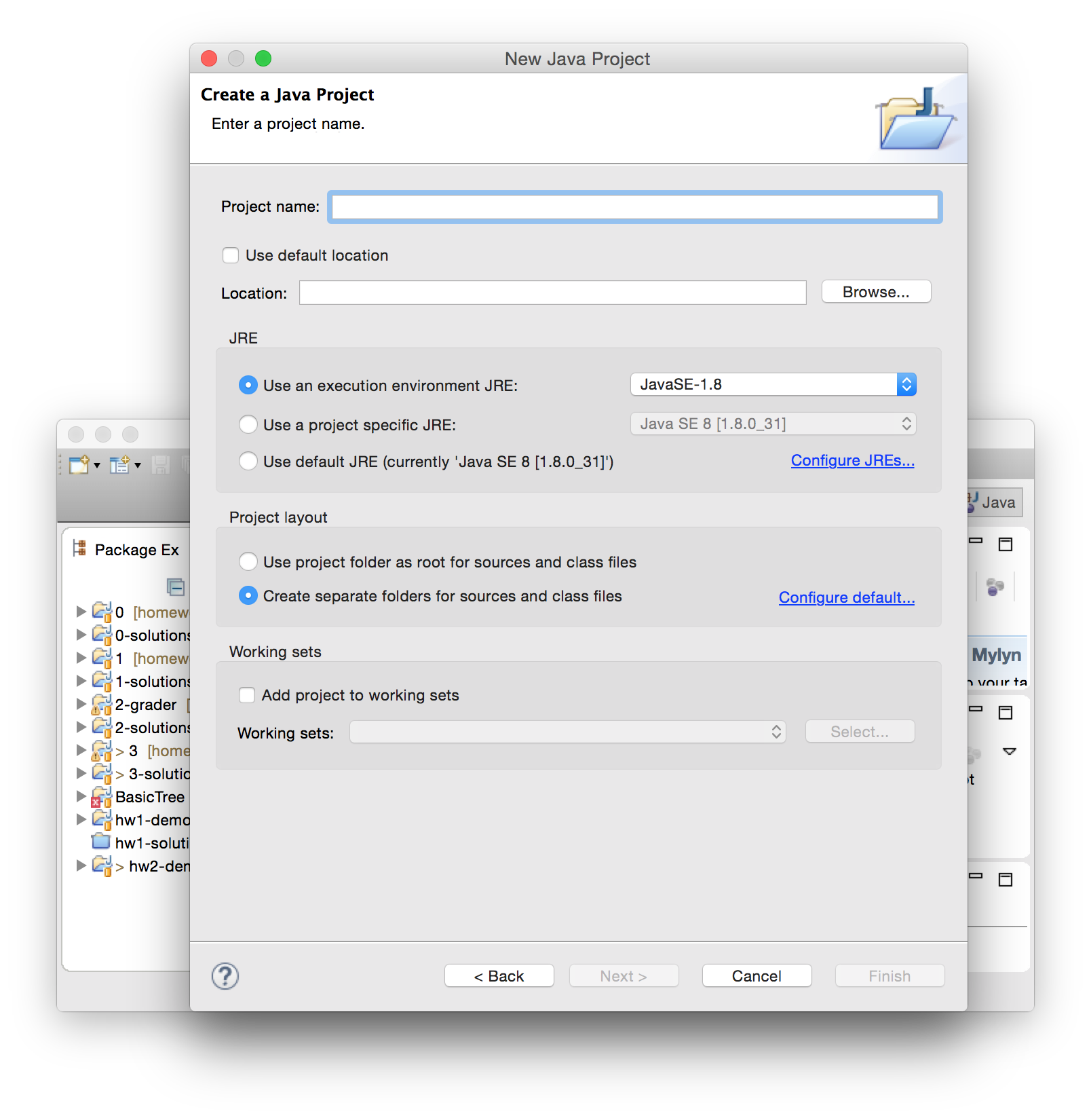
- Create a new project. The shortcut to do that is
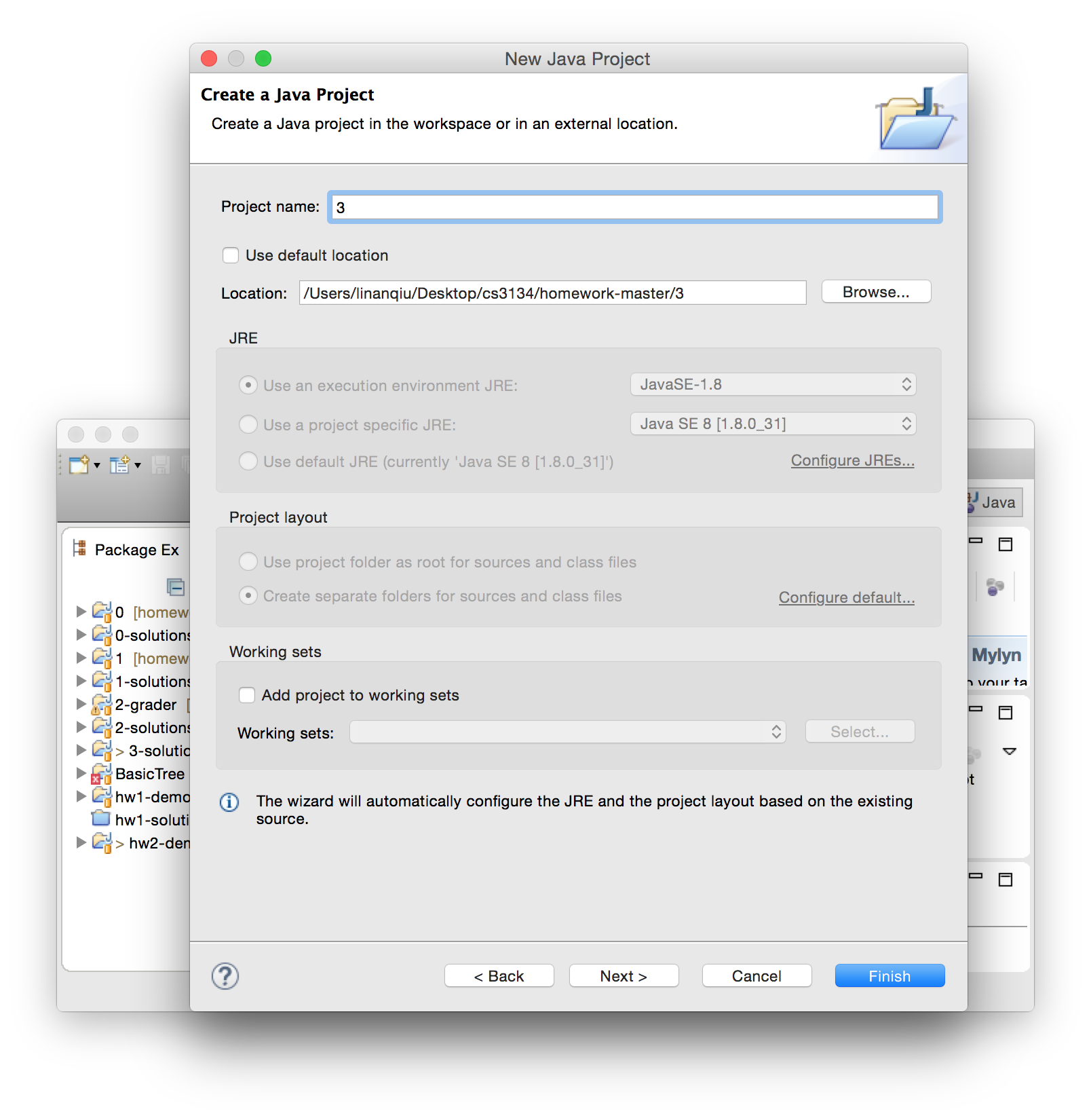
ctrl+n(Windows) orcmd+n(Mac). You can also do that from the menu by going toFile > New > Java Project. This window should pop up. UncheckUse Default Locationand then select "Browse"
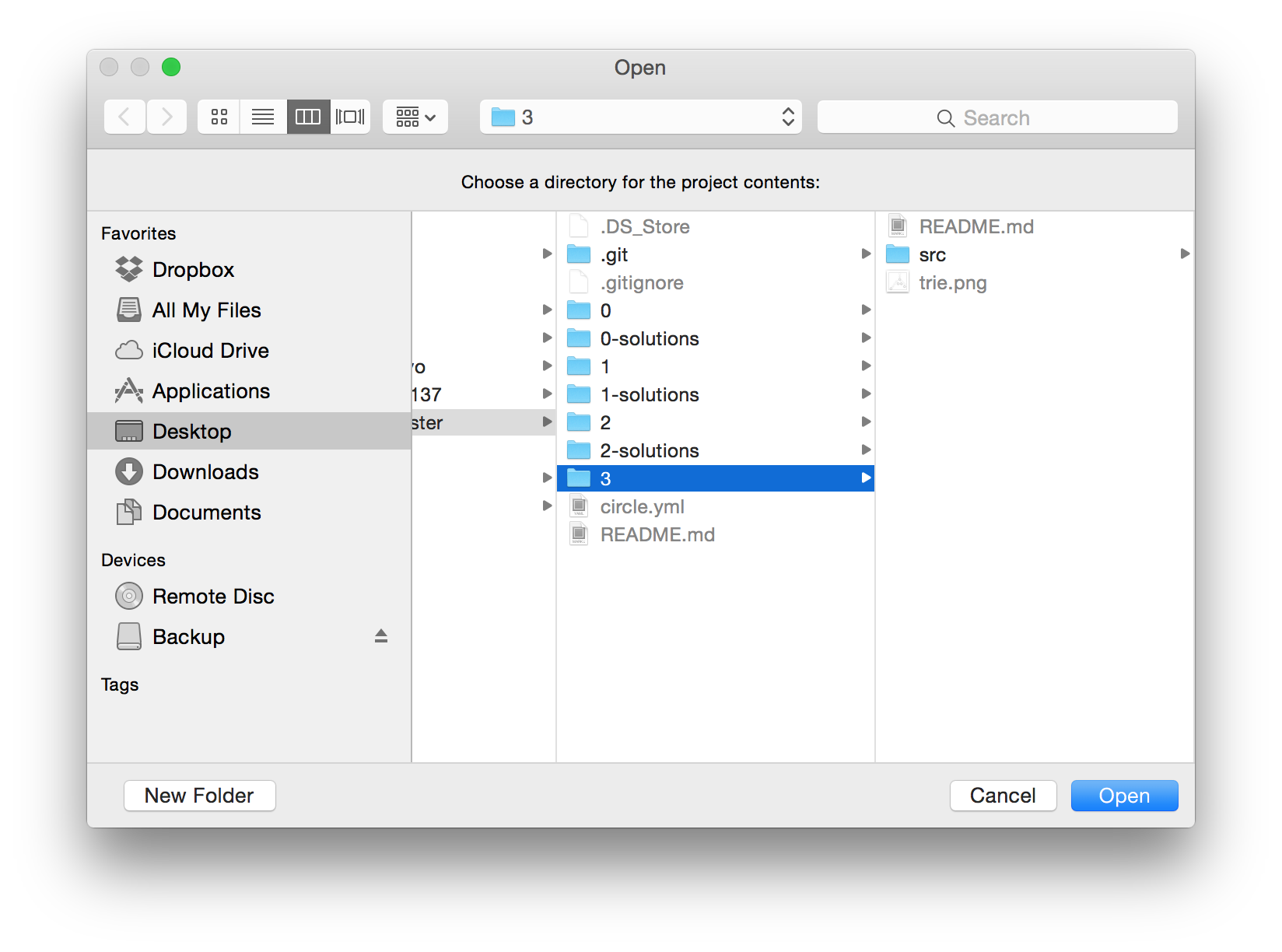
- Navigate to the
homework-<youruni>/3(or whichever homework) directory. This is critical: Do not add the/srcdirectory or the one outside the homework number (ie.homework-<youruni>). Instead, do this on the homework directory (usuallyhomework-<youruni>/1or whichever homework number yo uhave)
- You should see the folder being added and the project name being the homework number. Click finish or just bang
enter.
- You should see the homework added as a new project on the left.
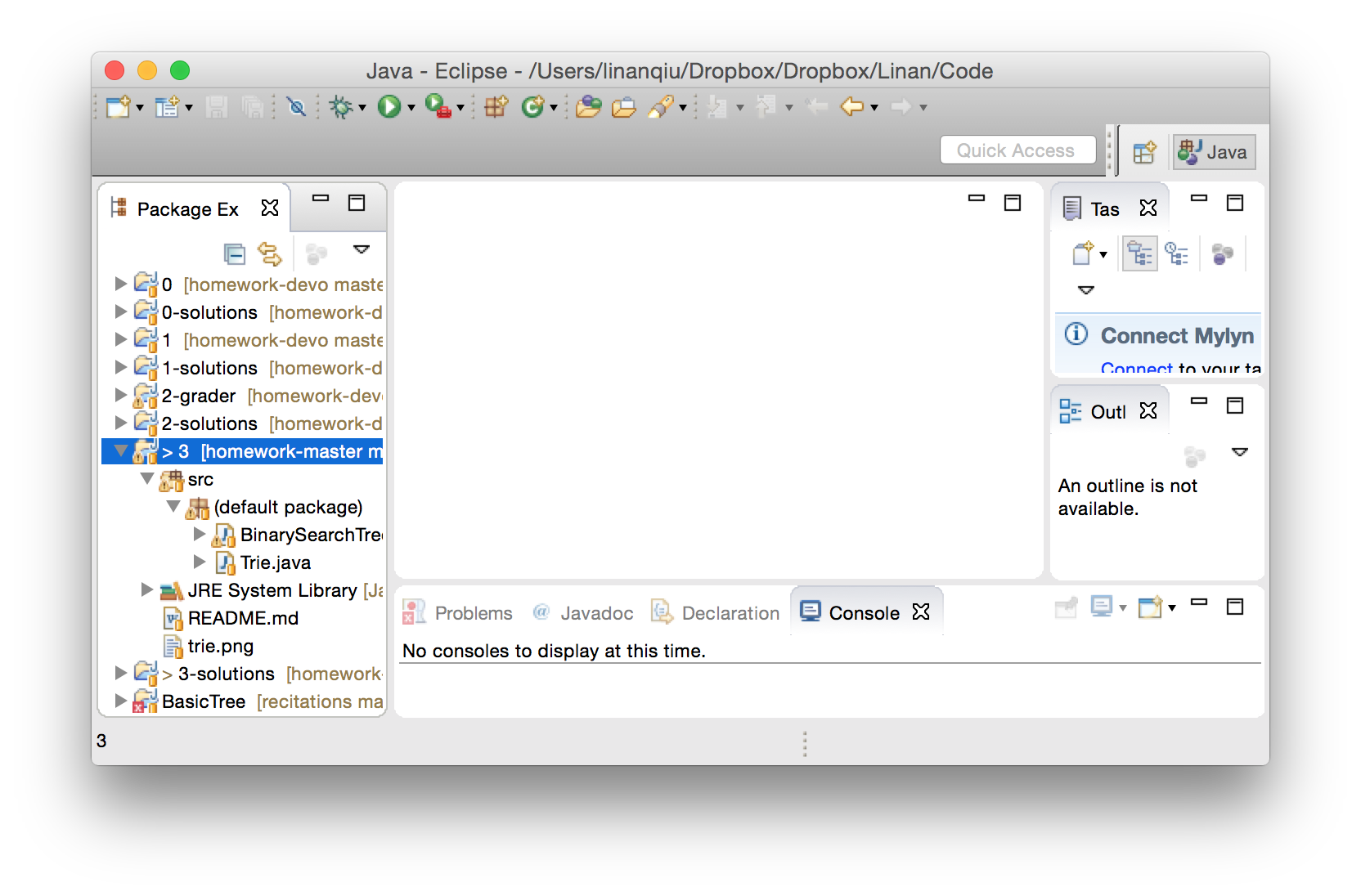
- You should see the source code as well!