


FINNBAR - a TUI for browsing and checking real-time IKEA product availability across your local stores, without leaving the terminal.
No more clicking through IKEA's website only to find your KALLAX is out of stock. FINNBAR (finns bara — Swedish for "is available") lets you search, filter, and check availability across multiple stores — all from the comfort of your terminal.
- 🏪 Browse stores – list all IKEA stores for any supported country (40+ countries, 400+ stores)
- 📦 Check stock – look up real-time availability for one or more product IDs across all stores in a country
- ⌨️ Keyboard-driven – full keyboard navigation with shortcut bindings
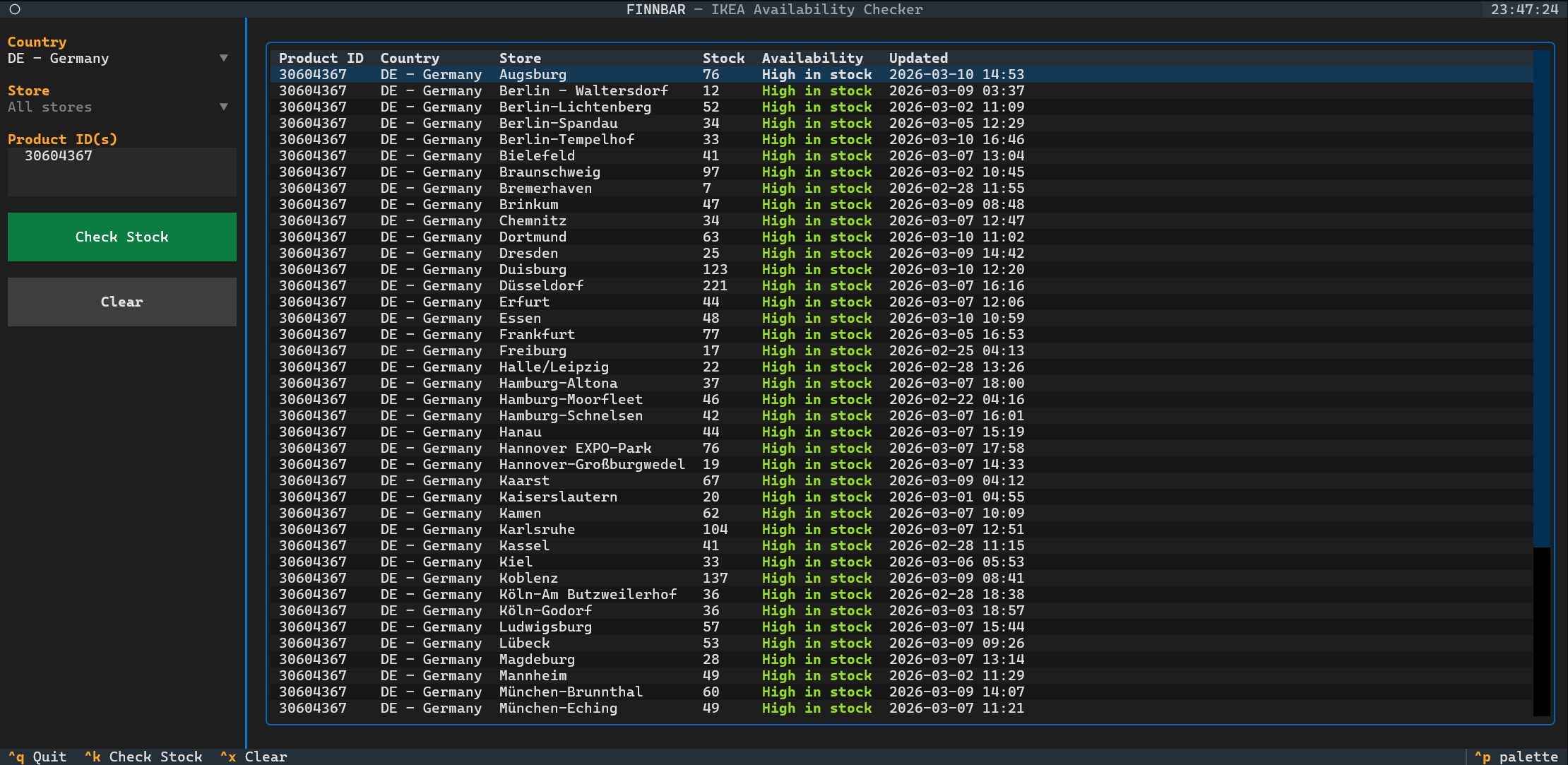
Pre-built binaries are available on the Releases page.
- Download
finnbar-linux-<version>from the Releases page - Make it executable:
chmod +x finnbar-linux-<version>
- Run it:
./finnbar-linux-<version>
- Download
finnbar-macos-<version>from the Releases page - Make it executable:
chmod +x finnbar-macos-<version>
- Remove the quarantine attribute applied by Gatekeeper:
xattr -d com.apple.quarantine finnbar-macos-<version>
- Run it:
./finnbar-macos-<version>
- Download
finnbar-windows-<version>.exefrom the Releases page - Run it from PowerShell or Command Prompt:
.\finnbar-windows-<version>.exe
# Install the latest version
pipx install finnbar

# Launch the TUI
finnbar| Keyboard shortcut | Action |
|---|---|
Ctrl+K |
Check stock for the entered product ID(s) |
Ctrl+X |
Clear results |
Ctrl+Q |
Quit |
- Select a country from the dropdown
- Optionally select a store from the dropdown (or leave it as "All stores")
- Enter one or more product IDs in the input field (comma-separated, e.g.
306.043.67, 10606640) - Press Check Stock or
Ctrl+K