Personal dotfiles for macOS and Linux environments with zsh, neovim, tmux, git, SSH, and automation scripts.
- Shell: zsh with Oh My Zsh (sonicradish theme, fzf, git plugins)
- Editor: Neovim with LazyVim plugin management
- Terminal: Alacritty (macOS + Linux), Terminator (Linux)
- Multiplexer: tmux with plugins (resurrect, continuum, pomodoro) + tmuxinator session templates
- Git: Custom aliases, hooks (email validation, secret scanning via gitleaks), delta pager
- SSH: Secure defaults, connection multiplexing, strong crypto
- Automation: 30+ utility scripts for system maintenance, git workflows, and development
- Multi-platform: Supports both macOS and Linux with platform-specific configs
- Claude Code: Pre-configured settings, hooks, and permissions
-
Clone the repository:
git clone https://github.com/iloire/dotfiles.git ~/dotfiles
cd ~/dotfiles
-
Set up environment variables:
cp shell/local-overrides.template shell/local-overrides # Edit shell/local-overrides with your personal values -
Source the shell configuration:
# Add to your ~/.zshrc:
source ~/dotfiles/shell/zshrc
-
(Optional) Link additional configs:
# Git (hooks + aliases)
# Already configured via git/.gitconfig templatedir

# SSH
ln -s ~/dotfiles/ssh/config ~/.ssh/config
mkdir -p ~/.ssh/sockets

# Tmux
ln -s ~/dotfiles/tmux/.tmux.conf ~/.tmux.conf

# Neovim
ln -s ~/dotfiles/nvim ~/.config/nvim

# Alacritty
ln -s ~/dotfiles/alacritty ~/.config/alacritty

# Claude Code
ln -s ~/dotfiles/claude/settings.json ~/.claude/settings.json
See ENV.md for complete documentation of all environment variables.
Required:
ADMIN_EMAIL- Email address for notifications
Configuration Template:
cp shell/local-overrides.template shell/local-overrides
# Edit with your valuesdotfiles/
├── bin/ # 30+ utility scripts
├── shell/ # Shell configuration
│ ├── zshrc # Main zsh config (Oh My Zsh, plugins)
│ ├── config # General shell settings + platform detection
│ ├── alias # Cross-platform aliases
│ ├── functions # Shell functions (tre, mkd, nvims)
│ ├── path # PATH configuration
│ ├── osx/ # macOS-specific aliases, functions, path, config
│ ├── linux/ # Linux-specific aliases, functions, path, config
│ └── local-overrides # Personal env vars (gitignored)
├── git/ # Git configuration
│ ├── .gitconfig # Aliases, colors, delta pager
│ └── templates/hooks/ # pre-commit (email + gitleaks), post-commit
├── ssh/ # SSH configuration
│ └── config # Secure defaults, multiplexing, known hosts hashing
├── tmux/ # Tmux configuration
│ └── .tmux.conf # Prefix C-a, plugins, key bindings
├── tmuxinator/ # Tmux session templates (7 project layouts)
├── nvim/ # Neovim configuration (LazyVim)
├── alacritty/ # Alacritty terminal (Linux + macOS configs)
├── terminator/ # Terminator terminal (Linux)
├── vscode/ # VS Code settings
├── cursor/ # Cursor IDE settings
├── claude/ # Claude Code settings and hooks
├── xdg/ # XDG desktop entries and autostart (Linux)
├── docs/ # Additional documentation
└── screenshots/ # Terminal screenshots
| Script | Description |
|---|---|
| send-ses | Send emails via AWS SES |
| low-space-monitor.sh | Monitor disk space, send alerts when threshold exceeded |
| Script | Description |
|---|---|
| git-up | Pull with short log of changes |
| git-delete-local-merged | Clean up merged local branches |
| git-copy-branch-name | Copy current branch name to clipboard |
| git-undo | Undo last commit |
| git-nuke | Force delete a branch (local + remote) |
| git-promote | Promote branch to main |
| git-track | Track a remote branch |
| git-count | Commit statistics |
| git-rank-contributors | Top contributors by commit count |
| git-wtf | Repository status analysis |
| git-unpushed | Show unpushed commits |
| sync-github.sh | Auto-sync directories to GitHub with per-repo config |
| Script | Description |
|---|---|
| clean-cookies.py | Clean browser cookies with domain whitelist (Chrome, Brave, Firefox) |
| clean-downloads.sh | Remove files older than 30 days from Downloads |
| clean-caches.sh | System cache cleanup |
| backup-ubuntu-home | Backup home directory with exclusions |
| hosts-whitelist | Manage /etc/hosts with domain blacklist |
| organize-workspaces | Arrange windows across monitors |
| change-hostname | System hostname management |
| prune_node_modules | Clean up node_modules across projects |
| Script | Description |
|---|---|
| c | Quick project launcher (VS Code) |
| createnewproject | Scaffold new project structure |
| list-space-color | Directory sizes with color-coded output |
| video-clip | Extract video segments with ffmpeg |
| todo | Quick todo management |
| search | Find files |
The git template directory (git/templates/) provides hooks for all new repositories:
- pre-commit: Validates
user.emailis configured and scans staged changes for secrets using gitleaks - post-commit: Optional audio notification (disabled by default)
Install gitleaks to enable secret scanning:
# macOS
brew install gitleaks

# Linux
sudo apt install gitleaks
# or grab a binary: https://github.com/gitleaks/gitleaks/releases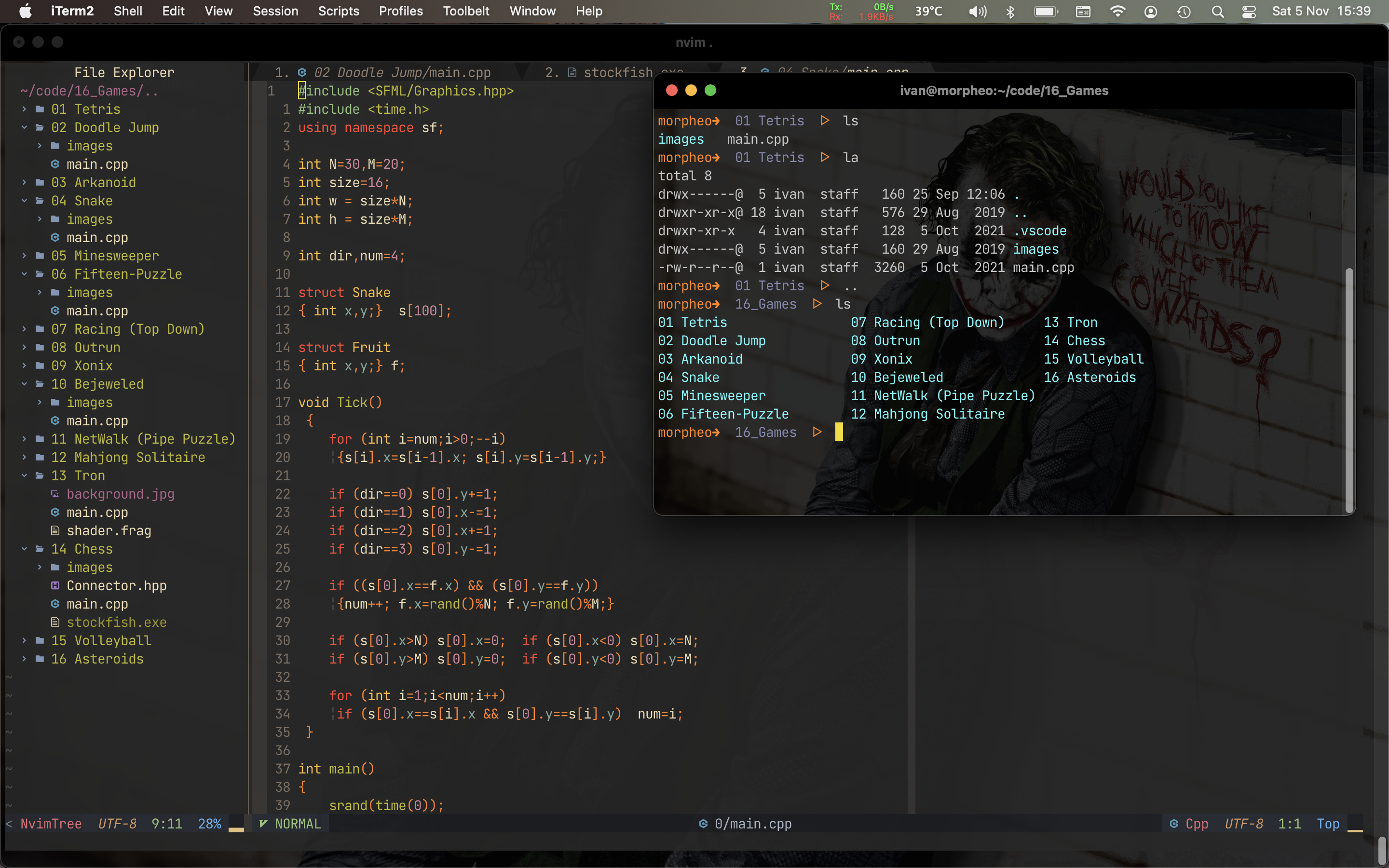
Inspiration from: