
Stardust DDTank Multi-terminal Auxiliary-tools
- This project 👉 Stardust-DDTank Multi-terminal Auxiliary-tools
- Initialized by dive ⊶ 👉 Presentation on course「physics and the future of mankind」
- Corresponding career ⊂ 👉 undergraduate courses
- Participated in competition ⊷ 👉 Self Competitions
- Corresponding career ⊂ 👉 undergraduate activities
- Adopt language ⊷ 👉「EPL - Easier Programming Language」
- Also adopted by project ⊶ 👉 The emulator end「Hang-up Assist」for Game「Dueling City」
- Adopt language ⊷ 👉「E4A - Easier For Android」
- Initialized by dive ⊶ 👉 Presentation on course「physics and the future of mankind」
- 中文「自述文档」㊥ 👉 「星尘弹弹堂」全平台辅助
- Mathematical model: External ballistic model with air resistance proportional to -kv
- other model ✉ 👉 浅析弹弹堂物理模型, 👉 制作十万个数据的力度表?
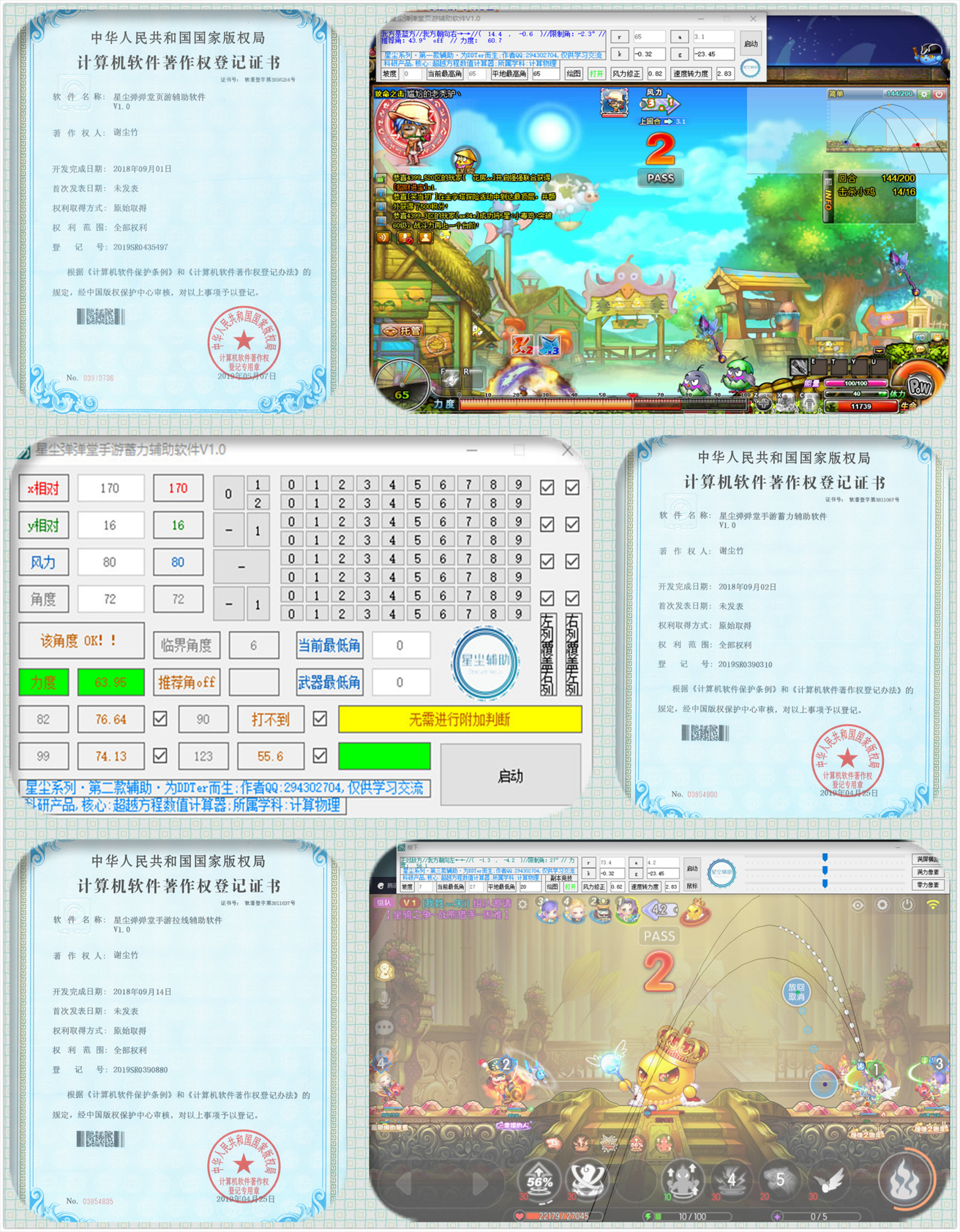
- Detail highlights: muzzle position, left and right trident trajectory, abnormal throwing tactics, etc.
- Quick buttons: Take action within 10 seconds, with appropriate button combinations
- Minimum steps, fastest shortcut, maximum amount of information
- All platforms: Web, Mobile (Android; iOS currently unavailable), Android Emulators
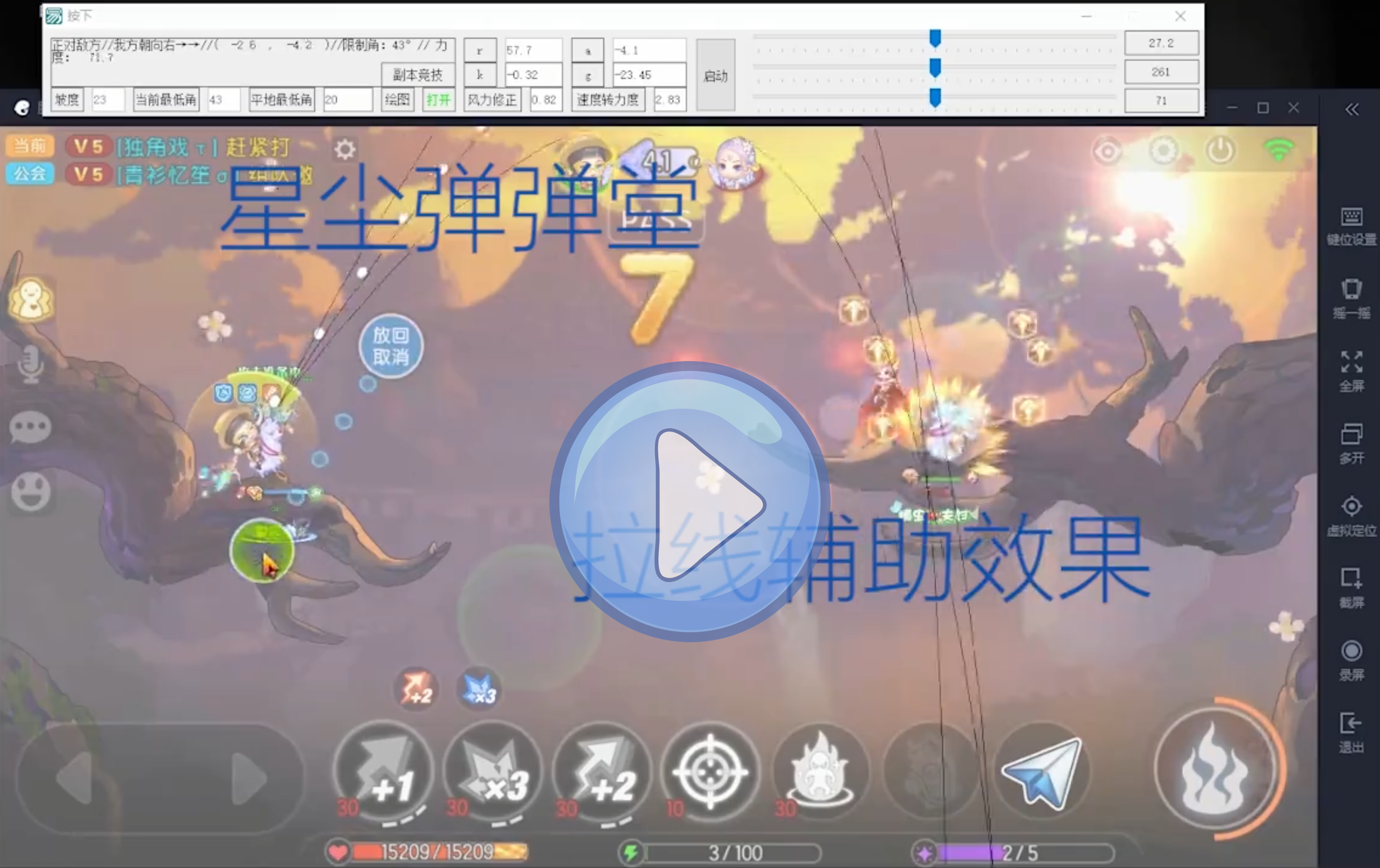
- When「Eimulator」or「Game Webpage」is turned on, click the Auxiliary's「Start」button
- Ensure that there is no obstruction in the middle of the screen, which is directly the「Eimulator」or「Game Webpage」
- The auxiliary will check the window
- Ensure that there is no obstruction in the middle of the screen, which is directly the「Eimulator」or「Game Webpage」
- After starting the assistance, the「instruction manual」will pop up
- Press the Tab key to「open or close」the instruction manual
- To use the auxiliary, follow the「button sequence」instructions in the manual
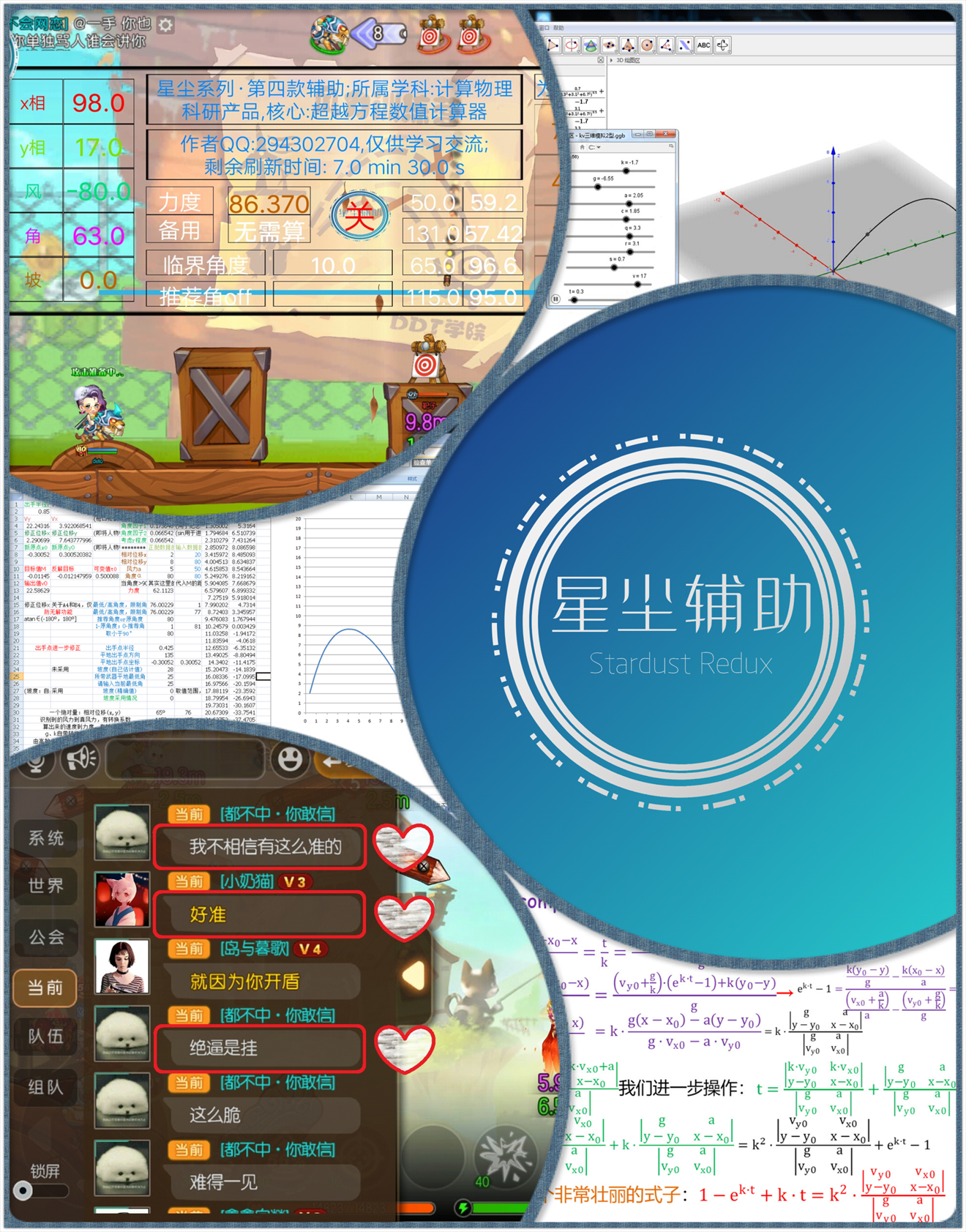
- This project 👉 Stardust-DDTank Multi-terminal Auxiliary-tools was built
- (Personal time) by 19~20-year-old little Xie
- (Personal stage) during (1.0 - 2.5) / 4.0 year in college
- (World time) in 2017 - 2018
- 大漠注册到系统
- 管理员命令行
regsvr32 "D:\C2D\Desktop\Code\EPL\Stardust_DDTank\tools\大漠插件\dm.dll"
- 管理员命令行
- 中文乱码
- 时钟和语言 → 语言和区域 → 首选语言 → 添加语言 → 中文(中华人民共和国)
- 控制面板 → 时钟和区域 → 区域 → 管理 → 非 Unicode 程序的语言 → 更改系统区域设置 → Beta 版取消勾选