Manual_Import
In order to create custom content it is really common to iport iages, videos and other elements from different sources, as well as to upload them from one's computer. In the top-right menu of Ediphy there is an option called "Import", which throws a popup window that allows you to upload your own files, manage them and search popular content repositories such as Youtube, Flickr, Europeana, ViSH, etc. You can select any content you line and insert it directly in the document you're editing.
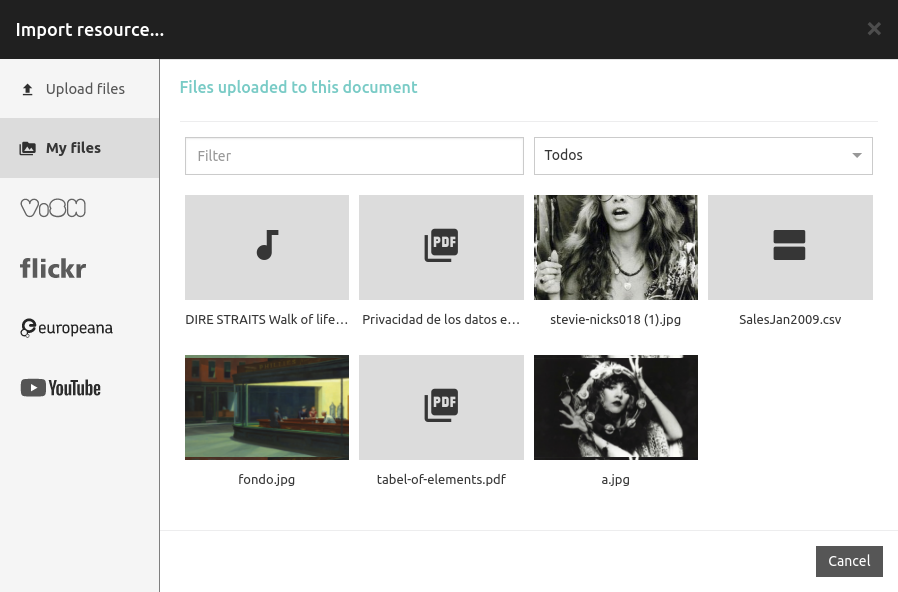
You can upload your own images, videos, songs, PDF files, CSV files, SCORM Packages and MoodleXML files. You can also use the clipboard in order to paste content from other sources, such as a text editor or a graphic editor.