  ·    *    ☾    ·    *
▂▃▅▂▃▆▃▂▇▅▃▁▂▄▆▅▃▂▁▃▅▇▅▂
Animated ASCII cityscape for your terminal.
A rooftop view of a city skyline with blinking windows, drifting clouds, traffic, planes, helicopters, birds, weather, and a day/night cycle.


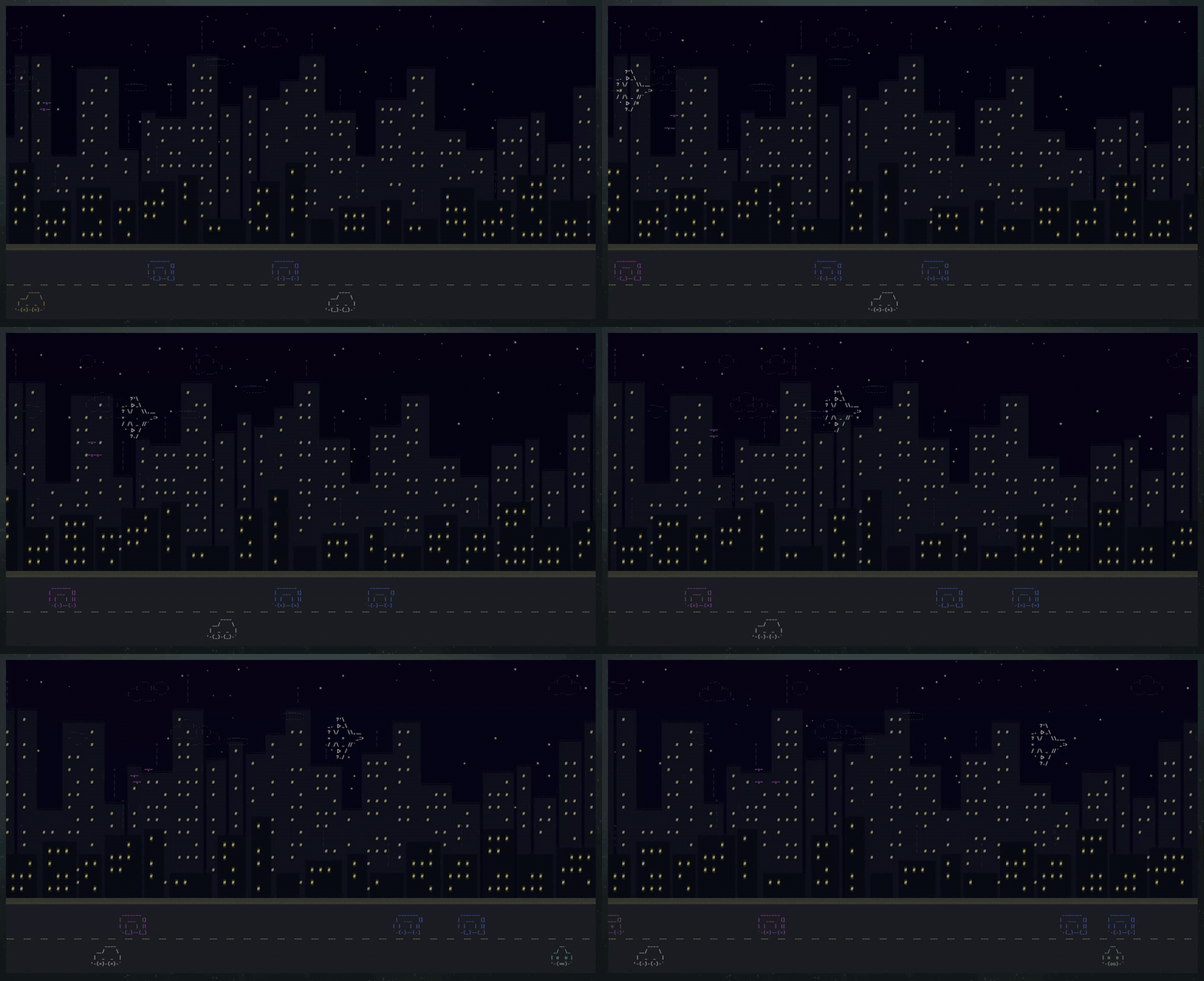
Tip
Run your terminal fullscreen for the best parallax depth. The wider the window, the more of the skyline scrolls past.
asciicity --weather rain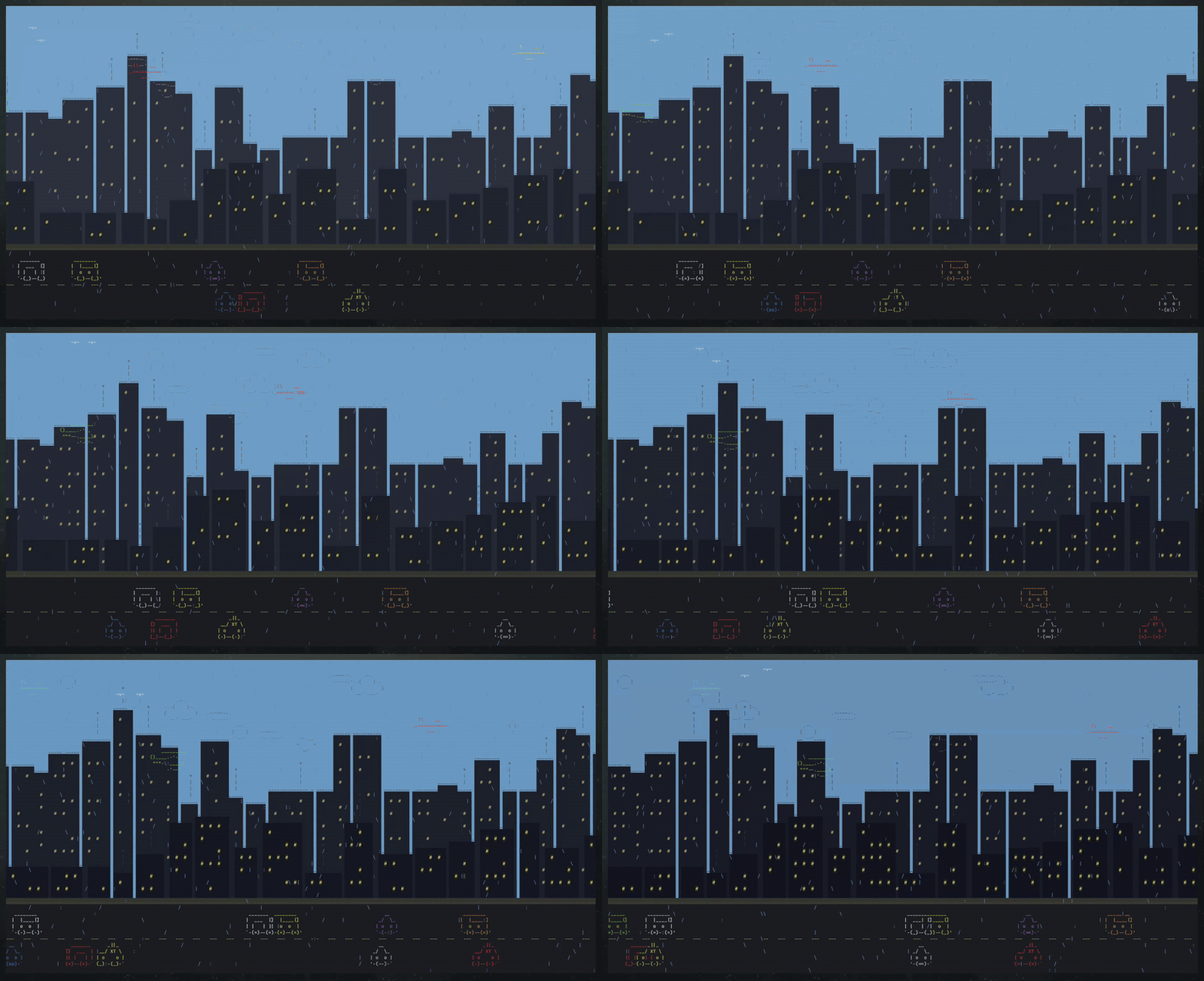
asciicity --weather snow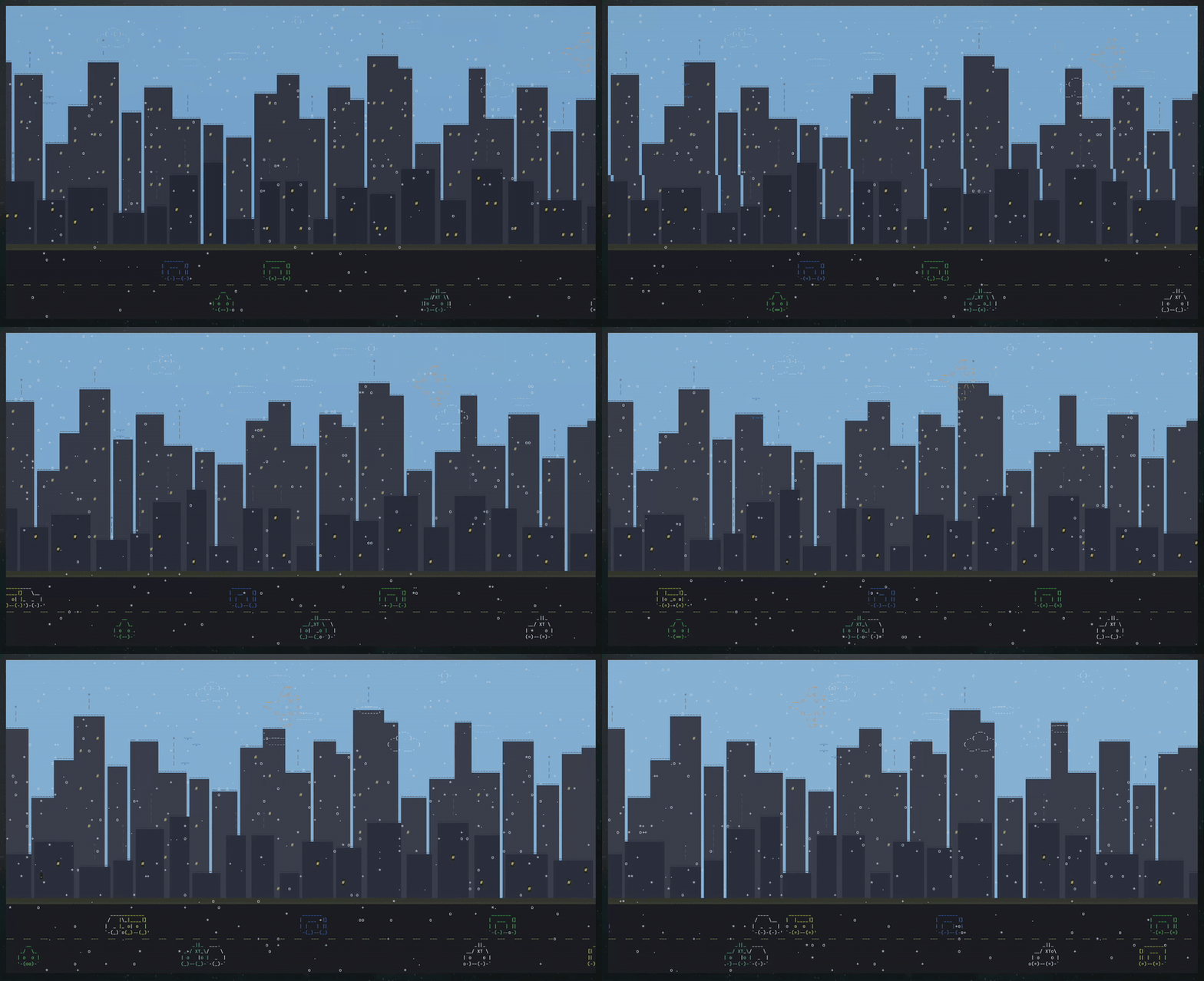
asciicity --weather fog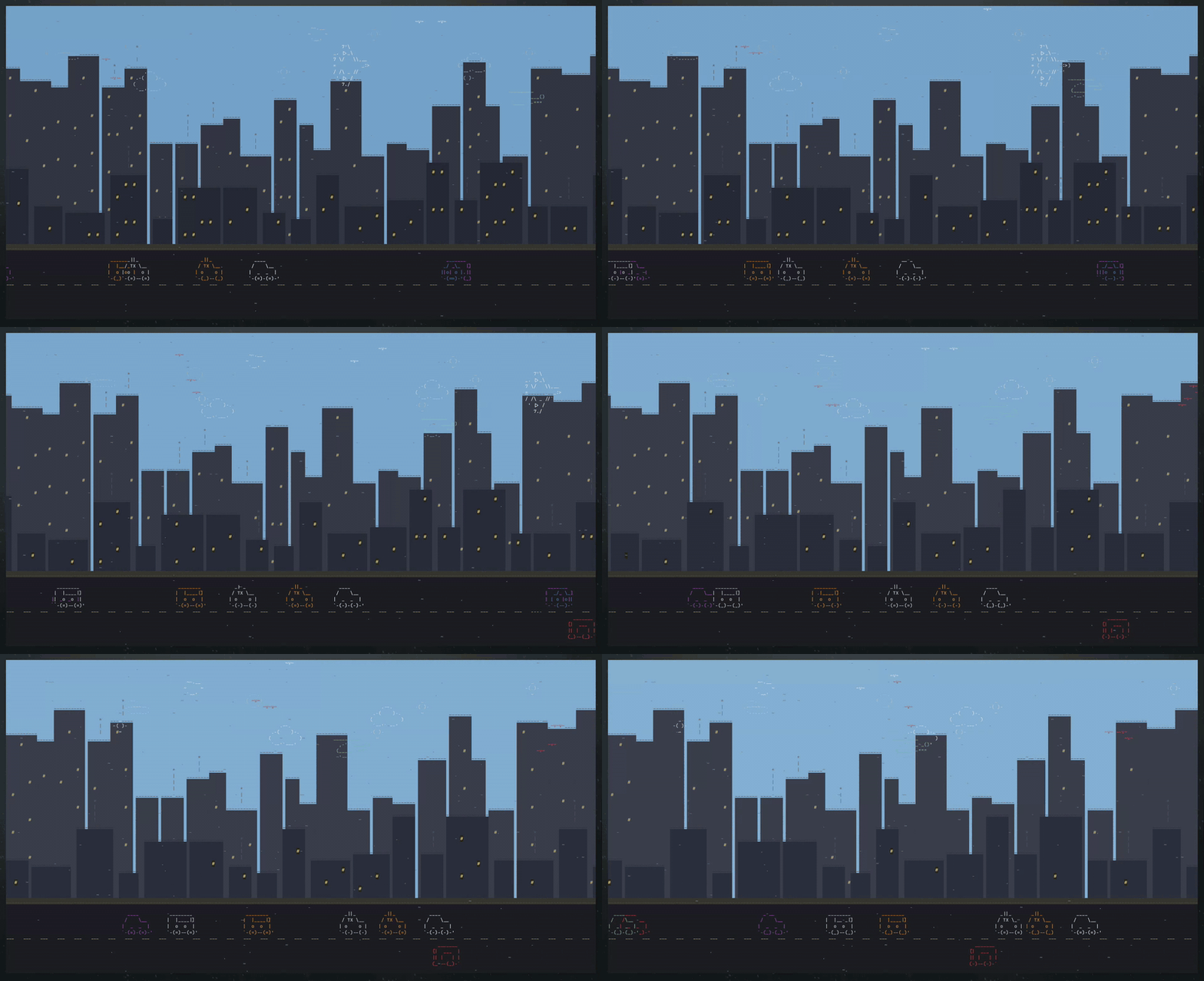
asciicity --weather thunder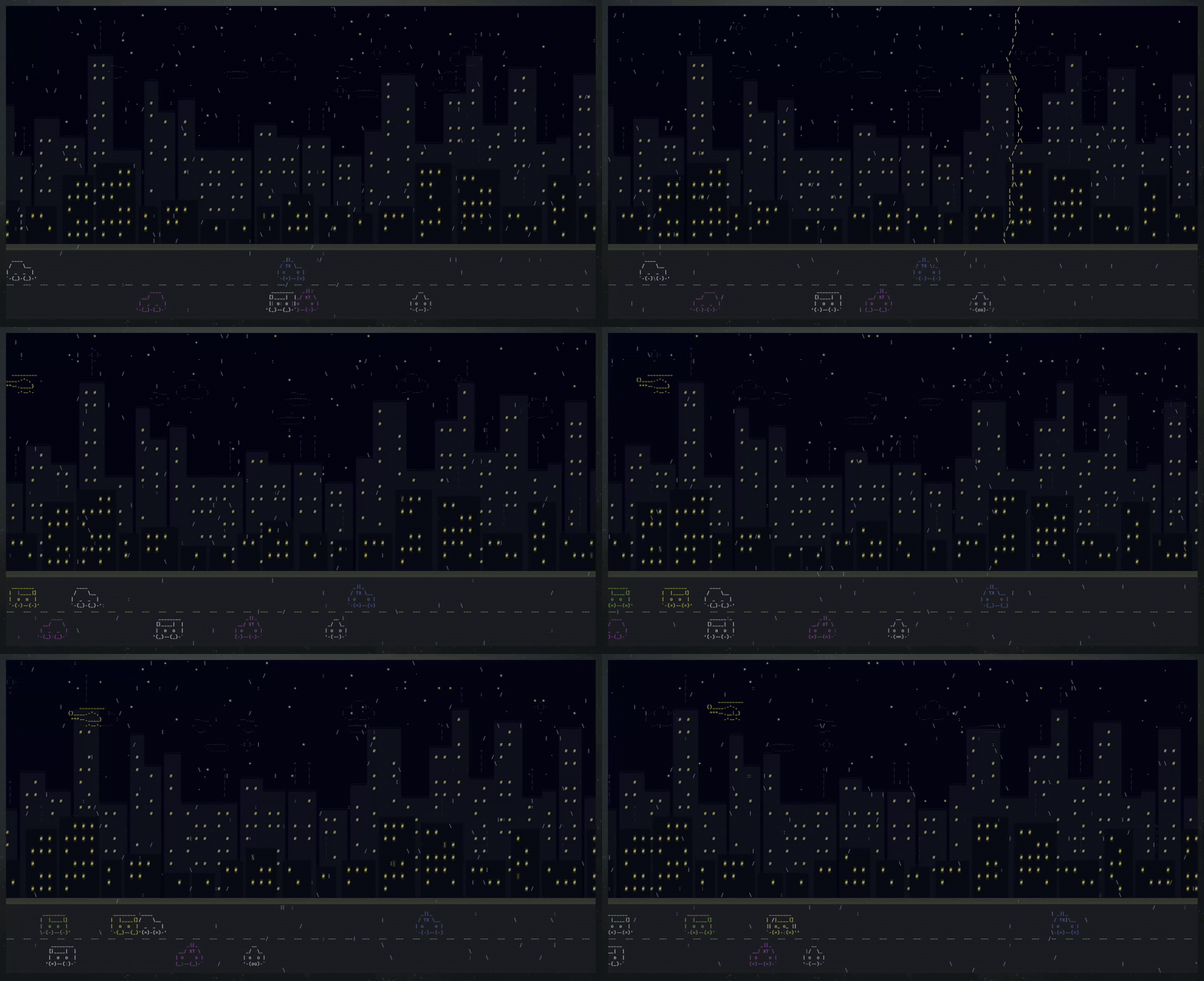
- Procedurally animated (never the same twice)
- Layered rendering with transparent compositing and wide-world parallax scrolling
- Day/night cycle with smooth sky colour transitions and stars that fade in at dusk
- Weather: clear, rain, snow, fog, and full thunderstorms with lightning bolts and sky flashes
- Bidirectional sky traffic (clouds, birds, planes, helicopters); drift direction configurable
- Independent per-layer parallax: the far and near skylines pan on their own cameras and can be locked to a fixed direction
- Multi-frame car animations, shared vehicle palette, cloud re-tinting to track the sky
- Configurable spawn rates, weather, and day/night speed via CLI
- External art files with user override support (
~/.config/asciicity/) - Per-character colouring via
.colorspalette or.colormappositional grid - Lightweight: ~15 FPS default, minimal CPU usage
Note
No Rust toolchain required. Grab the archive, extract, run.
Download the archive for your platform from the latest release and drop the asciicity binary somewhere on your PATH (e.g. ~/.local/bin/).
| Platform | Archive |
|---|---|
| Linux x86_64 | asciicity-vX.Y.Z-x86_64-unknown-linux-gnu.tar.gz |
| macOS Intel | asciicity-vX.Y.Z-x86_64-apple-darwin.tar.gz |
| macOS Apple Silicon | asciicity-vX.Y.Z-aarch64-apple-darwin.tar.gz |
Each archive ships with a matching .sha256 file. Verify before extracting:
sha256sum -c asciicity-vX.Y.Z-x86_64-unknown-linux-gnu.tar.gz.sha256Requires the Rust toolchain. Works on any platform Rust supports.
cargo install asciicityThis fetches the latest release from crates.io, builds it locally in release mode, and drops the binary in ~/.cargo/bin/asciicity (which rustup puts on your PATH).
git clone https://github.com/Lorakszak/asciicity.git
cd asciicity
cargo install --path .cargo install asciicity # upgrade to the latest release
cargo uninstall asciicity # removeasciicityTip
Press any key to exit.
Every flag in action. Mix and match to taste.
# Lower frame rate for a gentler screensaver feel
asciicity --fps 10

# Busy city: more cars, fewer planes, rainy weather
asciicity --car-rate 3 --plane-rate 0.3 --weather rain

# Thunderstorm with clouds drifting right-to-left only
asciicity --weather thunder --cloud-direction left

# Far skyline slides left, near skyline slides right (crossing parallax)
asciicity --far-pan left --near-pan right

# Heavy snow but an empty sky (no planes, helis, or birds)
asciicity --weather snow --plane-rate 0 --heli-rate 0 --bird-rate 0

# Quiet sky, dense traffic, light fog
asciicity --cloud-rate 0.3 --car-rate 4 --weather fog --weather-intensity 0.5

# Fast-forward the day/night cycle starting at sunrise
asciicity --time-speed 2 --start-time 5

# Frozen at high noon (time-speed 0 pins the clock)
asciicity --start-time 12 --time-speed 0

# Every flag explicit at its default - a reference invocation
asciicity --fps 15 --cloud-rate 1.0 --plane-rate 1.0 --heli-rate 1.0 \
          --bird-rate 1.0 --car-rate 1.0 --cloud-direction both \
          --far-pan auto --near-pan auto \
          --weather-intensity 1.0 --time-speed 0.2 --start-time 20.0
All flags (click to expand)
| Flag | Default | Description |
|---|---|---|
--fps <N> |
15 |
Target frames per second |
--cloud-rate <N> |
1.0 |
Cloud spawn multiplier (0 = off) |
--plane-rate <N> |
1.0 |
Plane spawn multiplier |
--heli-rate <N> |
1.0 |
Helicopter spawn multiplier |
--bird-rate <N> |
1.0 |
Bird flock spawn multiplier |
--car-rate <N> |
1.0 |
Car spawn multiplier |
--cloud-direction <DIR> |
both |
Cloud drift direction: left, right, both |
--far-pan <DIR> |
auto |
Far skyline pan direction: auto (ping-pong), left, right |
--near-pan <DIR> |
auto |
Near skyline pan direction: auto (ping-pong), left, right |
--weather <TYPE> |
clear |
One of clear, rain, snow, fog, thunder |
--weather-intensity <N> |
1.0 |
Weather intensity (0.1..3.0) |
--time-speed <N> |
0.2 |
In-game hours per real second |
--start-time <N> |
20.0 |
Starting hour of day (0..24) |
-h, --help |
Print help | |
-V, --version |
Print version |
Rate multipliers scale spawn intervals inversely: 2.0 is twice as often, 0.5 is half as often, 0.0 disables that entity entirely.
Add to your ~/.zshrc or ~/.bashrc:
asciicityDrop override files into ~/.config/asciicity/ using the same filenames as under assets/ in this repo. For example, ~/.config/asciicity/plane.txt replaces the default plane art. Optional .colors (character palette) and .colormap (positional grid) files tune per-character colour. If an override file is missing or unreadable, the compiled-in default is used.
cargo build --release
./target/release/asciicity
Run the quality gate during development:
cargo fmt --check
cargo clippy -- -D warnings
cargo test