

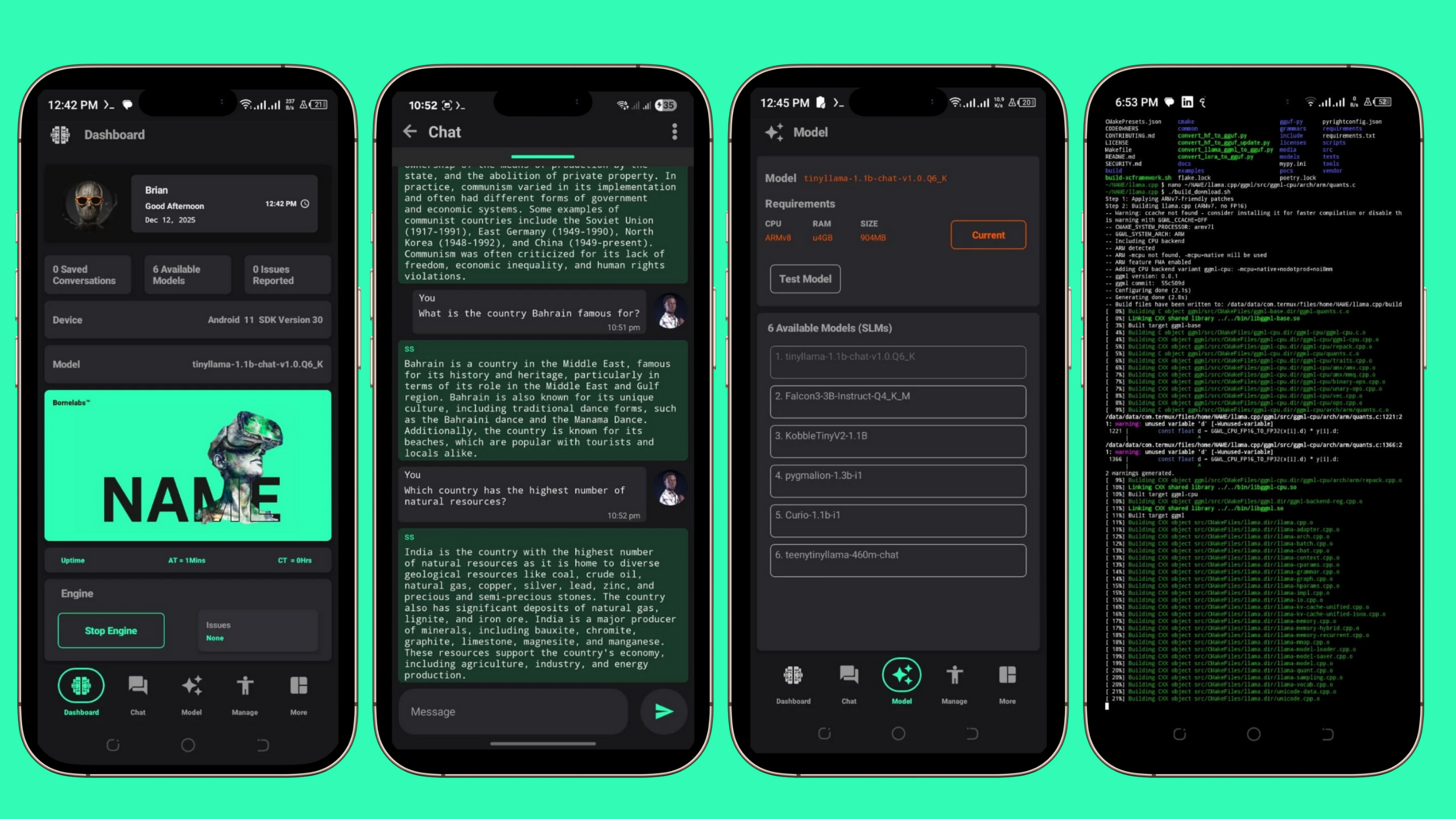
The nsetup.sh script initiates the installation process by creating the NAME folder in the Termux home directory. The folder is specifically placed at ~/NAME, serving as the root directory for the subsequent setup steps.
The ndependencies.sh script installs essential packages required for command-line builds, model downloads, and model execution. These include tools such as git, cmake, clang, make, wget, unzip, and aria2, which ensure smooth compilation and model management.
The nclone.sh script clones the official llama.cpp GitHub repository created by ggerganov. This repository provides the base code used for compiling and running the models.
The nbuild.sh script is responsible for compiling the llama.cpp CLI inside the directory ~/NAME/llama.cpp/build. However, the build process may encounter challenges on low-end devices, often leading to warnings and eventual errors during compilation.
The nselect.sh script prompts the user to select one of the three available TinyLlama models, each offering different sizes and parameters. Once selected, the model choice is saved in the model.conf file for later use.
The ndownload.sh script reads the chosen configuration from model.conf and downloads the corresponding model into the directory ~/NAME/llama.cpp/models. It utilizes tools such as wget, curl, or aria2 to efficiently complete the download process.
The fetch.sh script retrieves important files such as names.h and bridge.log from the official NAME GitHub organization. Afterward, it ensures that name.sh is executable by applying the chmod +x name.sh command.
The nsummary.sh script generates a detailed summary of the installation process. It outlines the root directory, build directory (CLI), the downloaded model, and the fetched bash scripts, including name.sh and bridge.log, providing a clear overview of the setup status.
Copy and Paste this command on your Terminal to install NAME
bash -c 'DIR=${1:-NAME}; for f in nsetup.sh ndependencies.sh nclone.sh nbuild.sh nselect.sh ndownload.sh nfetch.sh nsummary.sh; do curl -fsSL "https://raw.githubusercontent.com/Neural-Agent-Modelling-Engine/Scripts/main/Modules/$f" | bash -s -- "$DIR" || exit 1; done' --