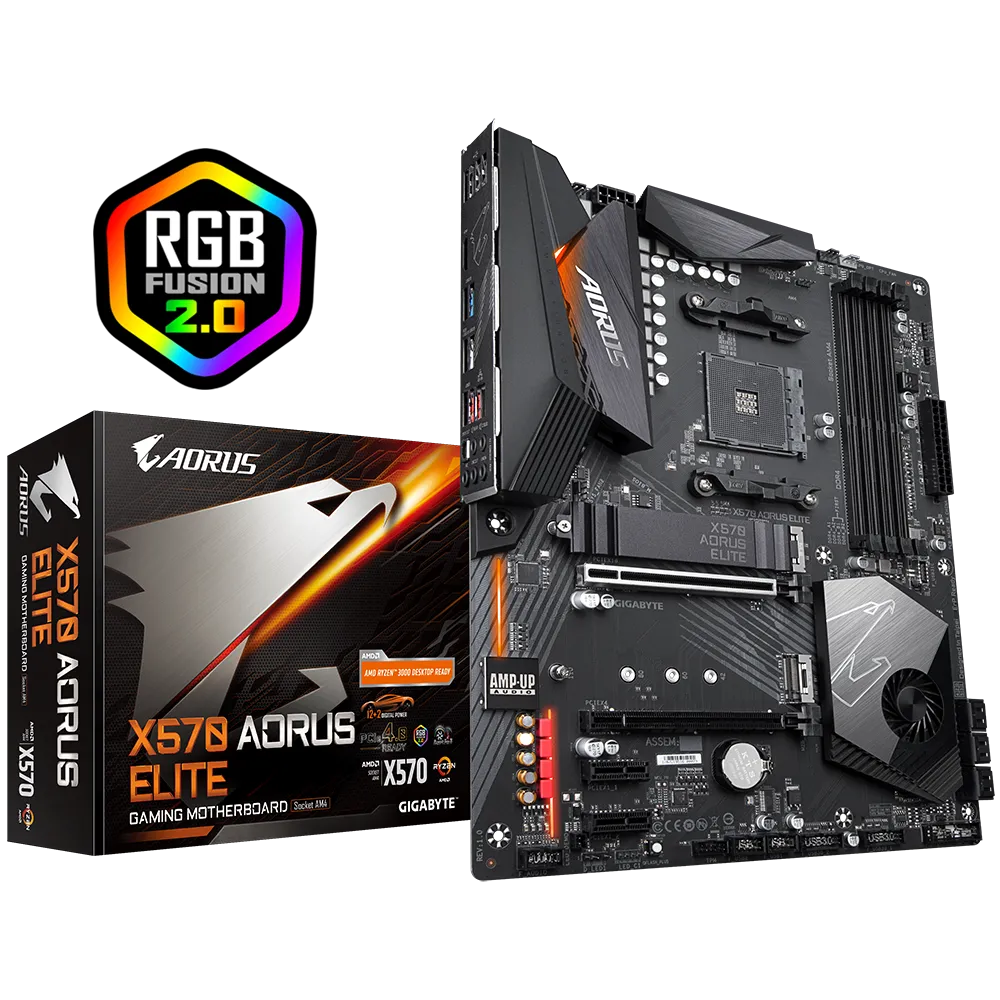





Este repositorio contiene el directorio EFI para el combo:
- CPU: AMD Ryzen 9 5900X (PBO activado)
- Motherboard: Gigabyte X570 AORUS ELITE (BIOS F38H)
Úsalo como referencia. Adáptalo a tu hardware exacto y genera tus seriales.
- macOS: Big Sur / Monterey / Ventura / Sonoma
- OpenCore: 0.9.9


| Componente | Producto | Notas |
|---|---|---|
| CPU | AMD Ryzen 9 5900X | PBO activado |
| Motherboard | Gigabyte X570 Aorus Elite | BIOS F38H |
| Memoria RAM | 32GB DDR4 3200MHz | Overclock a 3200MHz |
| Gráficos | AMD Radeon RX 6900XT 16GB | — |
| Disco | NVMe XPG Atom 50 1TB PCIe Gen4 | — |
| Ethernet | Intel® GbE LAN | — |
| BT/Wi-Fi | Fenvi T919 (BCM94360CD) | — |
- Enter BIOS → Delete → Enter Setup
- Exit → Load Optimised Defaults
- Ai Tweaker → Ai Overclock Tuner → D.O.C.P.
- Advanced → APM Configuration → Power On By PCIe → Disabled
- Advanced → PCI Subsystem Settings → Above 4G Decoding → Enabled
- Advanced → PCI Subsystem Settings → Re-Size BAR Support → Auto
- Advanced → USB Configuration → Legacy USB Support → Auto (o Disabled si no lo necesitas)
- Boot → Boot Configuration → Fast Boot → Disabled
- Boot → CSM → Launch CSM → Disabled
- Boot → Secure Boot → OS Type → Windows UEFI mode
- Boot → Secure Boot → Key Management → Clear Secure Boot Keys
- Motherboard: Gigabyte X570 Aorus Elite — Comprar aquí
- Procesador: Ryzen 9 5900X — Comprar aquí
- RAM: 32GB Corsair Vengeance RGB Pro (2x16) DDR4 3600 — Comprar aquí
- BT/Wi-Fi: Fenvi T919 BCM94360CD — Comprar aquí
- Usa este EFI como referencia.
- Este
config.plistpuede incluir kexts/ajustes no esenciales. Revisa y elimina lo que no aplique a tu setup. - Genera seriales nuevos (no uses seriales de terceros). Para referencia, consulta la guía de Dortania.
SMBIOS recomendado para este tipo de setup: MacPro7,1.
En los parches AMD recientes, debes ajustar el recuento de núcleos físicos en los parches:
algrey - Force cpuid_cores_per_package
Importante: usa núcleos físicos, no threads.
| macOS Version | Replace Value | New Value |
|---|---|---|
| 10.13.x, 10.14.x | B8000000 0000 |
B8 <CoreCount> 0000 0000 |
| 10.15.x, 11.x | BA000000 0000 |
BA <CoreCount> 0000 0000 |
| 12.x, 13.0–13.2.1 | BA000000 0090 |
BA <CoreCount> 0000 0090 |
| 13.3+ | BA000000 00 |
BA <CoreCount> 0000 00 |
| Núcleos físicos | Hex |
|---|---|
| 4 | 04 |
| 6 | 06 |
| 8 | 08 |
| 12 | 0C |
| 16 | 10 |
| 24 | 18 |
| 32 | 20 |
Más información (autor):
https://github.com/AMD-OSX/AMD_Vanilla#instructions
- SSDT-EC.aml
- SSDT-HPET.aml
- SSDT-PLUG.aml
- SSDT-PMC.aml
- SSDT-USBX.aml
- SSDT-SBUS-MCHC.aml
- HfsPlus.efi
- OpenCanopy.efi
- OpenRuntime.efi
- ResetNvramEntry.efi
- ToggleSipEntry.efi
- AMDRyzenCPUPowerManagement.kext
- AppleALC.kext
- AppleIGB.kext
- AppleMCEReporterDisabler.kext
- Innie.kext
- Lilu.kext
- NVMeFix.kext
- RadeonSensor.kext
- RestrictEvents.kext
- SMCAMDProcessor.kext
- SMCRadeonGPU.kext
- USBToolBox.kext
- UTBMap.kext
- VirtualSMC.kext
- WhateverGreen.kext
- OpenShell.efi
- ResetSystem.efi
- Casi todo, incluyendo actualizaciones de Apple y continuidad (Handoff, iMessage, AirDrop, FaceTime, etc.)
- OpenCore Install Guide (Dortania): https://dortania.github.io/OpenCore-Install-Guide/
- Blog ReinierTutoriales: https://www.reiniertutoriales.com/