


Auto-sync your Credly certifications and badges to your GitHub profile README.
No more manually updating badge images when you earn a new certification. This Action fetches your badges from Credly's public API and updates your README automatically.
- Fetches all badges from your Credly profile automatically
- Categorizes badges into Industry Certifications, Professional/Partner, and Knowledge/Learning
- Updates your README between markers (non-destructive -- only touches the badge section)
- Configurable badge size, retry logic, and categorization keywords
- Outputs badge counts for use in downstream workflow steps
Add these two HTML comments where you want your badges to appear:
## Certifications

<!-- CREDLY-BADGES:START -->
<!-- CREDLY-BADGES:END -->Create .github/workflows/update-credly-badges.yml:
name: Update Credly Badges

on:
  schedule:
    - cron: "0 9 * * 1" # Every Monday at 9 AM UTC
  workflow_dispatch:

permissions:
  contents: write

jobs:
  update-badges:
    runs-on: ubuntu-latest
    steps:
      - uses: actions/checkout@v4

      - name: Update Credly badges
        uses: Sagargupta16/credly-badge-readme-action@v1
        with:
          credly-username: "your-credly-username"

      - name: Commit changes
        run: |
          git config user.name "github-actions[bot]"
          git config user.email "41898282+github-actions[bot]@users.noreply.github.com"
          git add README.md
          if ! git diff --cached --quiet; then
            git commit -m "chore: update Credly badges"
            git push
fiGo to your Credly profile and copy the username from the URL:
https://www.credly.com/users/YOUR-USERNAME-HERE
That's it. Your badges will auto-update every Monday.
| Input | Required | Default | Description |
|---|---|---|---|
credly-username |
Yes | - | Your Credly username from your profile URL |
readme-path |
No | README.md |
Path to your README file |
badge-size |
No | 100 |
Badge image size in pixels |
max-retries |
No | 3 |
Max retry attempts for Credly API calls |
cert-keywords |
No | Certified |
Comma-separated keywords to identify industry certifications |
professional-keywords |
No | Partner: Technical,... |
Comma-separated keywords for professional/partner badges |
| Output | Description |
|---|---|
total-badges |
Total number of badges found |
certifications-count |
Number of industry certifications |
professional-count |
Number of professional/partner badges |
knowledge-count |
Number of knowledge/learning badges |
changed |
Whether the README was updated (true/false) |
Note: on the published
v1.0.0these five outputs all resolve to an empty string. See Pinning and security.
The action generates up to three categorized sections, rendering at the default
badge-size of 100 pixels:
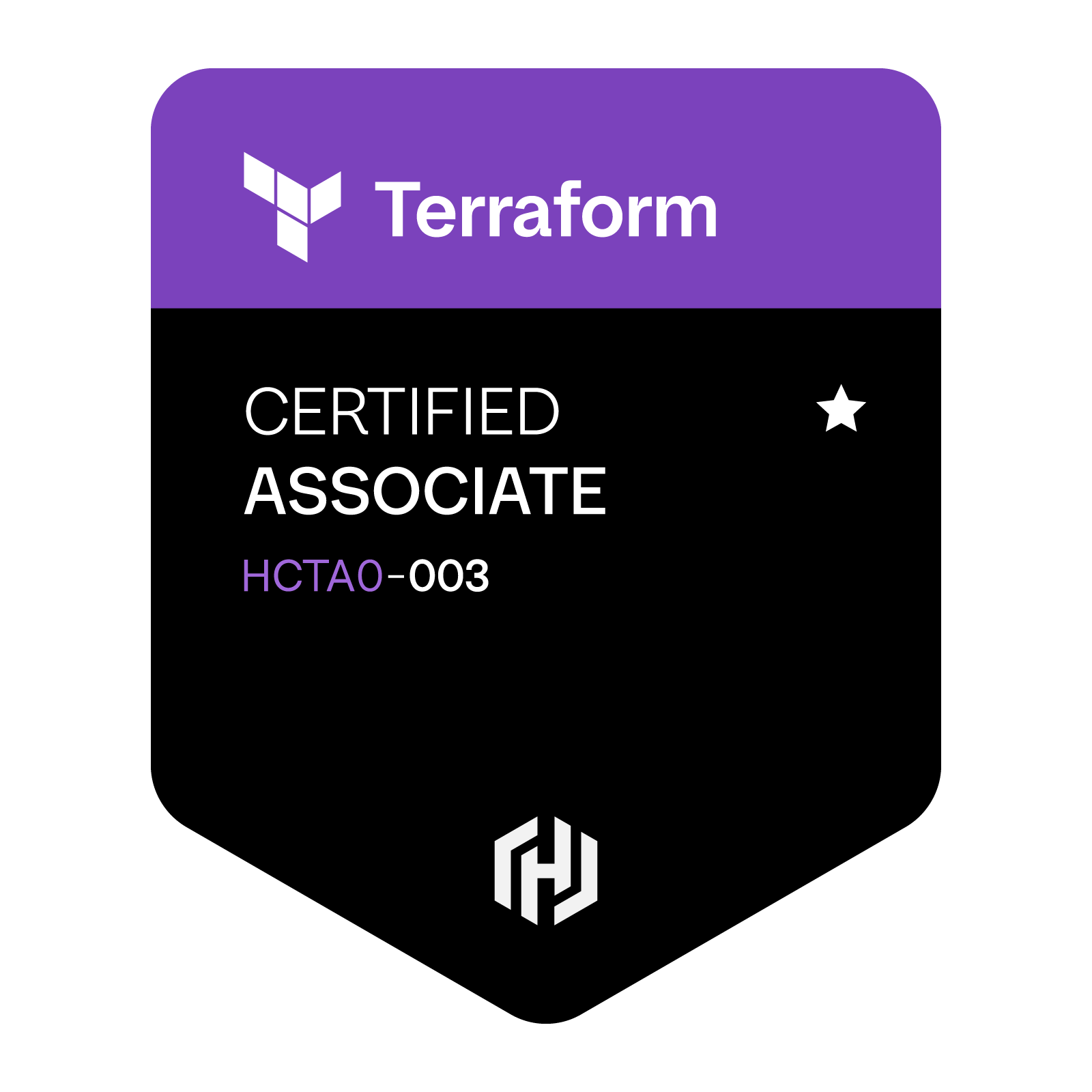
Industry Certifications


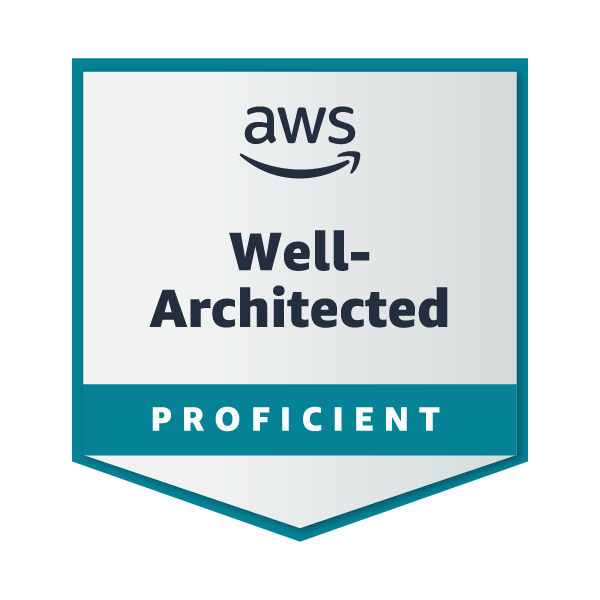
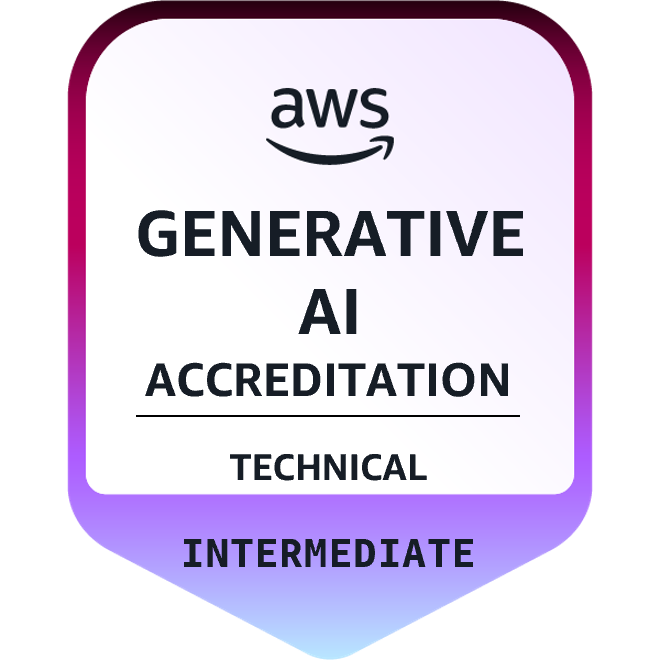
Professional & Partner Badges
Knowledge & Learning Badges


Each badge is an anchor to its Credly verification page, exactly as shown above. Two
simplifications in this preview: the real output uses the full badge name from the API
for alt and title, and it prefixes every heading with an emoji (a sports medal, a
military medal, books).
A category with no matching badges is skipped entirely, heading included.
Override how badges are categorized using keywords matched against the badge name:
- uses: Sagargupta16/credly-badge-readme-action@v1
  with:
    credly-username: "your-username"
    cert-keywords: "Certified,Professional"
    professional-keywords: "Partner,Proficient,Associate"
Matching is a case-sensitive substring test against each badge's
badge_template.name from the Credly API. Certification keywords are tested first, so
a badge matching both lists lands in Industry Certifications.
The defaults (Certified plus four AWS partner strings) are AWS-shaped, and anything
matching neither list lands in Knowledge & Learning. Pick keywords from your own badge
names rather than guessing, since issuers word and rename them differently:
curl -s "https://www.credly.com/users/YOUR-USERNAME/badges.json" \
| python -c "import json,sys; [print(b['badge_template']['name']) for b in json.load(sys.stdin)['data']]"- name: Update Credly badges
id: credly
uses: Sagargupta16/credly-badge-readme-action@v1
with:
credly-username: "your-username"
- name: Commit if changed
if: steps.credly.outputs.changed == 'true'
run: |
git config user.name "github-actions[bot]"
git config user.email "41898282+github-actions[bot]@users.noreply.github.com"
git add README.md
git commit -m "chore: update ${{ steps.credly.outputs.total-badges }} Credly badges"
git push- name: Update Credly badges
id: credly
uses: Sagargupta16/credly-badge-readme-action@v1
with:
credly-username: "your-username"
- name: Summary
run: |
echo "Found ${{ steps.credly.outputs.total-badges }} badges:"
echo " Certifications: ${{ steps.credly.outputs.certifications-count }}"
echo " Professional: ${{ steps.credly.outputs.professional-count }}"
echo " Knowledge: ${{ steps.credly.outputs.knowledge-count }}"See this action in use on @Sagargupta16's profile README -- 6 industry certifications (5x AWS + Terraform). That workflow runs weekly, but it gates its commit step on the changed output while pinned to a release where that output is empty, so it commits nothing until it is re-pinned.
- Fetches badges from
https://www.credly.com/users/{username}/badges.json - Categorizes each badge based on its name (using configurable keywords)
- Generates HTML with linked badge images from Credly's CDN
- Replaces content between
<!-- CREDLY-BADGES:START -->and<!-- CREDLY-BADGES:END -->markers in your README - Reports badge counts via action outputs
The script exits with status 1 when the marker pair is missing. Both comments must be
present, spelled exactly like this, in the file named by readme-path:
<!-- CREDLY-BADGES:START -->
<!-- CREDLY-BADGES:END -->
If your badges live somewhere other than README.md, set readme-path to match.
This action only edits the file on the runner. It never commits and never pushes -- your workflow does that. Check, in order:
- The job has
permissions: contents: write. - Your workflow actually has a commit-and-push step (see Quick Start).
- If that step is gated on
if: steps.<id>.outputs.changed == 'true'and shows as skipped while the log above it reads "README updated with latest Credly badges.", the output is empty: see Pinning and security.
Your badge names did not match cert-keywords or professional-keywords. Matching is a
case-sensitive substring test, and the defaults are AWS-shaped. List your real badge
names and pick keywords from them -- see
Custom categorization.
The script reads the public badges.json endpoint, so the Credly profile must be public
and must have at least one accepted badge. Confirm the endpoint returns data:
curl -s "https://www.credly.com/users/YOUR-USERNAME/badges.json" | head -c 200A 404 means the username is wrong (it is the slug from your profile URL, which is not
always your display name). An empty data array means the profile is private or has no
accepted badges.
Pin to a full commit SHA and record the human-readable version in a trailing comment:
- uses: Sagargupta16/credly-badge-readme-action@53428cd4bf0496ade08bbc52632b6f540b029af0 # v1.0.0@v1 is a moving major tag, so it changes under you; a SHA does not. Today they are the
same code either way: v1 and v1.0.0 both dereference to 53428cd (2026-03-04), which
predates the outputs fix, so all five outputs are empty strings on both. Re-pin once a
newer release is tagged.
Security:
- No secrets. The action takes no token and needs none. It reads one public,
unauthenticated endpoint:
https://www.credly.com/users/{username}/badges.json. - No third-party dependencies. The script is Python standard library only, so there is no transitive package tree to audit.
- API data is escaped. Badge names and URLs come from Credly and are treated as
untrusted: every one is passed through
html.escape()before it is interpolated into the HTML written to your README.
No install step -- the script is standard library only. Tests and lint use uv:
# Run the tests
uv run --with pytest python -m pytest -v

# Lint
uv run --with ruff ruff check .
On every push to main and every pull request, CI runs ruff check on Python 3.13,
pytest on 3.12, 3.13 and 3.14, and a third job that runs action.yml itself from the
checkout and fails if any of the five outputs comes back empty. Both tool versions are
pinned in .github/workflows/ci.yml, and ruff check there runs on the full default
ruleset with no repo config.
To run the script by hand without touching your real README, point README_PATH at a
scratch file containing the two markers:
printf '<!-- CREDLY-BADGES:START -->\n<!-- CREDLY-BADGES:END -->\n' > /tmp/scratch.md
CREDLY_USERNAME=your-username README_PATH=/tmp/scratch.md python update-credly-badges.py
cat /tmp/scratch.mdMIT