




No internet • No compression • 100% integrity
PixelBeam is an innovative Android application that enables offline image transfer between devices using QR code technology. By encoding images into a sequence of QR codes, PixelBeam allows users to transfer photos without requiring an internet connection, cloud services, or any wireless protocols. The app preserves 100% image integrity with SHA-256 verification, ensuring that the received image is exactly identical to the original.
This project demonstrates that files can be transferred between devices without network connections or physical hardware connections. The core concept is simple:
- Any file can be converted into Base64 encoded text
- This text can be split into chunks and encoded into QR codes
- QR codes can be displayed on one device and scanned by another
- The scanned data can be reassembled into the original file
This proves it's technically possible to transfer data visually through QR codes. While PixelBeam currently focuses on images, the underlying technique can theoretically be applied to any file type - documents, videos, archives, or any binary data.
Warning
Important: This is purely an experimental proof of concept and portfolio project. It is not practical or useful for real-world file transfer scenarios. Traditional methods (WiFi, Bluetooth, USB, NFC) are far superior in every practical aspect. This project exists solely to demonstrate that visual data transfer is possible, not that it's a good idea.
- Offline Transfer - No internet connection required, works completely offline
- Zero Compression - Images transferred with 100% original quality
- SHA-256 Verification - File integrity verification using cryptographic checksum
- Original Metadata - Preserves filename, MIME type, and file size
- Real-time Progress - Live progress tracking during transfer
- Configurable Speed - Transfer speeds from 50ms to 5s per QR code
- Auto-Advance - Automatic QR code progression with pause/resume
- Manual Control - Navigate with slider and buttons for precise control
- Dual Metadata - Redundant metadata chunks at start and end for reliability
- Modern UI - Material 3 design with responsive layouts
- Clean Architecture - MVVM pattern with proper separation of concerns
- Error Handling - Comprehensive error states with user-friendly messages

You can download the latest APK from here

Check out the releases section for more details.
| Shots | Shots | Shots |
|---|---|---|
 |
 |
 |
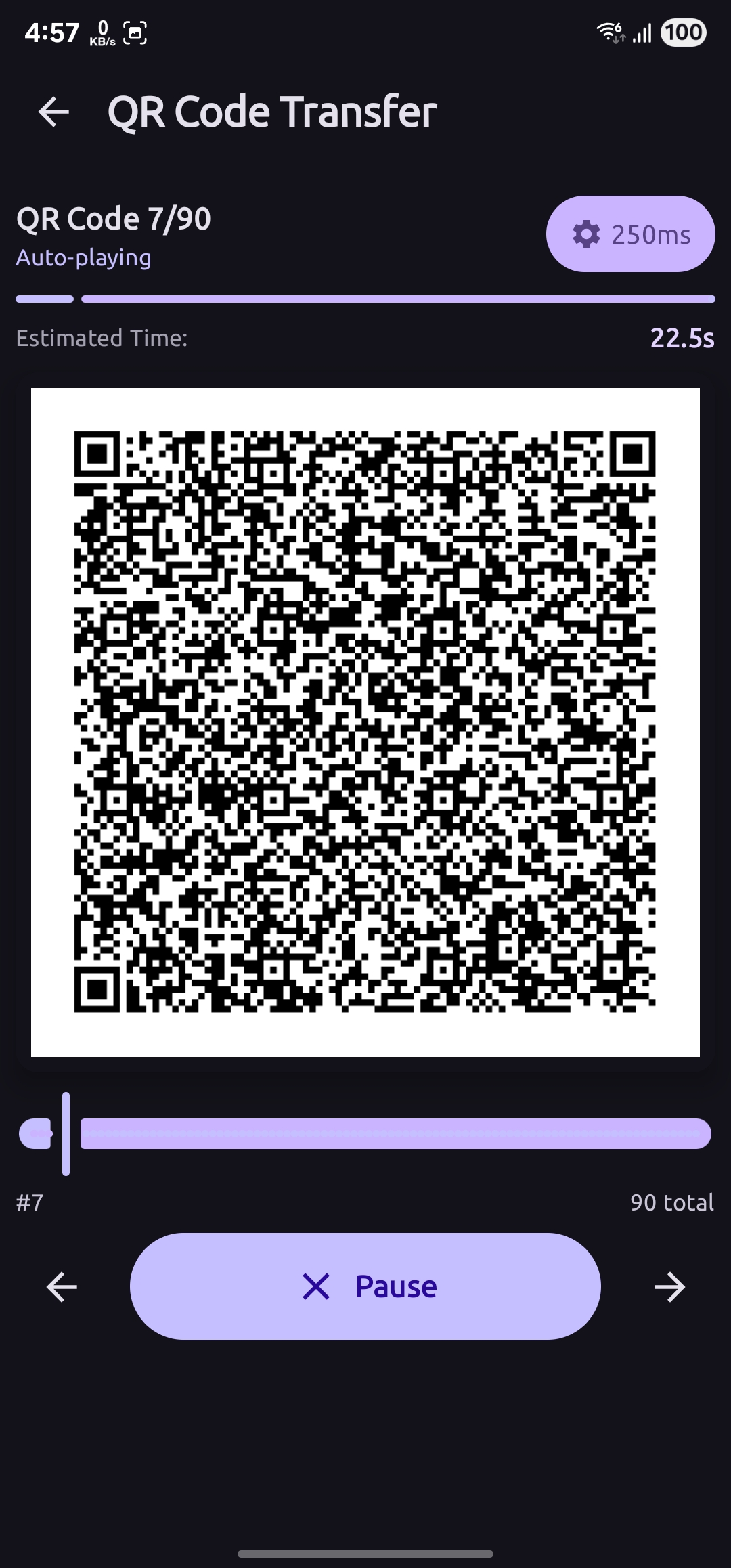 |
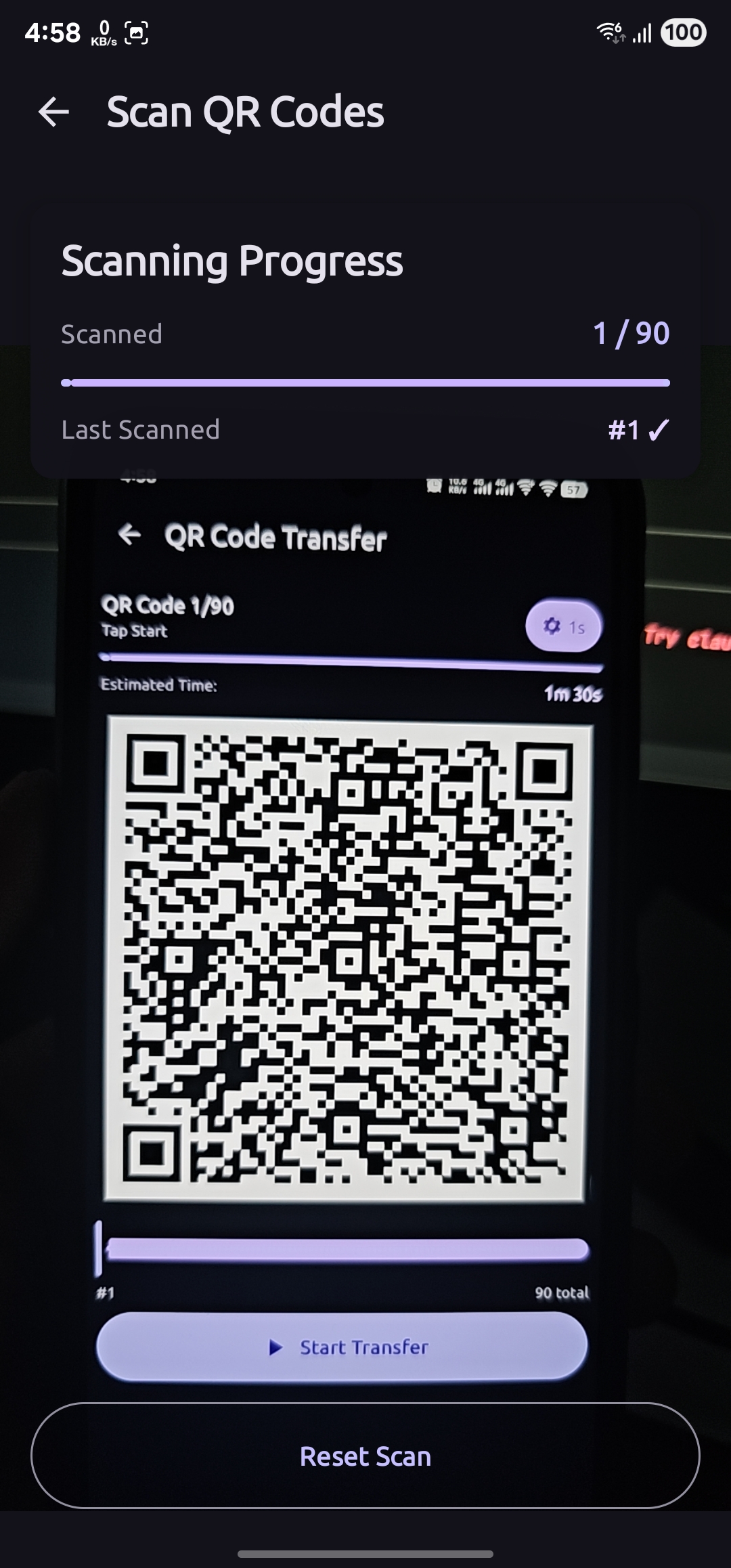 |
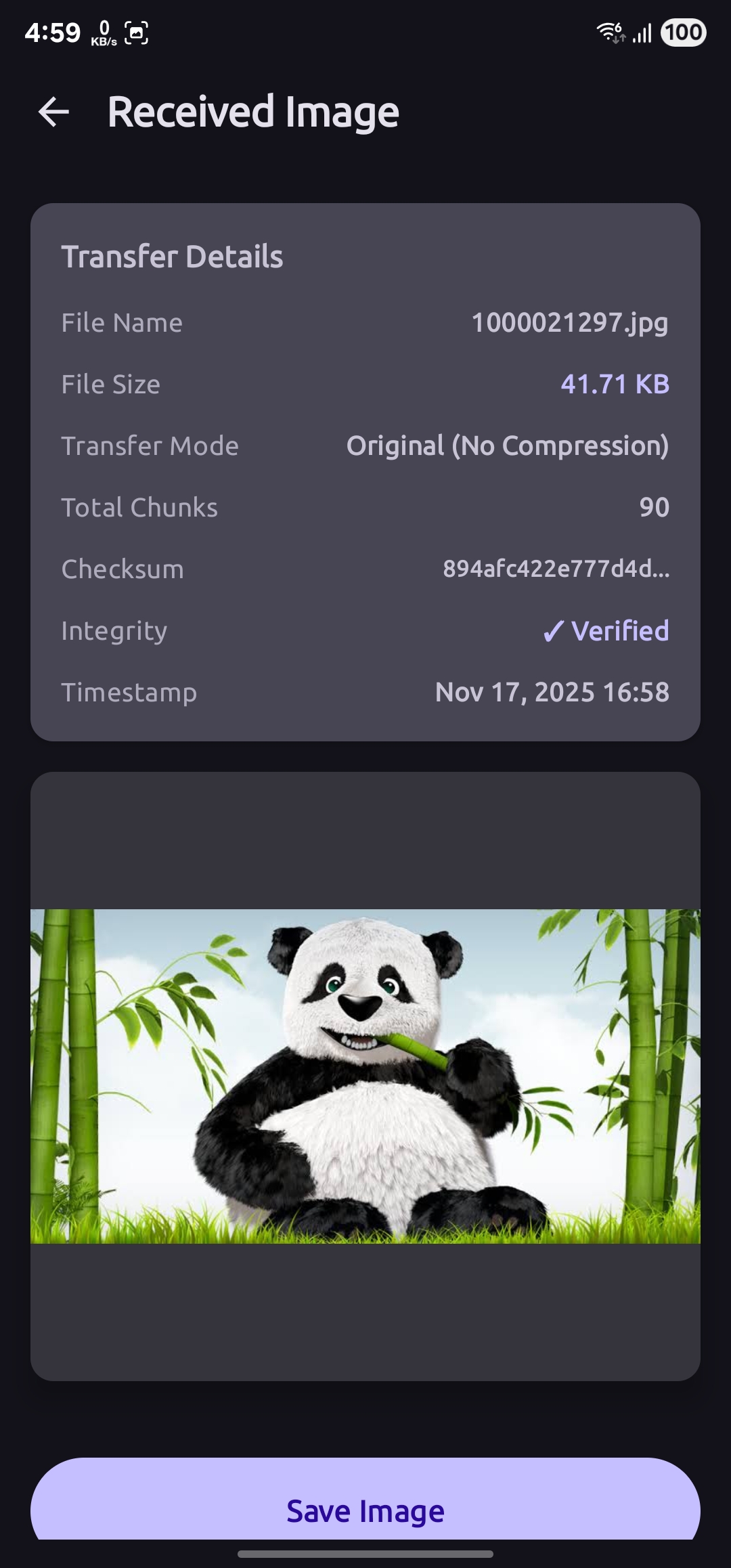 |
PixelBeam transfers images between devices by encoding them into a series of QR codes. Here's the technical flow:
- Image Selection - User selects an image from gallery
- Metadata Extraction - Extract filename, size, and MIME type
- Checksum Calculation - Generate SHA-256 hash of original file
- Data Chunking - Split image data into 650-character chunks
- Metadata Chunks - Add metadata at index 0 and last index for redundancy
- QR Generation - Generate QR codes for all chunks with progress tracking
- Sequential Display - Show QR codes one by one at configurable speed
IMG|TOTAL|INDEX|CHECKSUM|DATA

Components:
- IMG: Header identifier
- TOTAL: Total number of chunks (3-digit padded)
- INDEX: Current chunk index (3-digit padded)
- CHECKSUM: MD5 hash for chunk integrity (8 characters)
- DATA: Base64 encoded payload (max 650 chars)

Special Chunks:
- Index 0: Metadata (filename, size, MIME type, SHA-256)
- Last Index: Duplicate metadata for redundancy
- Camera Scanning - Use CameraX and ML Kit for QR detection
- Chunk Collection - Gather all chunks with real-time progress
- Metadata Parsing - Extract file information from metadata chunks
- Data Reconstruction - Reassemble chunks in correct order
- Integrity Verification - Verify SHA-256 checksum matches
- File Saving - Save with original filename and metadata
PixelBeam follows Clean Architecture principles with clear separation of concerns:
┌─────────────────────────────────────────┐
│         Presentation Layer              │
│  (UI + ViewModels + Compose Screens)    │
│                                         │
│  • HomeScreen                           │
│  • ImagePickerScreen                    │
│  • ImagePreviewScreen                   │
│  • QRDisplayScreen                      │
│  • QRScannerScreen                      │
│  • ImageResultScreen                    │
│  • AboutScreen                          │
└─────────────────────────────────────────┘
                  ↓
┌─────────────────────────────────────────┐
│           Domain Layer                  │
│    (Use Cases + Business Logic)         │
│                                         │
│  • QRGenerator                          │
│  • ImageReconstructor                   │
│  • ImageCompressor                      │
│  • FileManager                          │
│  • ChecksumCalculator                   │
└─────────────────────────────────────────┘
                  ↓
┌─────────────────────────────────────────┐
│            Data Layer                   │
│      (Models + Repositories)            │
│                                         │
│  • QRChunk                              │
│  • TransferMetadata                     │
│  • CompressedImage                      │
└─────────────────────────────────────────┘
- MVVM - Model-View-ViewModel for UI state management
- Repository Pattern - Abstract data access
- Dependency Injection - Koin for managing dependencies
- StateFlow - Reactive state management
- Clean Architecture - Domain, Data, and Presentation layers
- Kotlin 2.1.0 - Primary programming language
- Jetpack Compose 1.7.6 - Modern declarative UI framework
- Material 3 - Latest Material Design components
- Coroutines & Flow - Asynchronous programming
- Navigation Compose - Type-safe navigation
- ViewModel - UI state management
- Lifecycle - Lifecycle-aware components
- Koin 4.0.0 - Dependency injection
- ZXing 3.5.3 - QR code generation
- ML Kit Barcode Scanning 17.3.0 - QR code scanning
- CameraX 1.4.1 - Camera operations
- Coil 3.0.4 - Image loading and caching
- Kotlinx Serialization 1.7.3 - JSON parsing and navigation
- Accompanist Permissions 0.36.0 - Runtime permissions
- Gradle 8.9 - Build system
- AGP 8.7.3 - Android Gradle Plugin
- Min SDK 24 - Android 7.0 (Nougat)
- Target SDK 36 - Latest Android version
- Android 7.0 (API 24) or higher
- Camera permission - For QR code scanning
- Storage permission - For saving received images
- 8MB+ storage - For app installation
- Two Android devices - One sender, one receiver
- Android Studio Ladybug Feature Drop | 2024.2.2 or later
- JDK 17 or higher
- Android SDK with API 24+
- Clone the repository
git clone https://github.com/ahmmedrejowan/PixelBeam.git
cd PixelBeam- Open in Android Studio
# Open Android Studio and select "Open an Existing Project"
# Navigate to the cloned directory- Sync Gradle
# Android Studio will automatically sync Gradle
# Or manually: File → Sync Project with Gradle Files- Build the project
./gradlew assembleDebug
# Or use Android Studio: Build → Build Bundle(s) / APK(s) → Build APK(s)- Run on device
./gradlew installDebug
# Or use Android Studio: Run → Run 'app'- Debug - Development build with logging
- Release - Production-ready build
- Launch App - Open PixelBeam on sender device
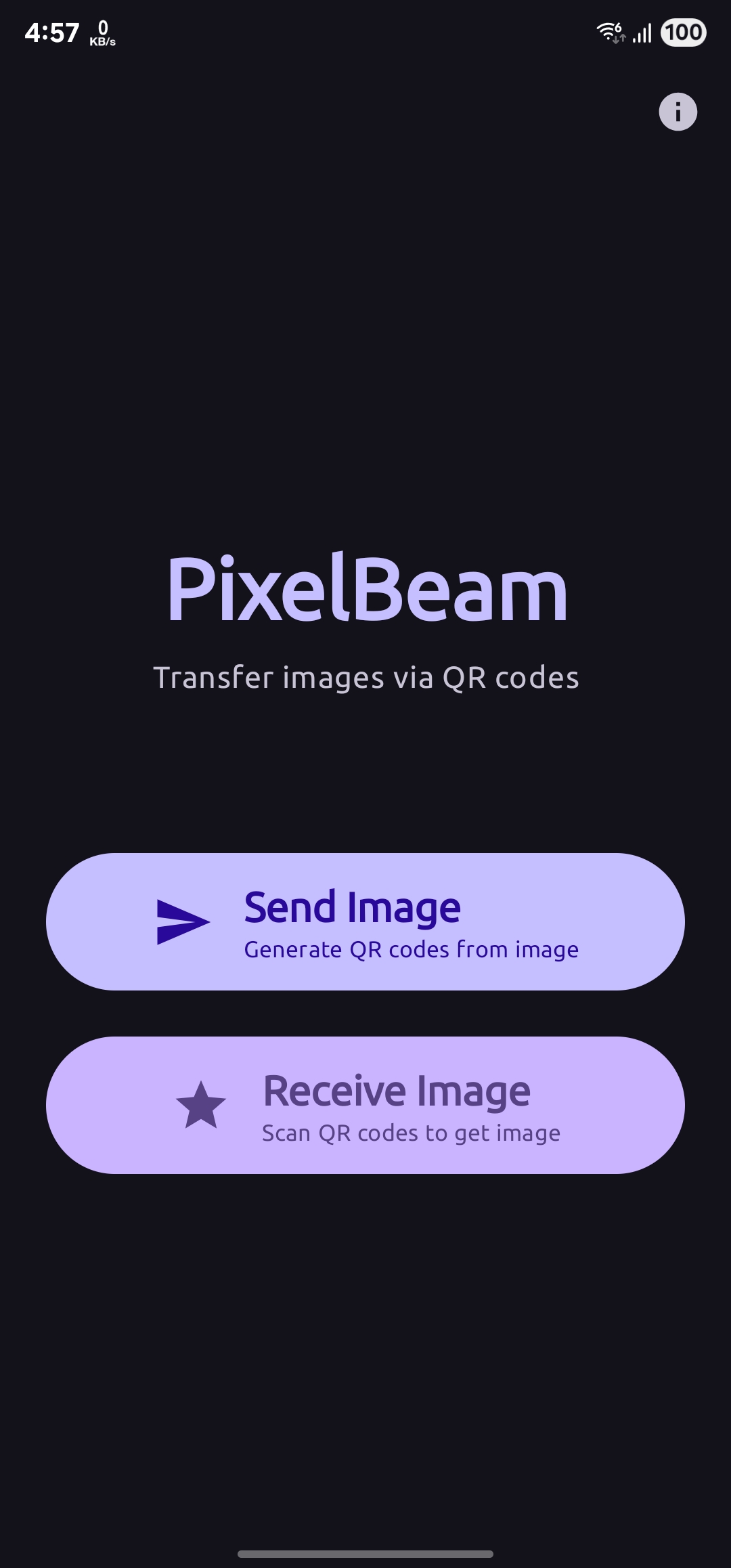
- Tap Send - Select "Send Image" from home screen
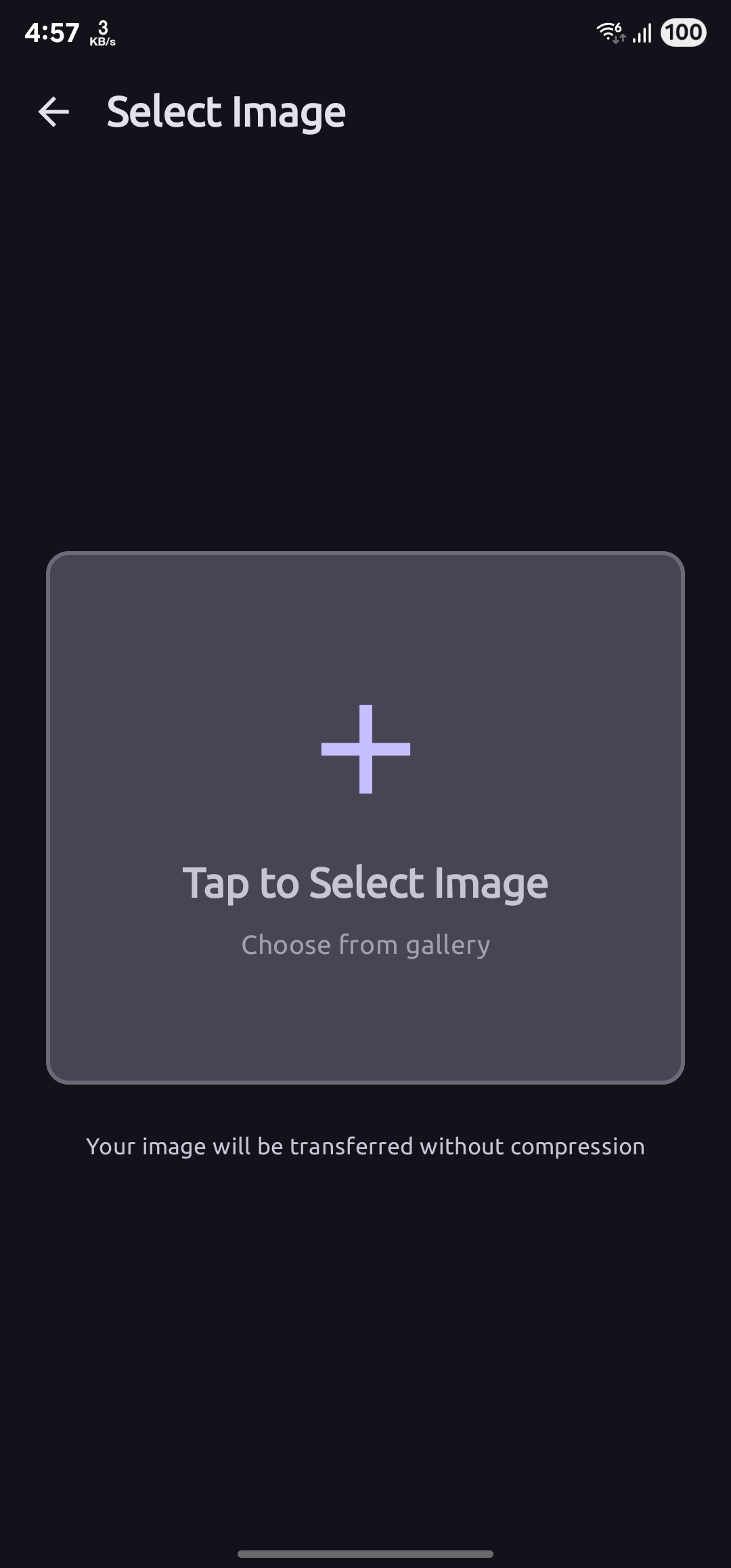
- Choose Image - Pick image from gallery
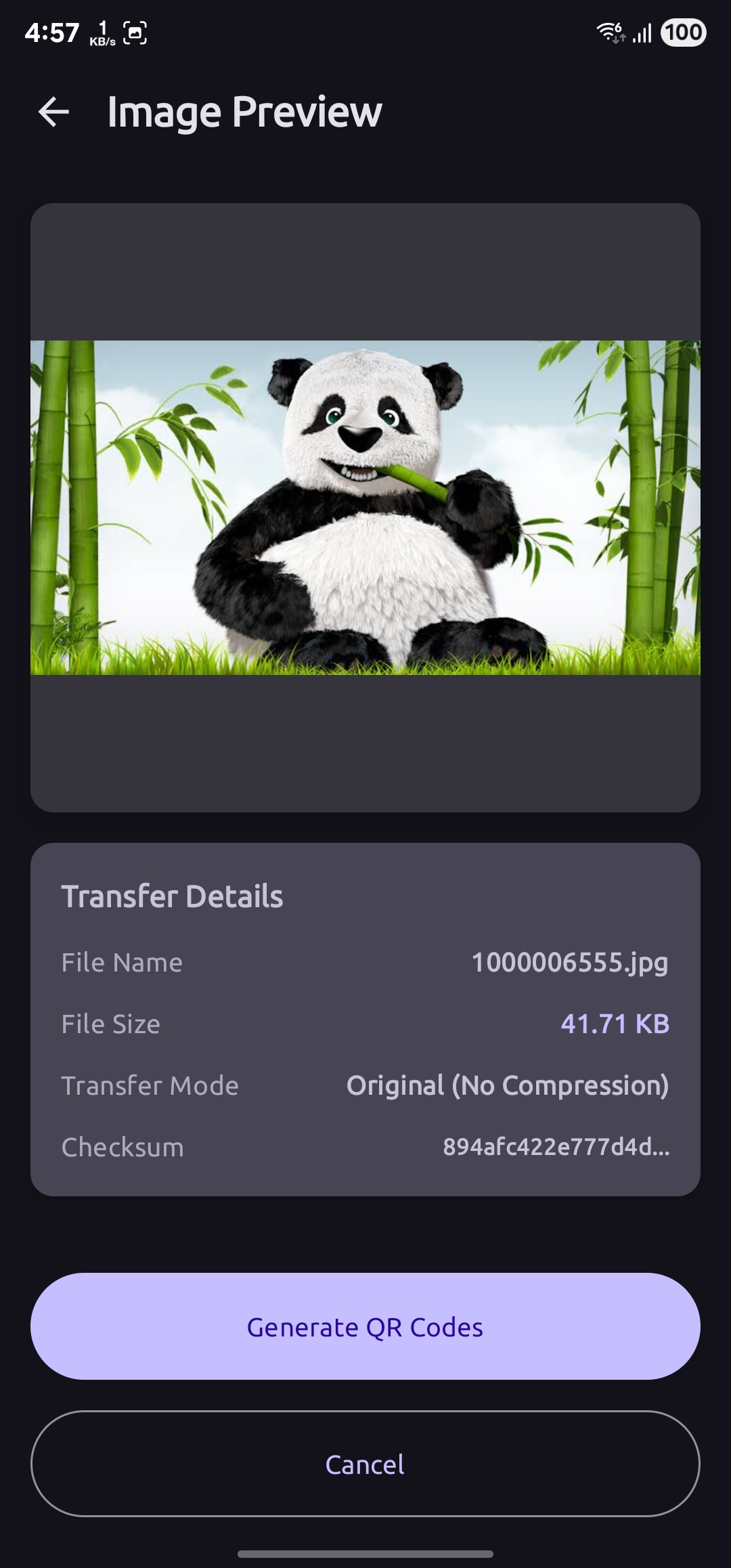
- Preview - Review image details and metadata
- Generate QR - Tap "Generate QR Codes" to create codes
- Configure Speed - Choose transfer speed (default: 1 second)
- Start Transfer - Tap play to begin auto-advance
- Complete - Tap "Finish Transfer" when done
- Launch App - Open PixelBeam on receiver device
- Tap Receive - Select "Receive Image" from home screen
- Grant Permission - Allow camera access
- Scan Codes - Point camera at sender's QR codes
- Wait - App automatically collects all chunks
- Verify - SHA-256 checksum verified automatically
- Save - Tap "Save Image" to store in gallery
- Share - Optionally share the received image
This is a proof of concept and portfolio project with the following limitations:
- Not optimized for very large images (>10MB)
- Transfer time increases with image size
- Requires good lighting for QR scanning
- Single image transfer only (no batch support)
- No encryption (visible QR codes can be intercepted)
Not intended for production use - This project demonstrates technical capabilities and innovative solutions to file transfer challenges.
Copyright (C) 2025 K M Rejowan Ahmmed

This program is free software: you can redistribute it and/or
modify it under the terms of the GNU General Public License as
published by the Free Software Foundation, either version 3
of the License, or (at your option) any later version.

This program is distributed in the hope that it will be useful,
but WITHOUT ANY WARRANTY; without even the implied warranty of
MERCHANTABILITY or FITNESS FOR A PARTICULAR PURPOSE. See the
GNU General Public License for more details.

You should have received a copy of the GNU General Public
License along with this program. If not,
see <https://www.gnu.org/licenses/>.
Warning
This is a copyleft license. PixelBeam is licensed under GPL v3.0, which means:
- ✅ You can freely use, modify, and distribute this software
⚠️ Any derivative works must also be licensed under GPL v3.0⚠️ You must disclose your source code if you distribute modified versions⚠️ You cannot distribute proprietary/closed-source versions of this software
If you need different licensing terms, please contact the author.
K M Rejowan Ahmmed
- GitHub: @ahmmedrejowan
- Email: ahmmadrejowan@gmail.com
- ZXing - QR code generation library
- Google ML Kit - Fast barcode scanning
- CameraX - Modern camera API
- Jetpack Compose - Modern Android UI toolkit
- Material Design 3 - Design system