Syntax highlighting for IBMi languages such as RPG, CL, DDS, MI, and RPGLE fixed/free.
Please consider downloading code-for-ibmi to edit RPG, RPGLE, and CL directly in VS Code!
There's probably a few syntax bugs. Please submit a pull request or issue if you see something amiss.
- Syntax highlighting for RPG III and RPG/400 - H,F,E,L,I,C,O specs
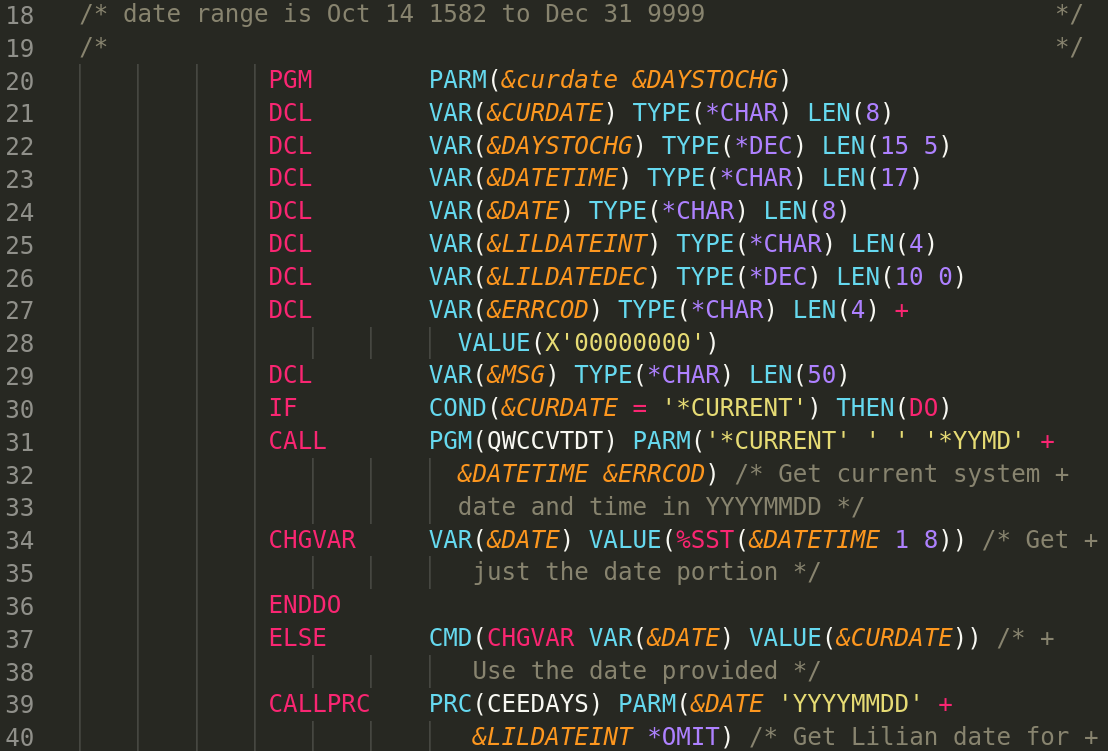
- Syntax highlighting for Control Language (CL)
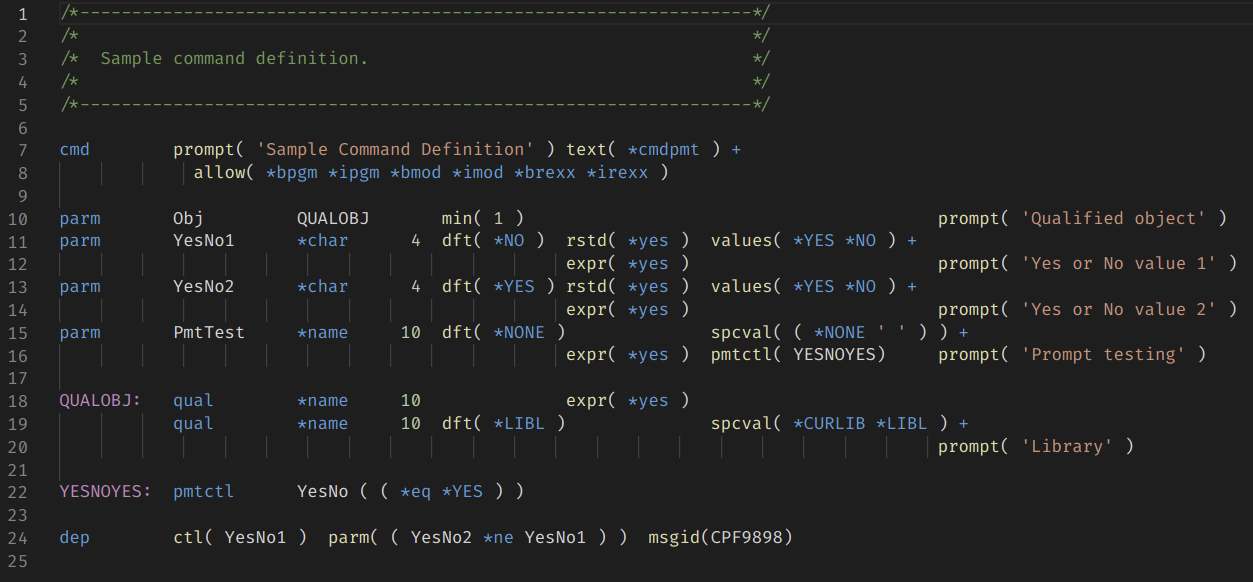
- Syntax highlighting for Command Definition (CMD)
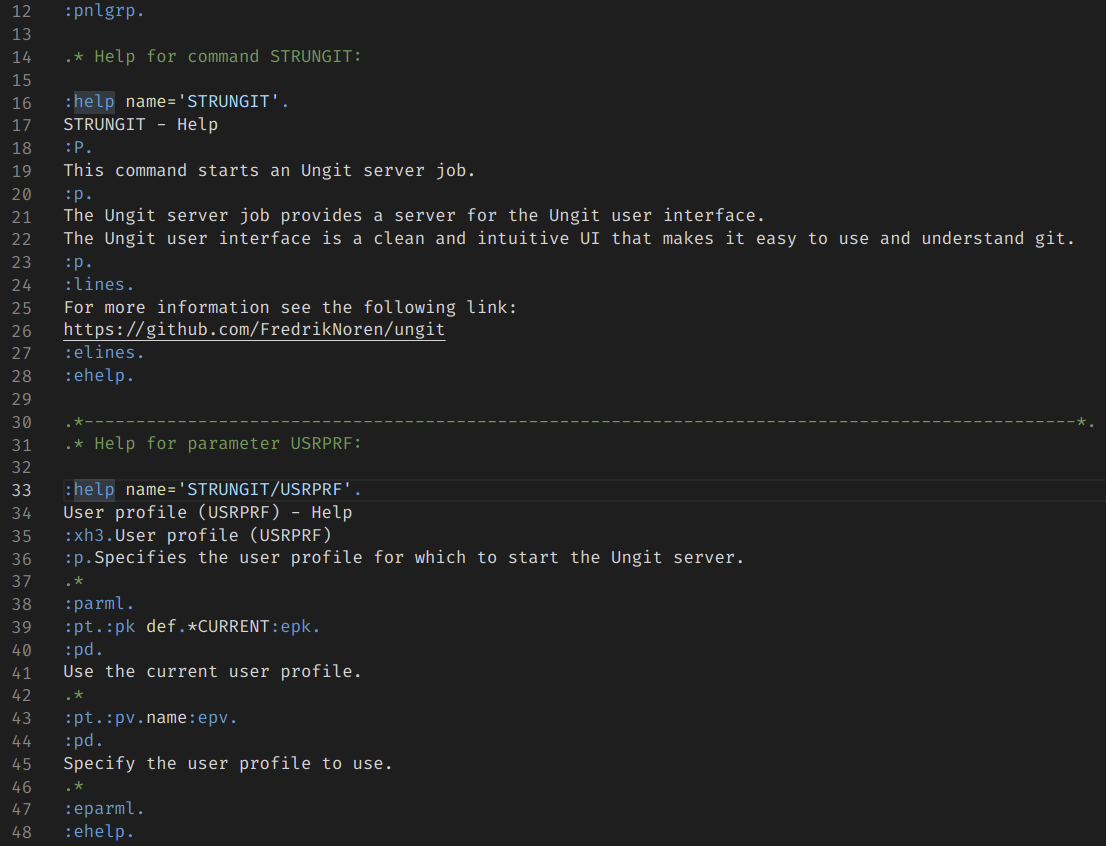
- Syntax highlighting for UIM Panel Group (PNLGRP)
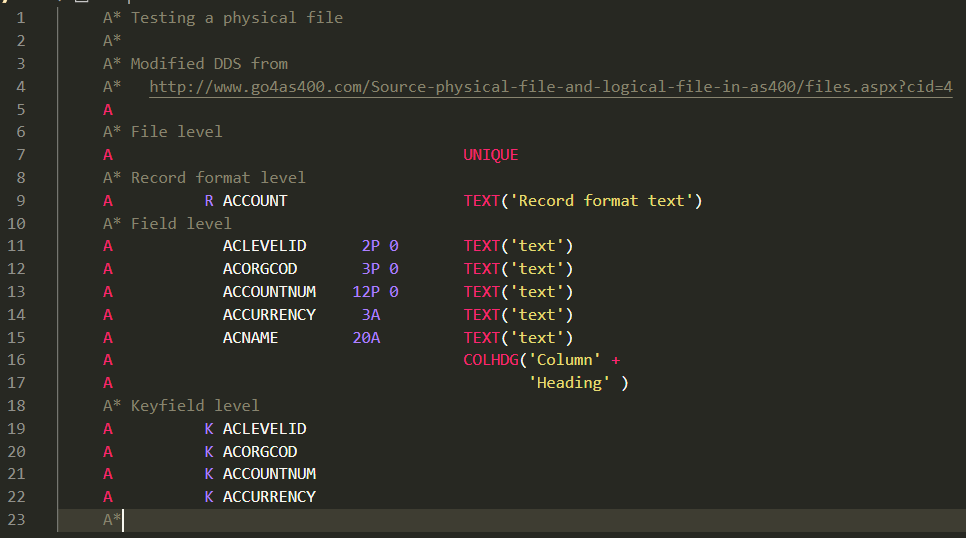
- Syntax highlighting for DDS files - physical, logical, display, printer, and ICF
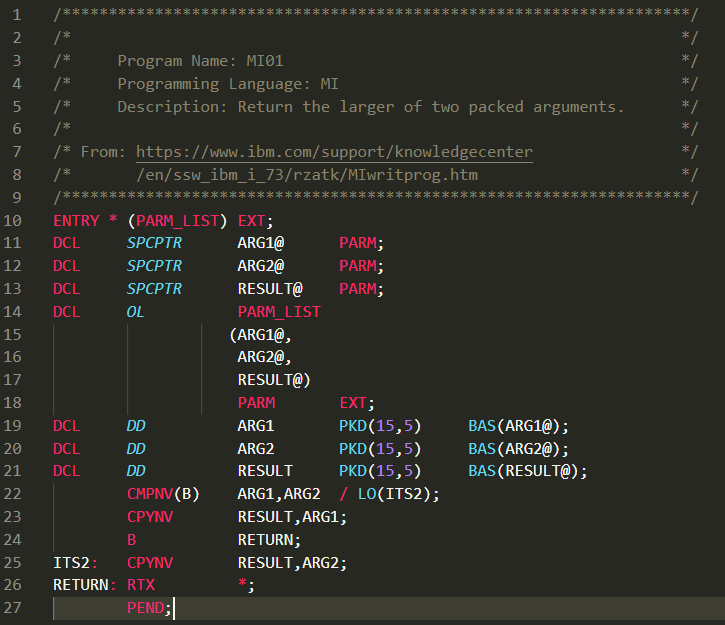
- Syntax highlighting for Machine Interface (MI)
- Syntax highlighting for RPGLE fixed - H,F,D,I,C,O,P specs
- Syntax highlighting for RPGLE free
- Syntax highlighting for embedded SQL in SQLRPG and SQLRPGLE
- Support for a mix of RPGLE free and fixed format
- Support for binder language
- Support for DB2 SQL keywords in embedded SQL
Last updated to Fall 2023 PTF enhancements for 7.5 and 7.4
For each source type, I lumped legacy (system/38) source types together with the regular source types.
| Extension(s) | Description |
|---|---|
| .cl, .clp, .clp38 .clle | Control Language (CL) |
| .cmd | Command Definition (CMD) |
| .pnlgrp | UIM Panel Group (PNLGRP) |
| .dspf, .dspf38 | DDS Display file |
| .icff | DDS ICF file |
| .lf, .lf38 | DDS Logical file |
| .pf, .pf38, .dds | DDS Physical file |
| .prtf, .prtf38 | DDS Printer file |
| .rpg, .rpg38, .sqlrpg | RPG/400 |
| .rpgle, .sqlrpgle | RPGLE and SQLRPGLE |
| .bnd | Binder Language |
| .mi | Machine Interface (MI) |
See screenshots/ for more examples of syntax highlighting.
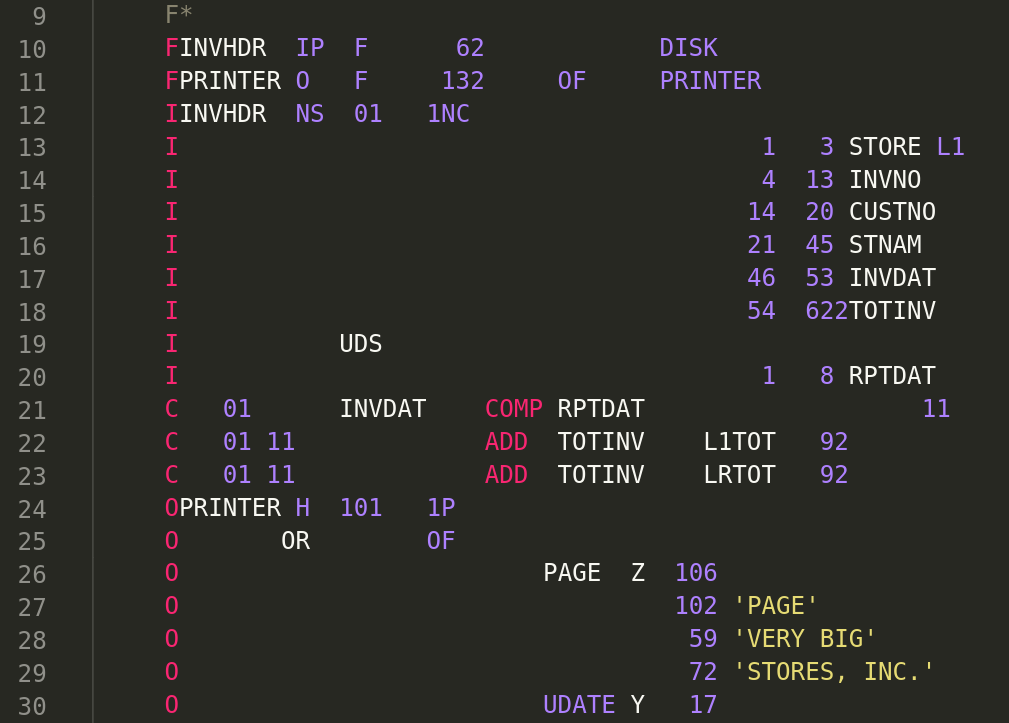
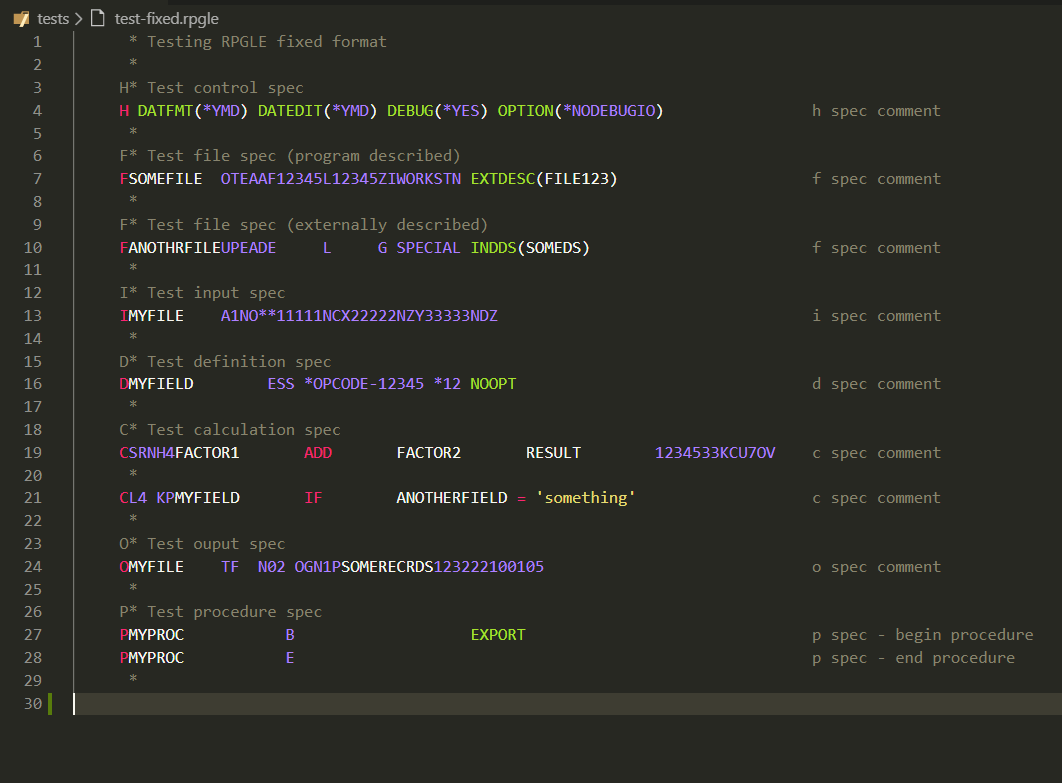
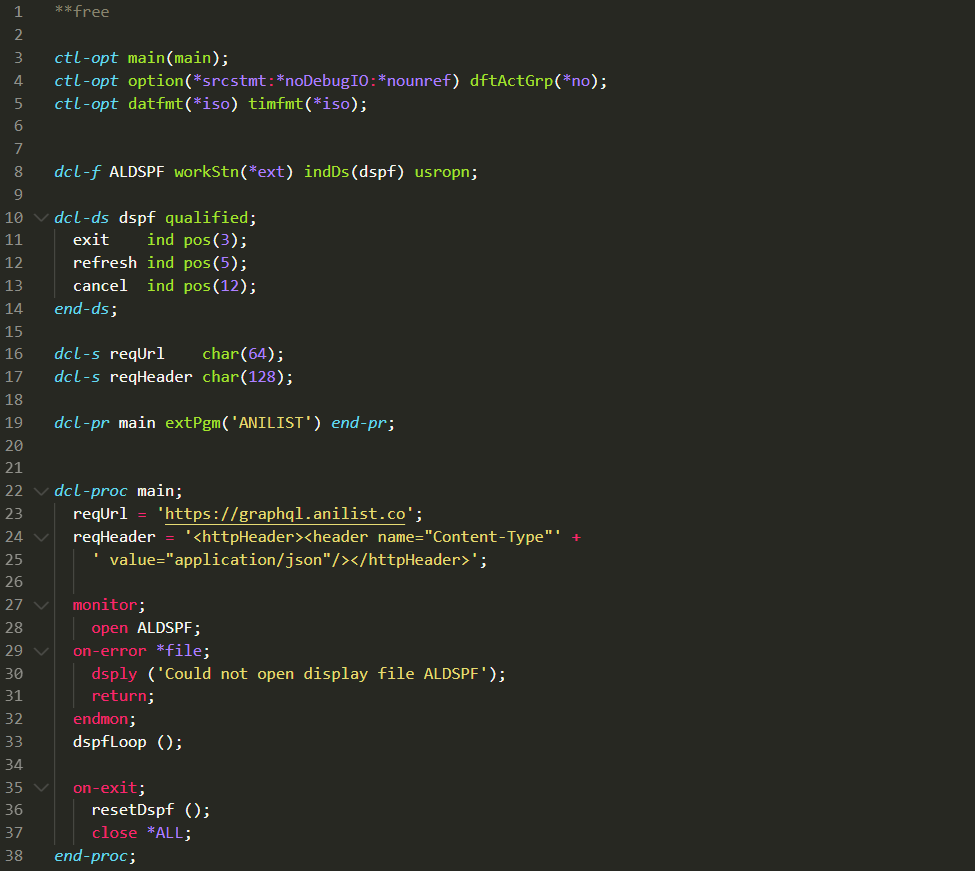
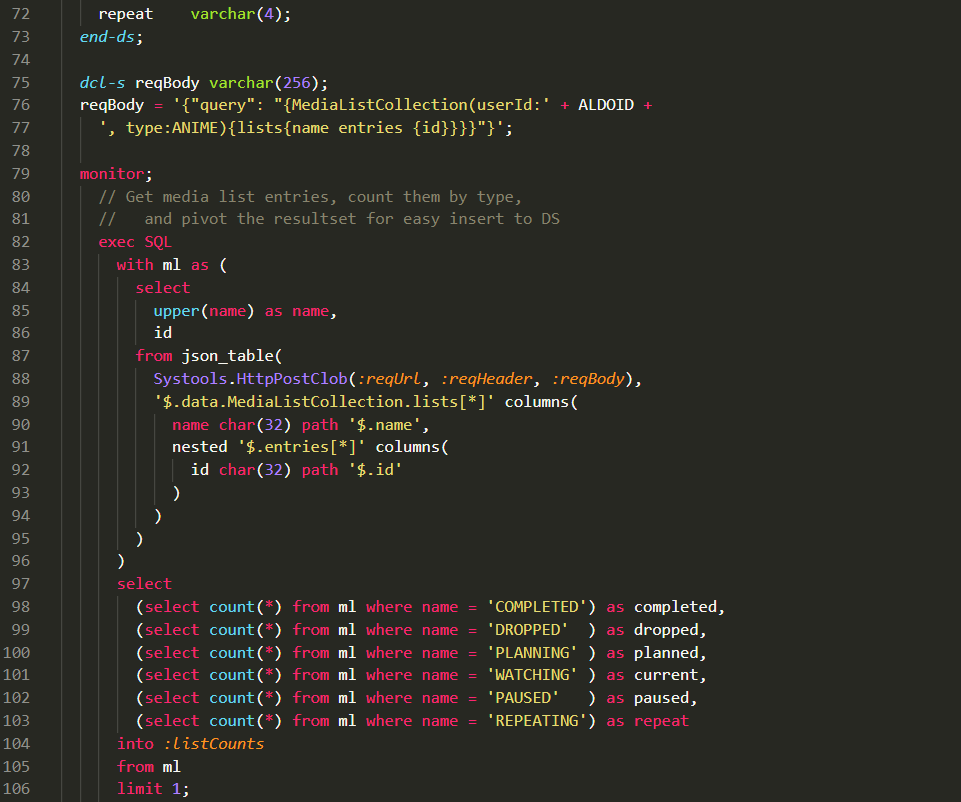
npm install -g vscevsce packagevsce publish -p VSCE_SECRET
This extension is also deployed to Open VSX
npx ovsx publish -p OPEN_VSX_SECRET
See CHANGELOG.md
See issues.
- https://www.itjungle.com/2020/12/09/vs-code-provides-another-coding-option-for-ibm-i/
- https://www.anandk.dev/2020/11/VSCode-IBMi-AS400.html
- https://github.com/halcyon-tech/code-for-ibmi
- Derived from an existing RPG extension
- Repo used to test older RPG
- RPG/400
- RPG II, RPG III, and RPG/400
- Regex tool
- VS Code Language extensions
- IBM List of CL Commands
The colours used in VS Code are determined by the scope names assigned in the relevant tmLanguage file, which are then mapped to colors by the active colours theme.
To see the actual scope at a cursor position:
- Place your cursor on the word (e.g. TIME)
- Press Ctrl+Shift+P (or Cmd+Shift+P on Mac)
- Type and select: Developer: Inspect Editor Tokens and Scopes
- This shows you the exact scope name and the colours applied by your theme