BISTRO (BIS Time-series Regression Oracle) is a general-purpose time series model for macroeconomic forecasting. It is based on the transformer architecture used in Large Language Models (LLMs) and is fine-tuned on thousands of macroeconomic time series from the BIS data portal.
This repository contains the code and example notebooks for using BISTRO.
Important: This project contains a dependency with a known critical security vulnerability. Please read our Vulnerability Disclosure for details on the associated risks and mitigation steps before using this code.
Many traditional forecasting approaches require a different model for each variable. BISTRO provides a low-cost and flexible tool for baseline forecasts and conditional scenarios.
- Unconditional forecasting: Produces baseline forecasts for key aggregates (e.g., inflation).
- Conditional scenarios: Lets you fix future paths of variables (e.g., oil prices, exchange rates) to explore alternative scenarios.
- Nonlinear patterns: Captures nonlinear relationships that standard linear models may miss.
- Fine-tuned: Trained on 4,925 time series across 63 economies.
You can run everything directly in your browser using Google Colab. It is free and requires no setup.
| Notebook | Description | Link |
|---|---|---|
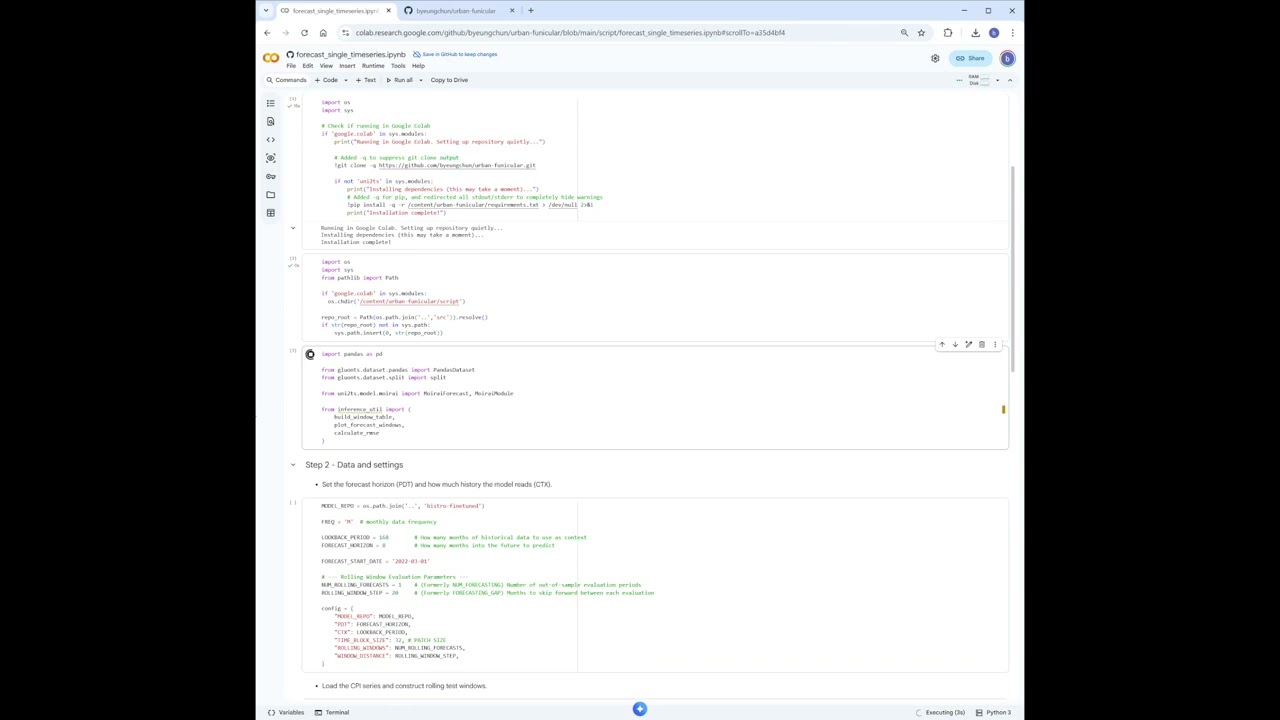
| Forecast Single Series | Simple forecast for one variable (e.g., inflation) |  |
| Forecast Unconditional | Forecast with extra variables (covariates) | |
- Click a link above to open the notebook.
- If asked, sign in with your Google account.
- In the top menu, click Runtime → Run all.
- Scroll down to see the results.
- Recommended option: Use Google Colab, which comes with a pre-configured Python environment.
- If you run locally (optional): Use Python 3.11 (or a close equivalent). This is typically the most compatible choice for current ML libraries.
(Exact package versions are listed inrequirements.txt.)
To forecast your own data:
- Create a CSV file like the examples (usually a Date column and a Value column).
- In Colab, click the folder icon on the left.
- Drag and drop your CSV file.
- Update the filename in the notebook (e.g., change
'bis_cpi_us_yoy_m.csv'to'my_data.csv').
Most users do not need this. Use this only if you want to run the notebooks on your own computer.
Some large files (e.g., model weights) may be stored using Git LFS. If Git LFS is not installed, git clone may not download these files correctly.
Install Git LFS first (recommended):
- Install Git LFS: https://git-lfs.com/
- Then run:
git lfs install
git clone https://github.com/bis-med-it/bistro.git
data/: Sample CSV data (e.g., US CPI, policy rates).script/: Notebooks and scripts for running the model.
If you use this model or code, please reference the paper:
BISTRO: A General-Purpose Time Series Model for Macroeconomic Forecasting
Batuhan Koyuncu, Byeungchun Kwon, Marco Lombardi, Hyun Song Shin, Fernando Perez-Cruz
BIS Quarterly Review, March 2026