Hold right-click + scroll to instantly launch apps, run commands, trigger shortcuts, and open URLs — without touching the keyboard.



🌐 Website & download: chautnus.github.io/RightWheel
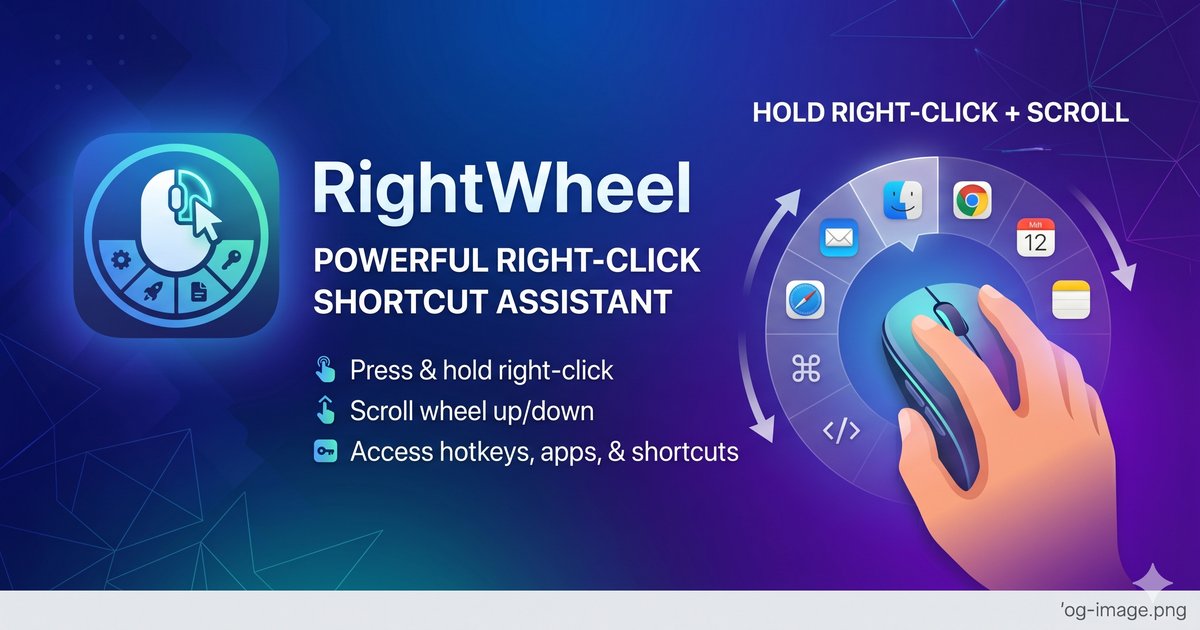

RightWheel is a portable Windows utility that turns your mouse into a shortcut panel.
Hold the right mouse button, scroll up or down, and a radial menu appears — pick an item to launch it instantly.
No installation needed. One .exe file. Runs in the system tray.
- 🖱️ Mouse-first UX — hold right-click + scroll to open the panel; hover folders to auto-expand
- ⌨️ Keyboard shortcuts — trigger any key combo (
ctrl+shift+v,win+d, etc.) - 🚀 App launcher — open any
.exewith optional arguments - 🌐 URL shortcuts — open links in your default browser
- ▶ Shell commands — run any
cmd.execommand directly - 📁 Folders — group shortcuts into submenus; hover to open in 400 ms
- ⬇ Import templates — load pre-built shortcut sets from JSON files
- 🌍 9 languages — English, Vietnamese, Chinese, Japanese, Korean, French, German, Spanish, Portuguese
- 🔒 License system — 30-day free trial via LemonSqueezy
- ⚡ Portable — single
.exe, no installer, no admin rights needed
- Go to Releases
- Download
RightWheel.exe - Double-click to run — it appears in your system tray
Windows SmartScreen warning? Click "More info" → "Run anyway". The app is unsigned but safe.
If you prefer not to do this, compile from source (see below).
| Action | Result |
|---|---|
| Hold right-click + scroll up/down | Open panel, navigate items |
| Release right-click | Select highlighted item |
| Hold right-click + scroll to folder | Hover 400 ms → auto-open subfolder |
Escape or click away |
Close panel |
Number keys 0–9 |
Jump to item directly |
Right-click the tray icon → Settings to manage your shortcuts:
- Shortcut — any key combo (
ctrl+c,win+shift+s,f5, …) - App — browse to any
.exe - URL — any
https://link - Command — any shell command (
git pull,npm run dev, …) - Folder — group items into a submenu
You can also import a template (.json) to populate a full set of shortcuts at once. See templates/ for examples.
git clone https://github.com/chautnus/RightWheel.git
cd RightWheel
pip install -r requirements.txt
python src/main.py
To build the .exe:
python -m PyInstaller RightWheel.spec --noconfirm
# Output: dist/RightWheel.exe| Plan | Price |
|---|---|
| Free trial | 30 days, full features |
| License | $5.99 one-time |
Purchase at rightwheel.lemonsqueezy.com — enter your key in Settings → License.
Source code: MIT
Binary release: commercial — free 30-day trial, $5.99 for a perpetual license.