JointJS is a proven JavaScript/TypeScript diagramming library for building complex, production-scale diagramming applications.
Teams use it to build AI workflow builders, flowchart and process editors, BPMN modelers, SCADA/HMI and monitoring dashboards, data modeling tools, energy network diagrams, electronic design tools, and org chart builders.
JointJS is framework-agnostic, with first-class support for React.
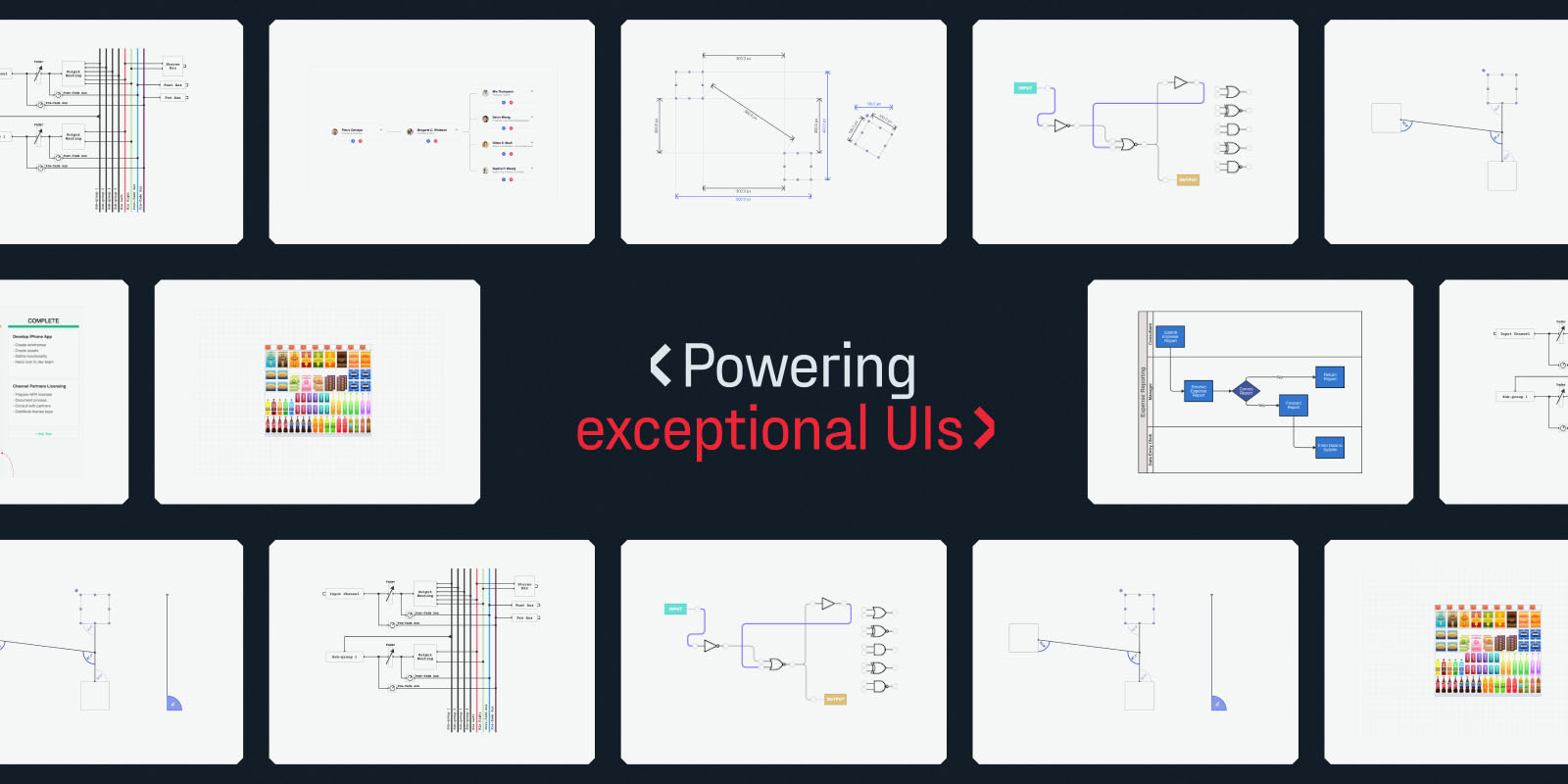
Further information, examples and documentation can be found at jointjs.com.
- 🚀 Getting started guide
- 💡 Ask a question or share feedback in our GitHub discussions
- 🖊️ 180+ demo apps to kickstart your development
- 🤖 MCP server integration for AI coding agents
- ⚛️ New: JointJS for React — build diagramming UIs in your React app
JointJS is used to build production diagramming applications across many domains:
| Domain | Examples |
|---|---|
| Workflow & process | Flowchart editors, process automation, activity and sequence diagrams |
| AI workflow builders | Node-based AI pipeline and agent builders, marketing automation studios |
| BPMN | Business process modelers, swimlanes, Visio BPMN import/export |
| Data modeling | ER diagrams, database schema designers, data mapping tools |
| UML & software modeling | Class, sequence, statechart and use-case diagrams |
| Industrial / SCADA & HMI | P&ID diagrams, monitoring and control dashboards |
| Energy networks | Power and telecom network diagrams, DWDM circuits |
| Electronic design | Logic circuits, wiring and cable diagrams |
| Org charts | Organizational charts, hierarchy and tree builders |
| Timelines | Project and milestone timelines, Gantt and PERT charts |
Explore all 180+ demo apps that serve as boilerplates for your project.
JointJS is framework-agnostic and works with any frontend stack. React has first-class, native support; the others have integration guides and examples:
- React — native components and hooks (JointJS for React)
- Angular
- Vue
- Svelte
- Salesforce Lightning
- essential diagram elements (rect, circle, ellipse, text, image, path)
- ready-to-use diagram elements of well-known diagrams (ERD, Org chart, FSA, UML, PN, DEVS, ...)
- custom diagram elements based on SVG or programmatically rendered
- connecting diagram elements with links or links with links
- customizable links, their arrowheads and labels
- configurable link shapes (anchors, connection points, vertices, routers, connectors)
- custom element properties and data
- import/export from/to JSON format
- customizable element ports (look and position, distributed around shapes or manually positioned)
- rich graph API (traversal, dfs, bfs, find neighbors, predecessors, elements at point, ...)
- granular interactivity
- hierarchical diagrams (containers, embedded elements, child-parent relationships)
- element & link tools (buttons, status icons, tools to change the shape of links, ...)
- highlighters (provide visual emphasis to your elements)
- automatic layouts (arrange the elements and links automatically)
- highly event driven (react on any event that happens inside the diagram)
- zoom in/out
- touch support
- MVC architecture
- SVG based
- ... a lot more
JointJS is built to work well with AI-assisted development.
MCP server — connect your AI coding agent (Claude Code, Cursor, and other MCP-compatible tools) to the JointJS Model Context Protocol server so it can search the official docs and demos while you build.
https://mcp.jointjs.com/mcp
Exposes search_docs and search_demos so your agent writes correct JointJS code against the real API instead of guessing.
- Latest Google Chrome (including mobile)
- Latest Firefox
- Latest Safari (including mobile)
- Latest Microsoft's Edge
- Latest Opera
The open-source library covers core diagramming. JointJS+ adds production-ready plugins (stencils, inspectors, toolbars, advanced layouts, import/export, and more), professional demo apps (including source code), JointJS for React, and direct support from the team that builds the library. Start a free 30-day trial.
If you want to work on JointJS locally, use the following guidelines to get started.
Make sure you have the following dependencies installed on your system:
The installation requires Node version >= 20.19.3, to avoid syntax errors during installation.
Make sure that you are using Yarn version >= 2.0.0, so that you have access to Yarn workspace ranges functionality. If you are using Volta, it will automatically read this restriction from package.json.
Clone this git repository:
git clone https://github.com/clientIO/joint.git
Navigate to the joint directory:
cd joint
Install all dependencies:
yarn install
Generate distribution files from the source code:
yarn run dist
You are now ready to browse our example applications, which combine functionality from multiple JointJS packages:
cd examples
Refer to each application's README.md file for additional instructions.
You can also browse the demo applications of our JointJS Core package:
cd packages/joint-core/demo
Most demos can be run by simply opening the index.html file in your browser. Some demos have additional instructions, which you can find in their respective README.md files.
To run all tests:
yarn run test
To run only the server-side tests:
yarn run test-server
To run only the client-side tests:
yarn run test-client
To run only TypeScript tests:
yarn run test-ts
To check for linting errors in src and types directories:
yarn run lint
To auto fix errors, run eslint for src and types directories:
yarn run lint-fix
To output a code coverage report in HTML:
yarn run test-coverage
To output a code coverage report in lcov format:
yarn run test-coverage-lcov
The output for all unit tests will be saved in the packages/joint-core/coverage directory.
The JointJS library is licensed under the Mozilla Public License 2.0.
Copyright © 2013-2026 client IO