

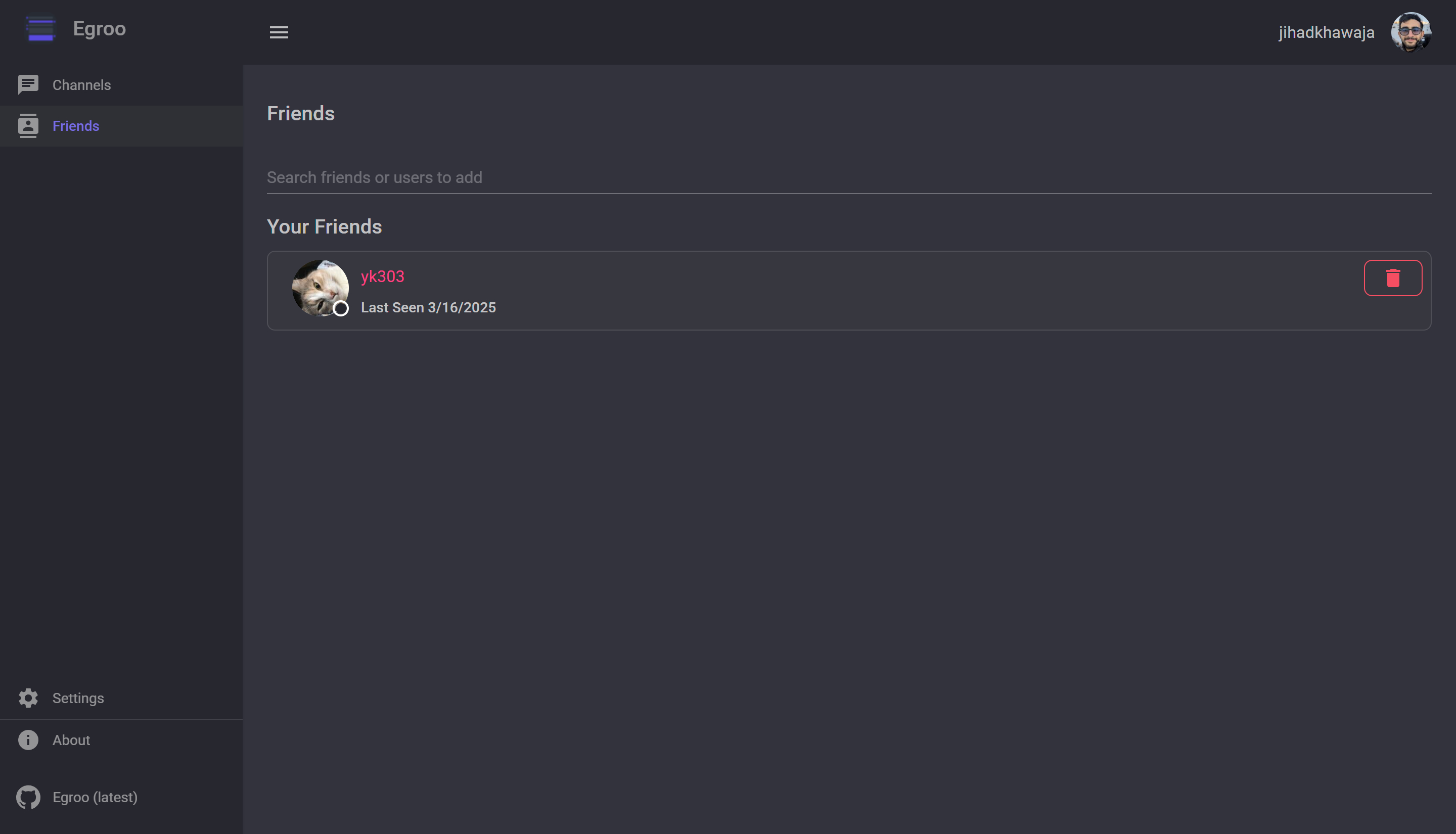
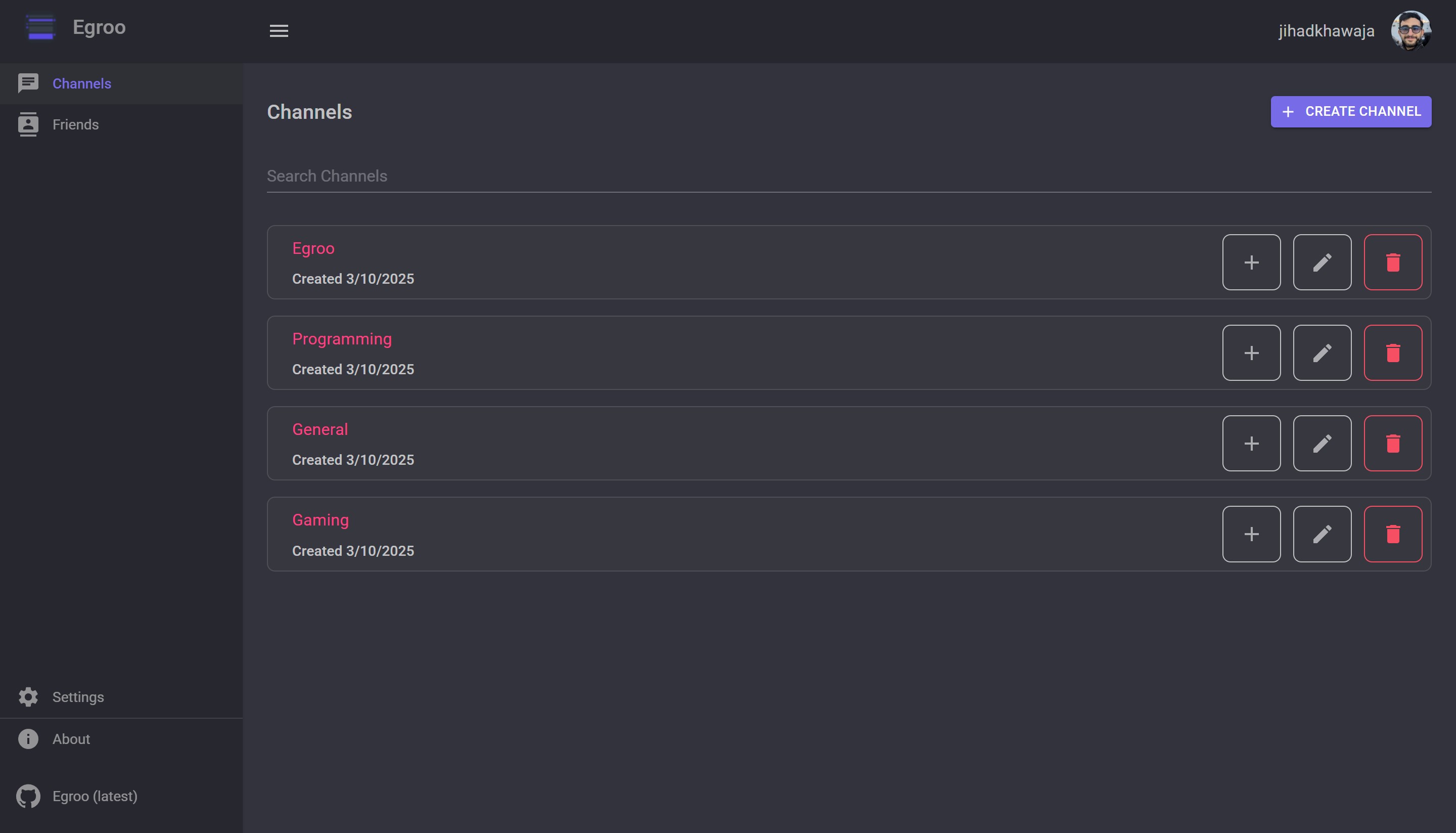
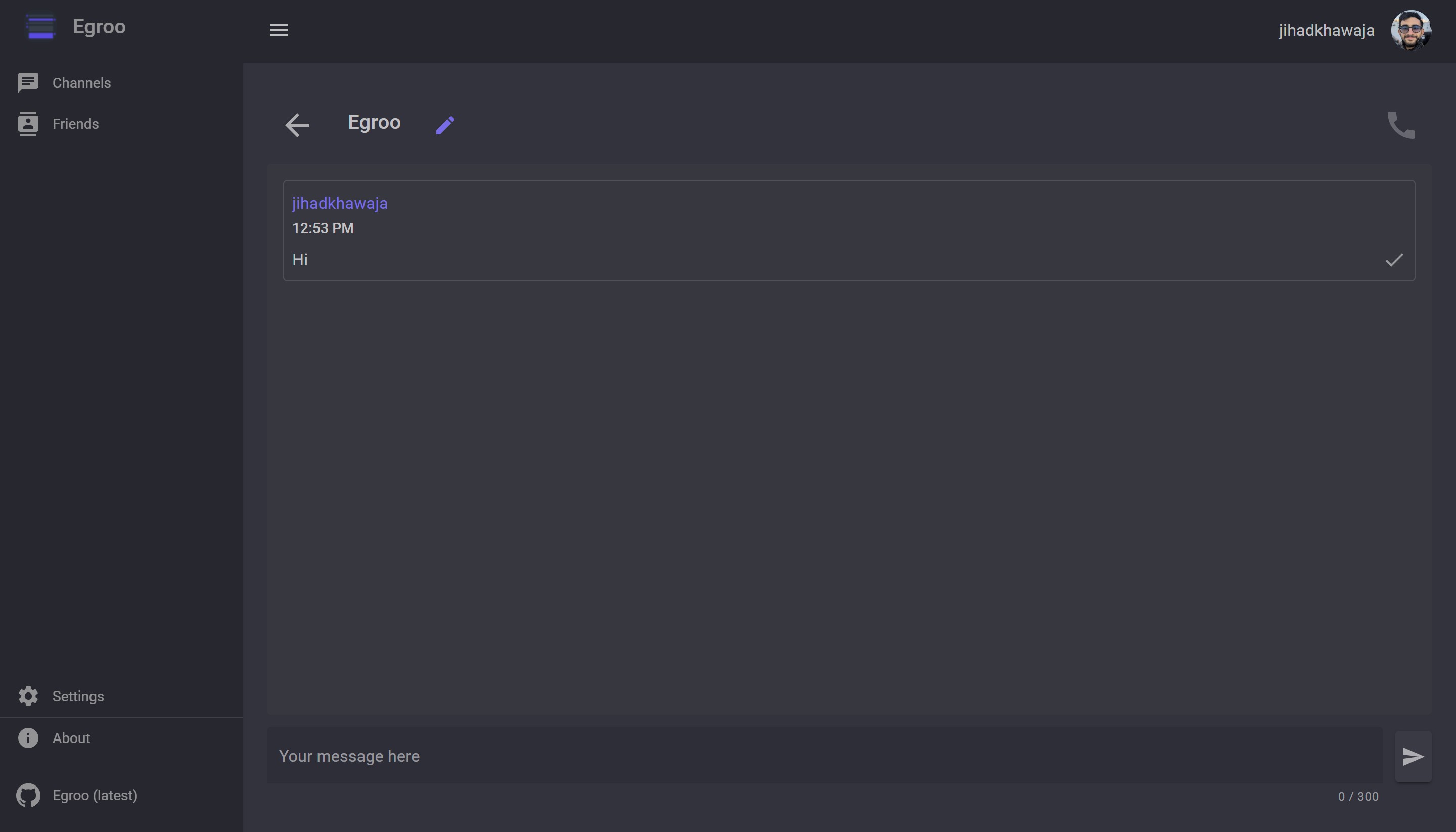
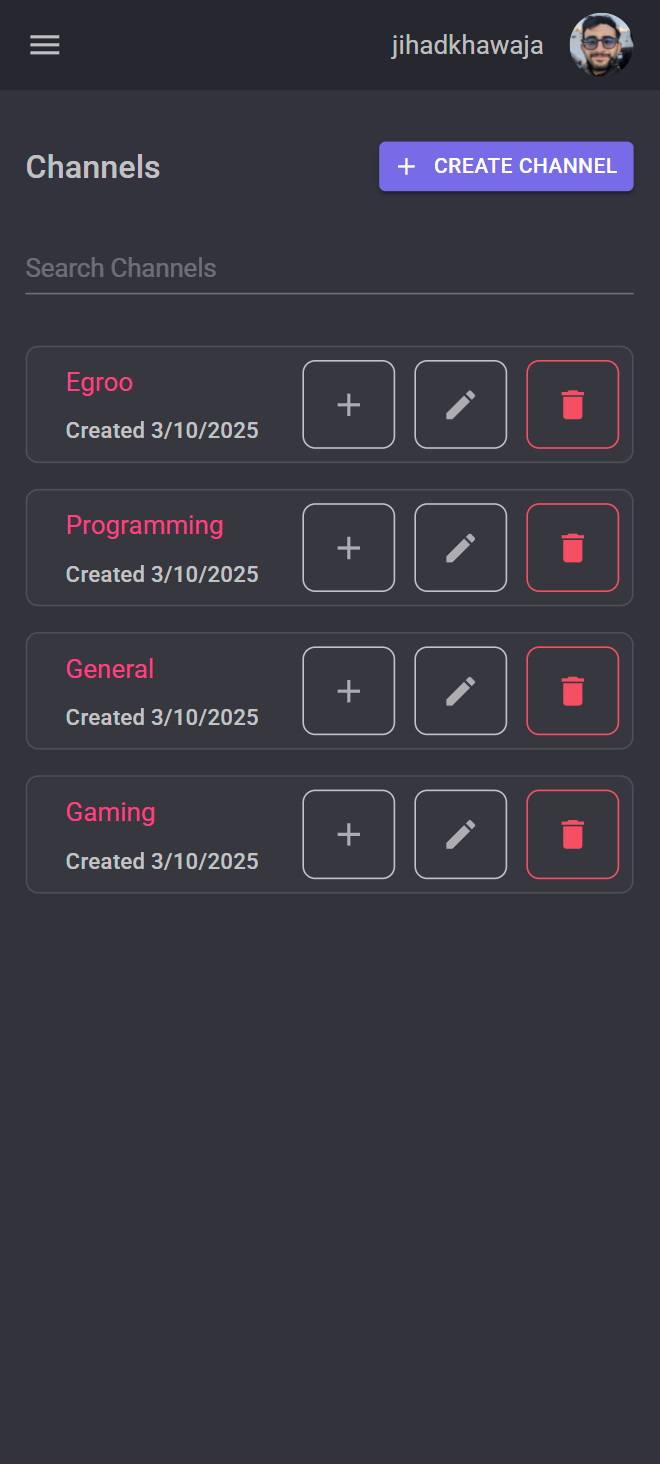
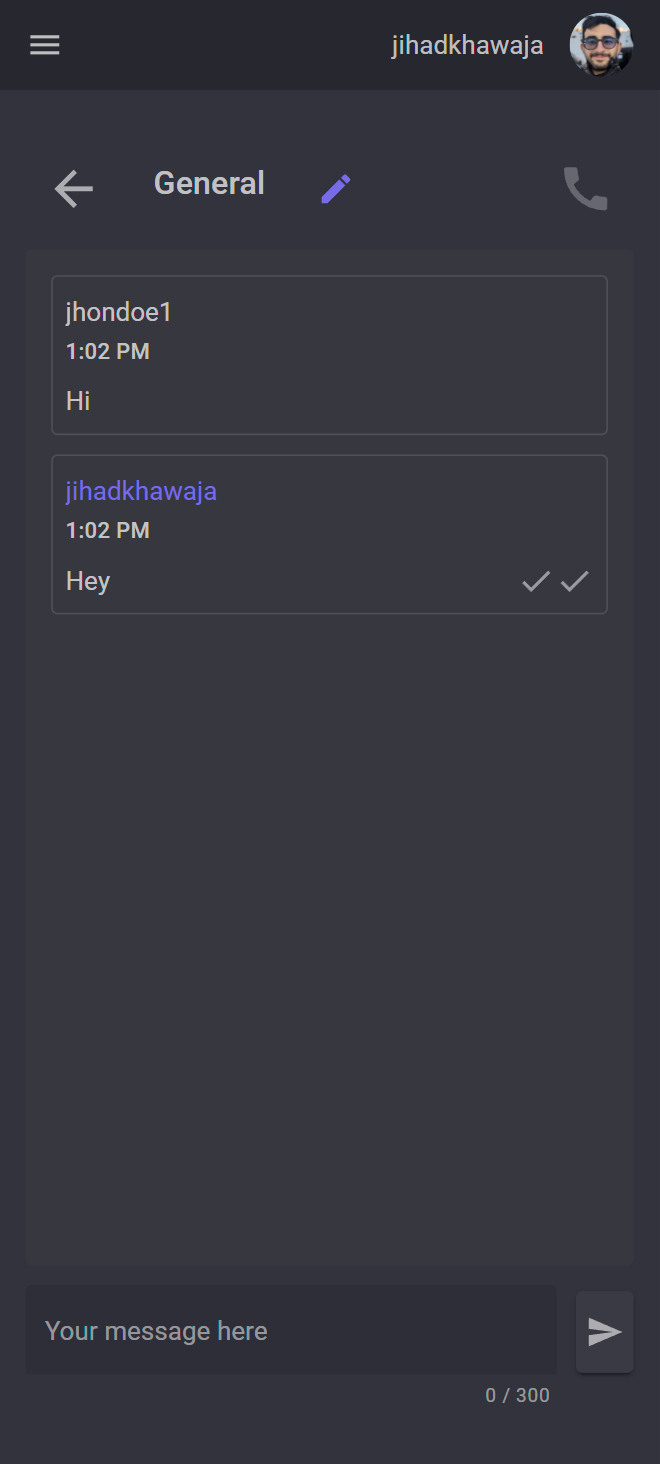
A self-hosted, real-time chat web application built using Blazor and ASP.NET.


- Blazor Auto Mode:
- Loads server-side for faster initial page load, then seamlessly switches to WebAssembly (WASM) when cached.
- Progressive Web App (PWA):
- Installable on devices for an app-like experience.
- Real-time Communication:
- Built with SignalR for fast, responsive messaging.
- Channel Voice Calls:
- Secure, peer-to-peer mesh network WebRTC voice calls within channels.
- Message Privacy:
- Messages are automatically deleted after delivery, ensuring confidentiality.
- AI Agents in Channels:
- Create personal AI agents powered by your own LLM provider (OpenAI, Azure OpenAI, Anthropic, Ollama).
- Publish agents so other users can discover and add them as friends.
- Add agents to channels — they respond automatically when @mentioned.
- Supports names with spaces via
@<Agent Name>mention syntax. - Agents have access to built-in tools including the ability to search, friend, and add other agents to channels.
- Self-hosted Infrastructure:
- Full control over your data with a customizable backend.
The three NuGet packages (jihadkhawaja.chat.client, jihadkhawaja.chat.server, jihadkhawaja.chat.shared) work together every time a message is sent:
sequenceDiagram
    actor User
    participant UI as Egroo.UI<br/>(Razor Component)
    participant Client as jihadkhawaja.chat.client<br/>(NuGet)
    participant Hub as jihadkhawaja.chat.server<br/>(NuGet · ChatHub)
    participant Repo as Egroo.Server<br/>(Repository / DB)
    participant RecipientClient as jihadkhawaja.chat.client<br/>(Recipient · NuGet)
    participant RecipientUI as Egroo.UI<br/>(Recipient)

    User->>UI: Types message and hits Send
    UI->>Client: SendMessage(message)
    Note over Client: ChatMessageService<br/>wraps HubConnection.InvokeAsync
    Client-->>Hub: SignalR · SendMessage(message)<br/>over WebSocket
    Hub->>Hub: Validate sender & channel membership
    Hub->>Repo: Save message metadata (no content)
    Hub->>Repo: Encrypt & store content in UserPendingMessages<br/>for each recipient
    Repo-->>Hub: Saved ✓

    loop For each online recipient
        Hub-->>RecipientClient: SignalR · ReceiveMessage(message)
        RecipientClient->>RecipientUI: Trigger OnMessageReceived event
        RecipientUI->>User: Message displayed in chat
        RecipientClient-->>Hub: UpdatePendingMessage(messageId)
        Hub->>Repo: Delete UserPendingMessage record
    end

    Note over Repo: Content is never stored<br/>permanently — only until delivered
When an agent is added to a channel, it listens for @mentions and replies in real time. The response is delivered via the same SignalR pipeline as regular messages.
sequenceDiagram
    actor User
    participant UI as Egroo.UI
    participant Hub as ChatHub
    participant Responder as AgentChannelService
    participant LLM as LLM Provider
    participant Channel as Channel Members

    User->>UI: Types @AgentName hello!
    UI->>Hub: SignalR · SendMessage(message)
    Hub->>Hub: Save & broadcast to members
    Hub->>Responder: ProcessMentionsAsync(message)
    Note over Responder: Detects @AgentName or @<Agent Name>
    Responder->>Responder: Load last 20 messages as context
    Responder->>LLM: Run agent with instructions + context
    LLM-->>Responder: Agent response text
    Responder->>Hub: Broadcast agent reply via IHubContext
    Hub-->>Channel: SignalR · ReceiveMessage(agentMessage)
    Note over Channel: Message shows agent name + bot icon
Key points:
- Agent replies are fire-and-forget —
SendMessagereturns immediately; the agent response arrives as a follow-upReceiveMessageevent. - Any agent in a channel can be mentioned using
@AgentName(single word) or@<Agent Name>(names with spaces). - Only agents that are Active and assigned to the channel will respond.
- The last 20 channel messages are included as conversation context.
Voice calls in channels are powered by a WebRTC Mesh Network, where every participant establishes a secure peer-to-peer connection with everyone else in the call.
sequenceDiagram
  actor A as Participant A
  participant H as SignalR Hub
  actor B as Participant B

  A->>H: JoinChannelCall(channelId)
  H-->>A: ChannelCallParticipantsChanged([A])

  B->>H: JoinChannelCall(channelId)
  H-->>A: ChannelCallParticipantsChanged([A, B])
  H-->>B: ChannelCallParticipantsChanged([A, B])

  Note over B: New joiner creates WebRTC offers<br/>for existing participants
  B->>H: SendOfferToUser(A, offerSdp)
  H-->>A: ReceiveOffer(B, offerSdp)

  A->>H: SendAnswerToUser(B, answerSdp)
  H-->>B: ReceiveAnswer(A, answerSdp)

  Note over A,B: Exchange ICE Candidates via Hub

  B->>H: SendIceCandidateToUser(A, candidate)
  H-->>A: ReceiveIceCandidate(B, candidate)

  Note over A,B: P2P Encrypted Audio Stream Established
- .NET 10 (required) for the latest features and optimizations.
- Browser: Any modern browser with WebAssembly support.
Comprehensive guides and setup instructions are available in our Wiki:
- Getting Started - Quick setup guide
- Installation Guide - Detailed installation instructions
- Configuration - Configuration options and settings
- Development Setup - Setup for contributors
- Deployment Guide - Production deployment scenarios
- API Documentation - REST API and SignalR reference
- Architecture Overview - Technical architecture details
- Troubleshooting - Common issues and solutions
Contributions are welcome! To get started:
- Fork the repository and submit pull requests.
- Report bugs or request features via the Issues tab.
Join the discussion on our Discord Server to connect, share ideas, and get help.
This project is licensed under the Apache License 2.0.