
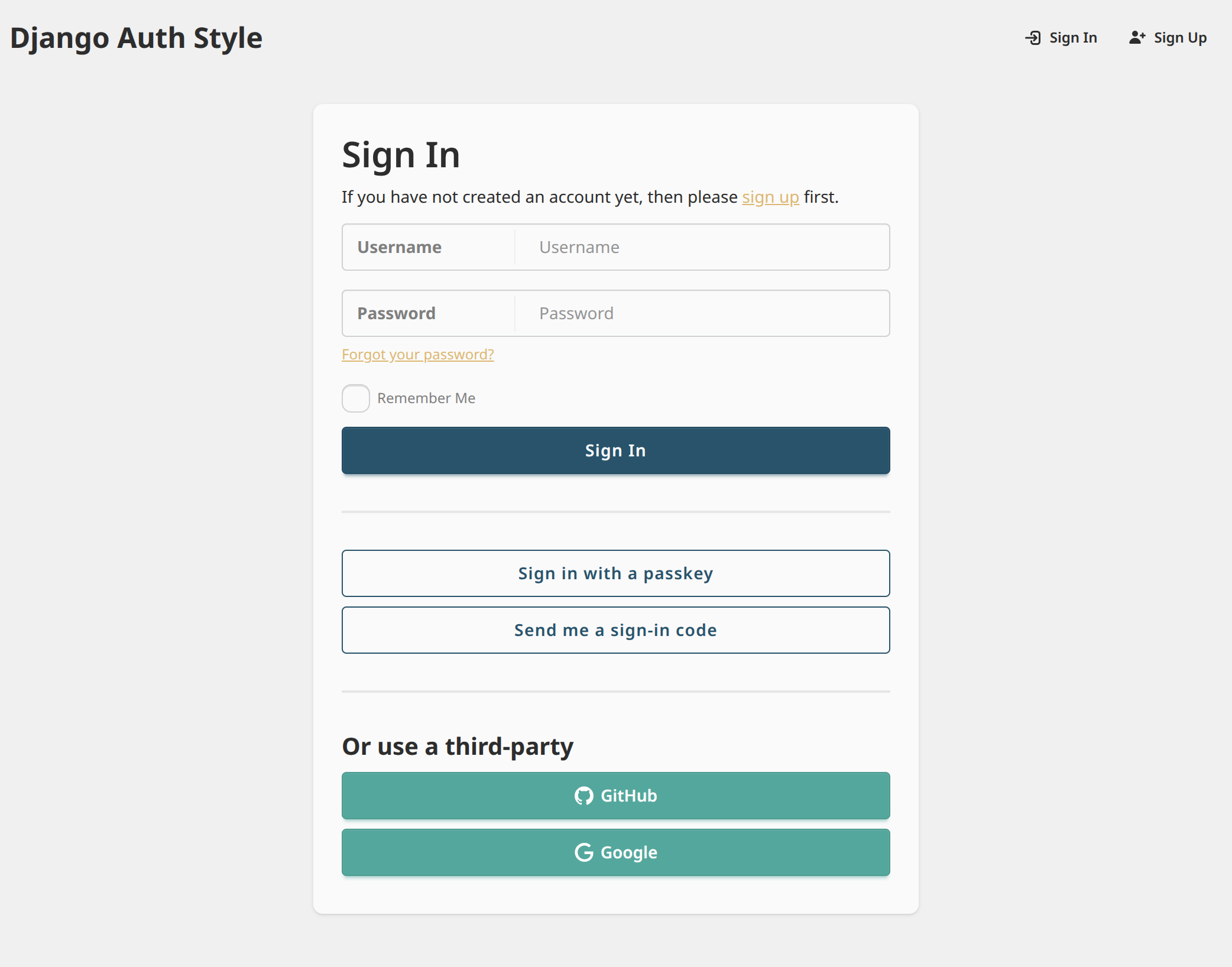
django-auth-style provides Django template styling for
django-allauth
and django-oauth-toolkit.
- All
django-allauthanddjango-oauth-toolkitviews are automatically augmented with styling - Built-in support for dark color schemes ("dark mode")
- Django site name branding on all pages
- Branding can be further customized with a single template override
- Theme colors can be further customized via CSS variables
To enable support for django-allauth, install with:
pip install django-auth-style[allauth]Then enable the Django app:
# settings.py
INSTALLED_APPS = [
    # Any project-local apps should come before "auth_style",
    # so templates can be overridden as needed
    "my_django_app.apps.MyDjangoAppConfig",
    ...,
    "auth_style",
    ...,
    # "allauth" must come after "auth_style"
    "allauth",
    "allauth.account",
    "allauth.socialaccount",
]
MIDDLEWARE = [
    ...,
    # CurrentSiteMiddleware is optional, but recommended to show site branding
    "django.contrib.sites.middleware.CurrentSiteMiddleware",
    ...,
]To enable support for django-oauth-toolkit, install with:
pip install django-auth-style[oauth-toolkit]Then enable the Django app:
# settings.py
INSTALLED_APPS = [
    # Any project-local apps should come before "auth_style",
    # so templates can be overridden as needed
    "my_django_app.apps.MyDjangoAppConfig",
    ...,
    "auth_style",
    ...,
    # "oauth2_provider" must come after "auth_style"
    "oauth2_provider",
]To customize the site name (in the upper-left corner),
create auth_style/site_name.html within your project's templates directory,
then insert any desired HTML. You will be responsible for applying appropriate styling.
For example:
<span style="font-size: 1.5rem; font-weight: bold; color: #2563eb;">
  🚀 My Custom App
</span>To override the overall style theme of all pages,
create auth_style/extra_head.html within your project's templates directory.
Then, within a <style> tag,
define new DaisyUI theme CSS variables,
which will override the defaults. You may override some or all theme variables.
For example:
<style>
  :root {
    color-scheme: light;  /* Optional. Hints to browser which color scheme to use based on user's system settings */
    --color-base-100: #ffffff;
    /* ...rest of CSS variables */
  }
  /* If you would like to support dark mode */
  @media (prefers-color-scheme: dark) {
    :root {
      color-scheme: "dark";  /* Optional. Hints to browser which color scheme to use based on user's system settings */
      --color-base-100: #000000;
      /* ...rest of CSS variables */
    }
  }
</style>