

wxc (pronounced "which") allows you to inspect source code in your Python
environment from the command line. It is based on the inspect module from the
standard library.
$ python -m pip install wxcGet the version number of a package in your current environment

Locate the file from which a Python package is imported

Locate a specific method's source code

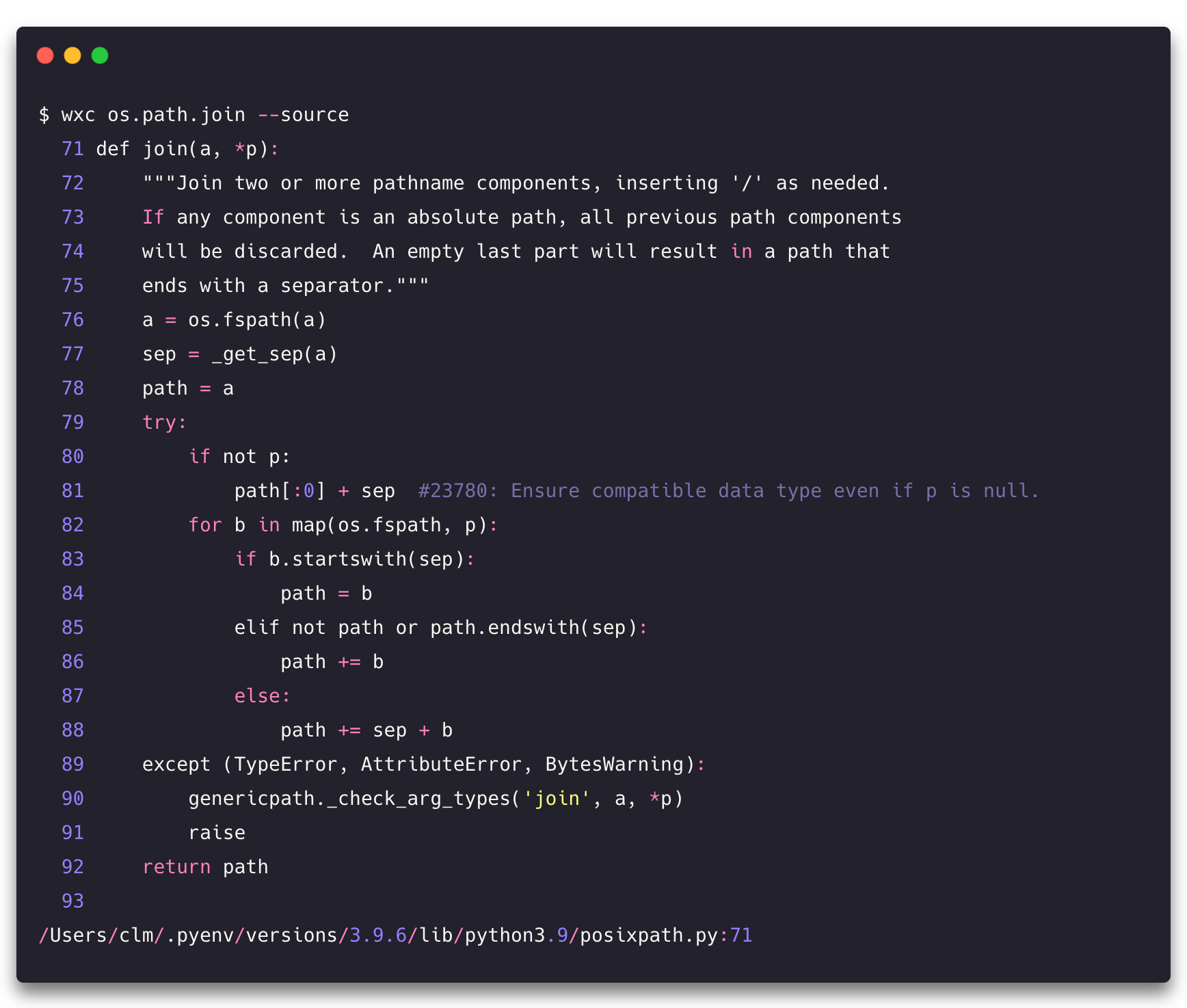
View the source code of function directly from the terminal stdout
wxc tries to be helpful when you mistype

For more, run
$ wxc --helpwxc is not currently able to retrieve the source of compiled code binded into
Python. It should however correctly point to the compiled file that an object is
imported from.
wxc should never be installed in isolation (for instance via
pipx) since it would completely defeat
its purpose.
wxcis fully tested on macOS, Linux, and partially on Windows- this project was formerly named "whych" and renamed to avoid confusion with the pypi-available package of the same name.