Welcome to the Playwright PDF Examples repository!
Here, you'll find practical examples of how to generate high-quality PDFs using Playwright.




- The Invoice Generator demonstrates how to create a fully functional, high-quality invoice PDF using Playwright, Node.js, and EJS templates.
- EJS templates are essentially HTML files with placeholders for dynamic content. By combining these technologies, you can generate dynamic, customizable PDFs from HTML templates with ease.
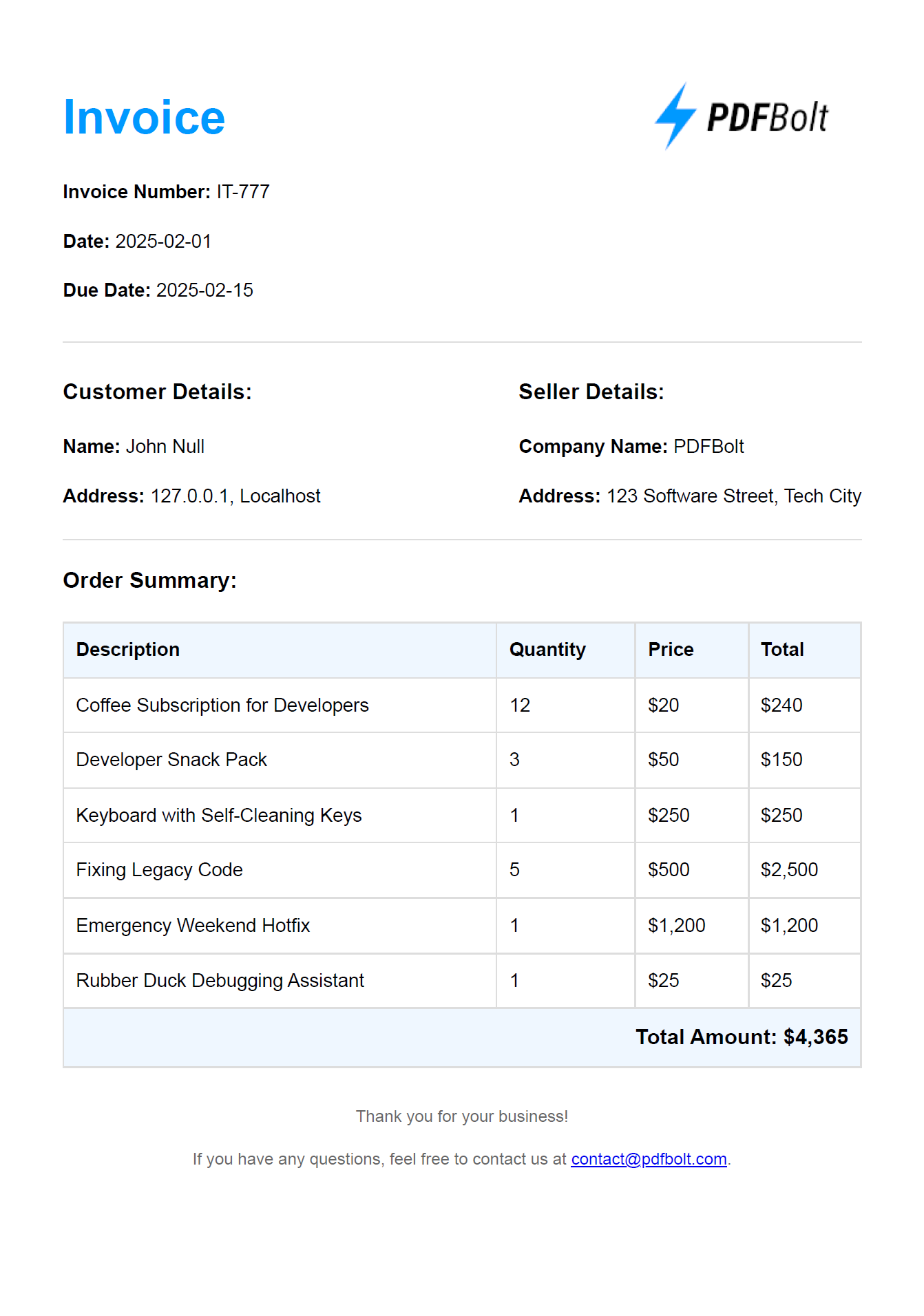
Here’s a sneak peek at the invoice you’ll generate:
invoice-generator/
├── data/                     // Directory for data files
│   └── invoice-data.json     // JSON file for invoice data
├── templates/                // Directory for HTML templates
│   └── invoice.ejs           // EJS template for the invoice
├── generate-invoice.js       // Main script for generating PDFs
└── package.json              // Project configuration file
git clone https://github.com/pdfbolt/playwright-examples.git
cd invoice-generator
Ensure you have Node.js installed, then install the necessary dependencies:
npm install
node generate-invoice.js
After running the script, the PDF will be saved in invoice-generator directory as:
invoice-<timestamp>.pdf
Good Luck and Happy PDFing! 🚀