-
What is this library?
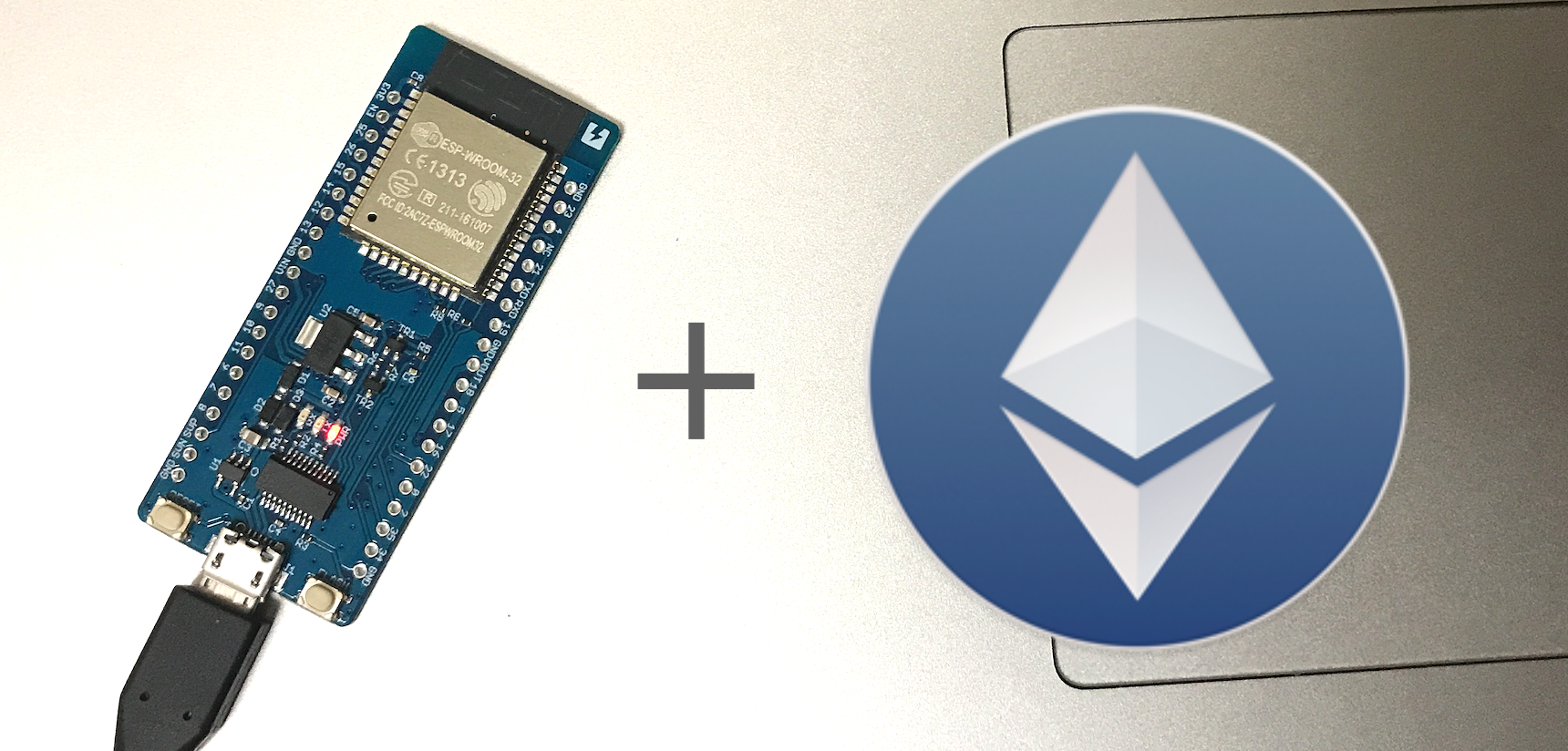
- This is an Arduino (or ESP32) library to use web3 on Ethereum platform.
-
What is Arduino?
- Arduino is an open source computer hardware and software.
- https://www.arduino.cc/
-
What is ESP32?
- ESP32 is a series of low cost, low power system on a chip microcontrollers with integrated Wi-Fi and dual-mode Bluetooth.
- https://www.espressif.com/en/products/hardware/esp32/overview
-
What is web3?
- Web3 is the Ethereum compatible API which implements the Generic JSON RPC spec. Originally Javascript version is developed.
- https://github.com/ethereum/web3.js/
-
What is Ethereum?
- Ethereum is a decentralized platform for applications that run exactly as programmed without any chance of fraud, censorship or third-party interference.
- https://www.ethereum.org/
- Confirmed device
- ESP-WROOM-32
- Used Ethereum client
- INFURA (https://infura.io)
- download the zip file from
Clone or downloadbutton on Github. - launch Arduino IDE.
- Install board settings ESP32-Arduino
Sketch->Include Library->Add .ZIP file-> select downloaded zip file.- Then you can use this from Arduino IDE.
Please refer examples directory to learn more about how to use the libraries
#define INFURA_HOST "rinkeby.infura.io"
#define INFURA_PATH "/<YOUR_INFURA_ID>"

Web3 web3(INFURA_HOST, INFURA_PATH);python -c 'import os; print ", ".join([ str(ord(c)) for c in bytes(os.urandom(32)) ])'
Copy this to terminal and paste the output as your private key in the ino file.
To convert this to a private key you can use in MyEtherWallet you do:
print ''.join('{:02x}'.format(x) for x in array_alpha)