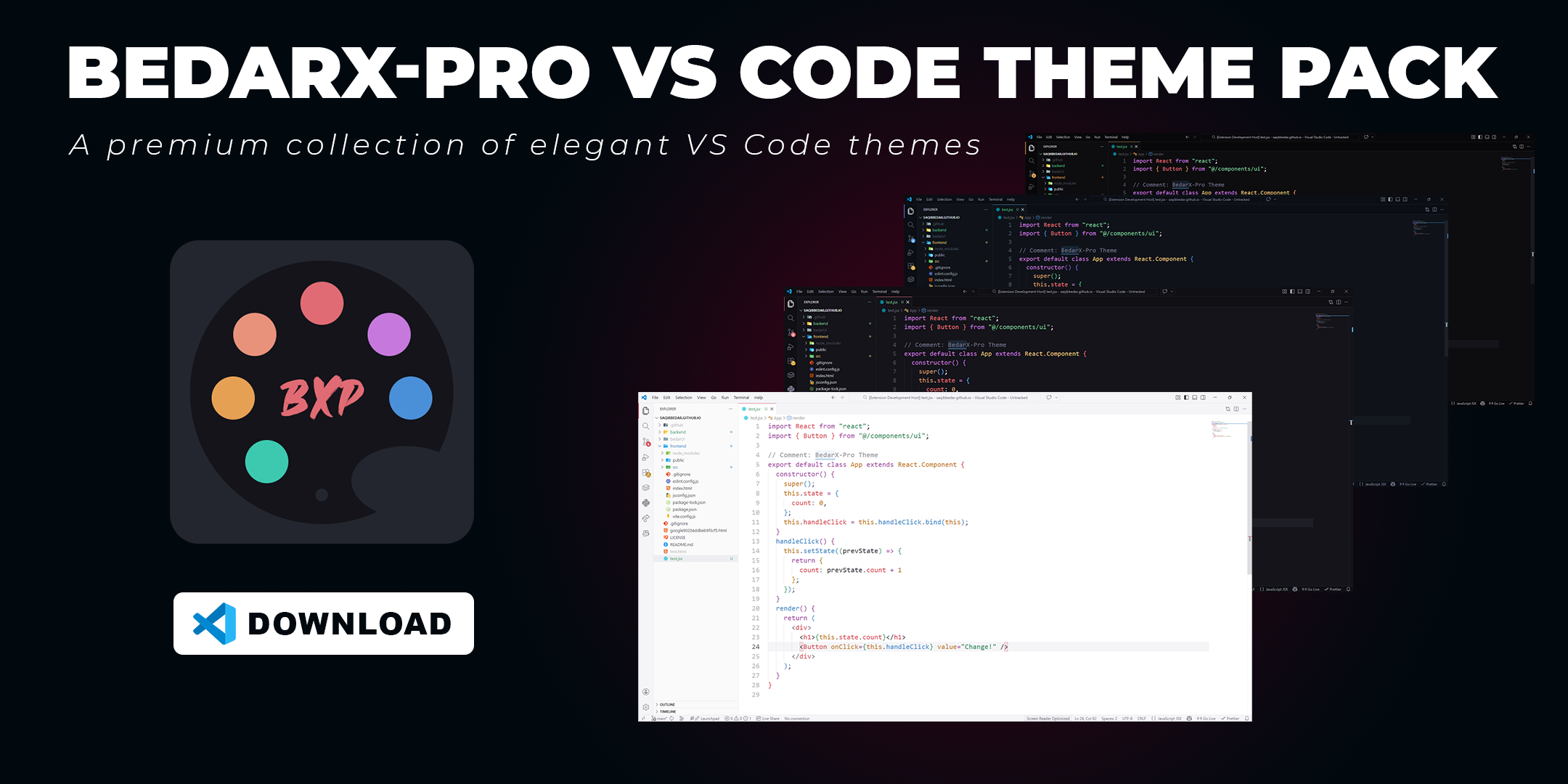



A premium collection of elegant VS Code themes crafted in memory of my beloved father, Bedar Bakhshal. BedarX Pro v2.0.0 features four distinctive themes—each with unique identity, proper depth hierarchy, and signature accent colors:
| Theme | Type | Signature Accent |
|---|---|---|
| BedarX Obsidian | Dark | Rose Coral #E06B74 |
| BedarX Sapphire | Dark | Sapphire Blue #4A90D9 |
| BedarX Onyx | Dark | Amber Gold #E5A054 |
| BedarX Pearl | Light | Rose Coral #D95560 |
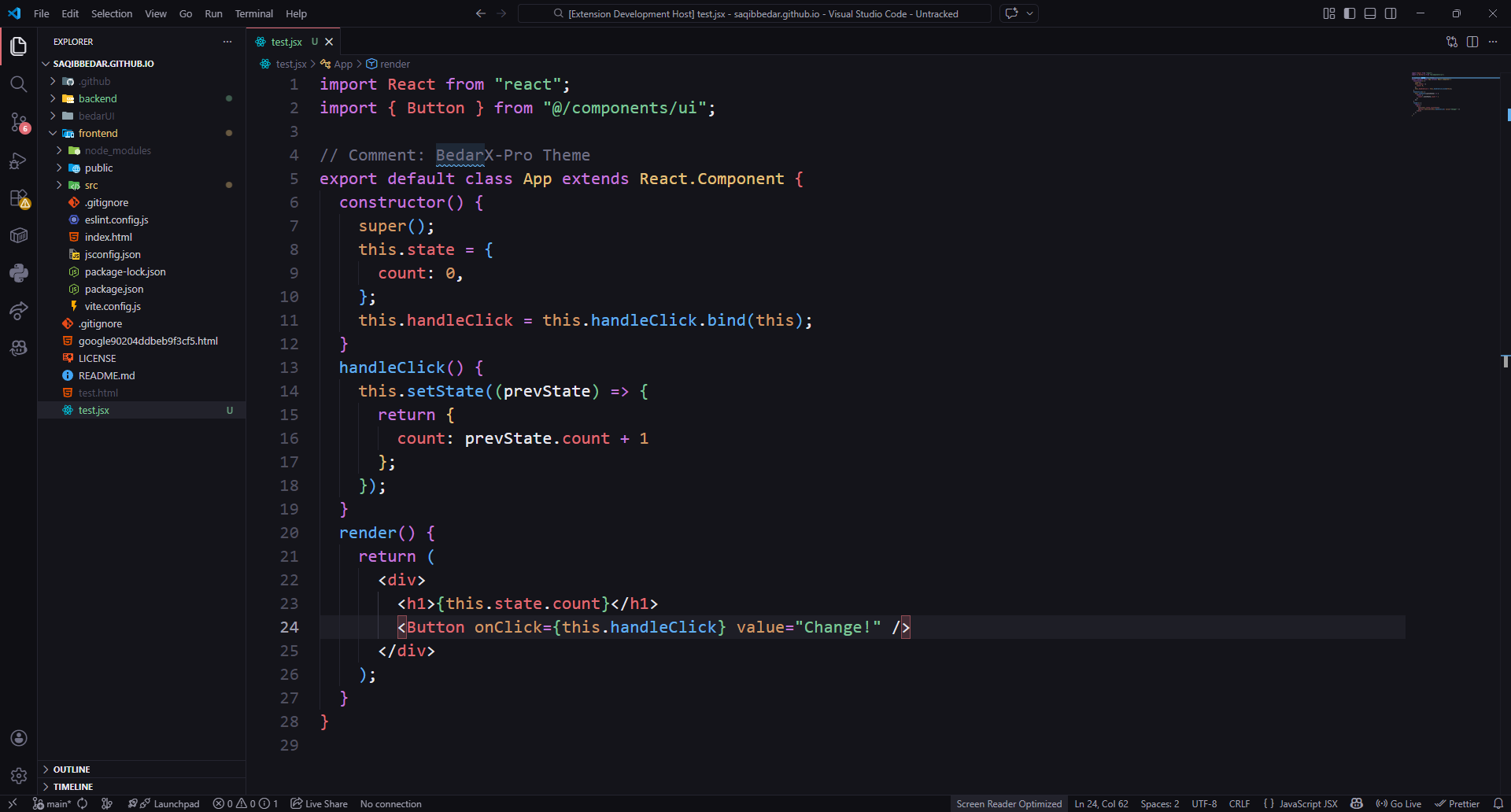
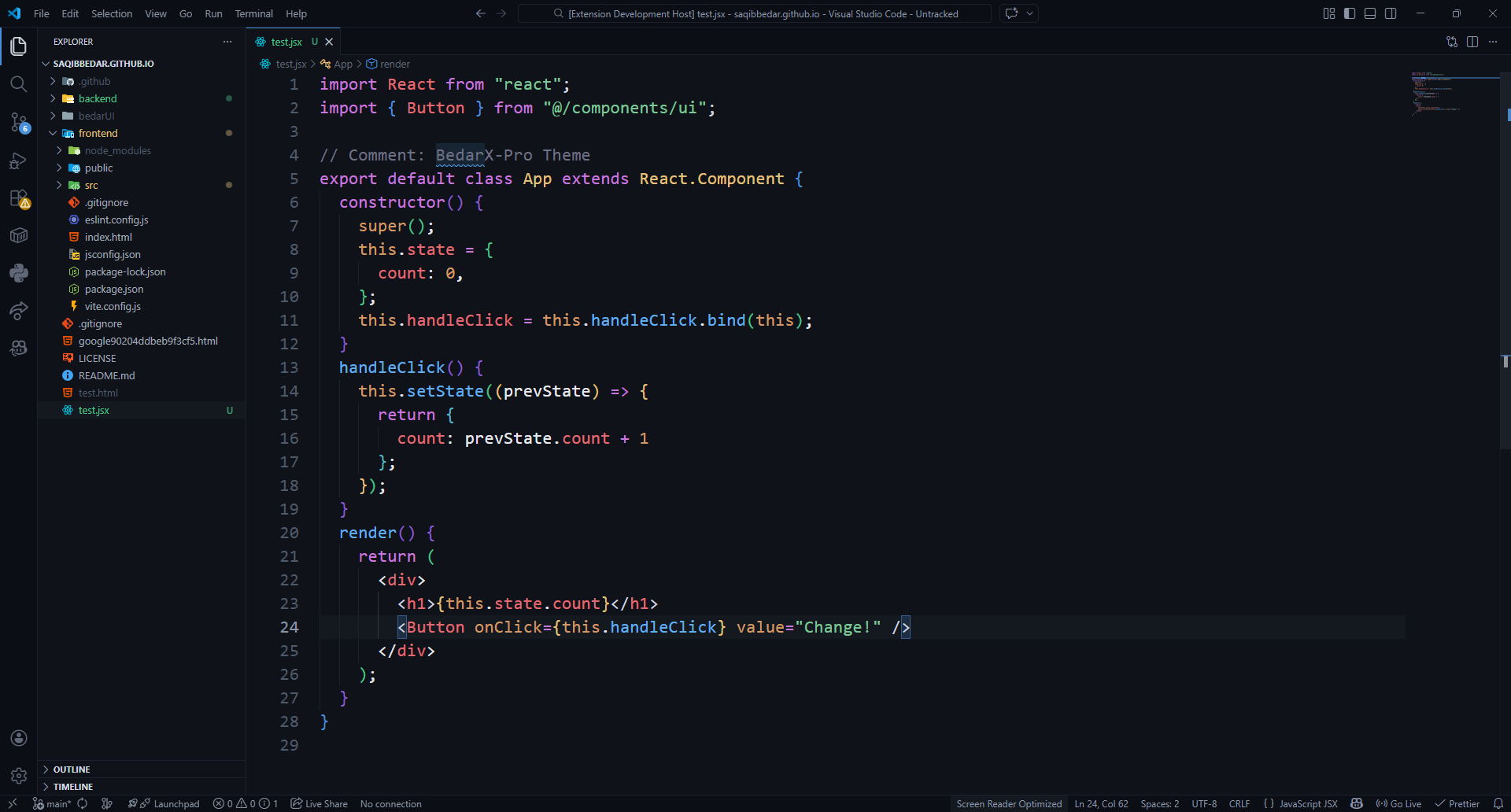
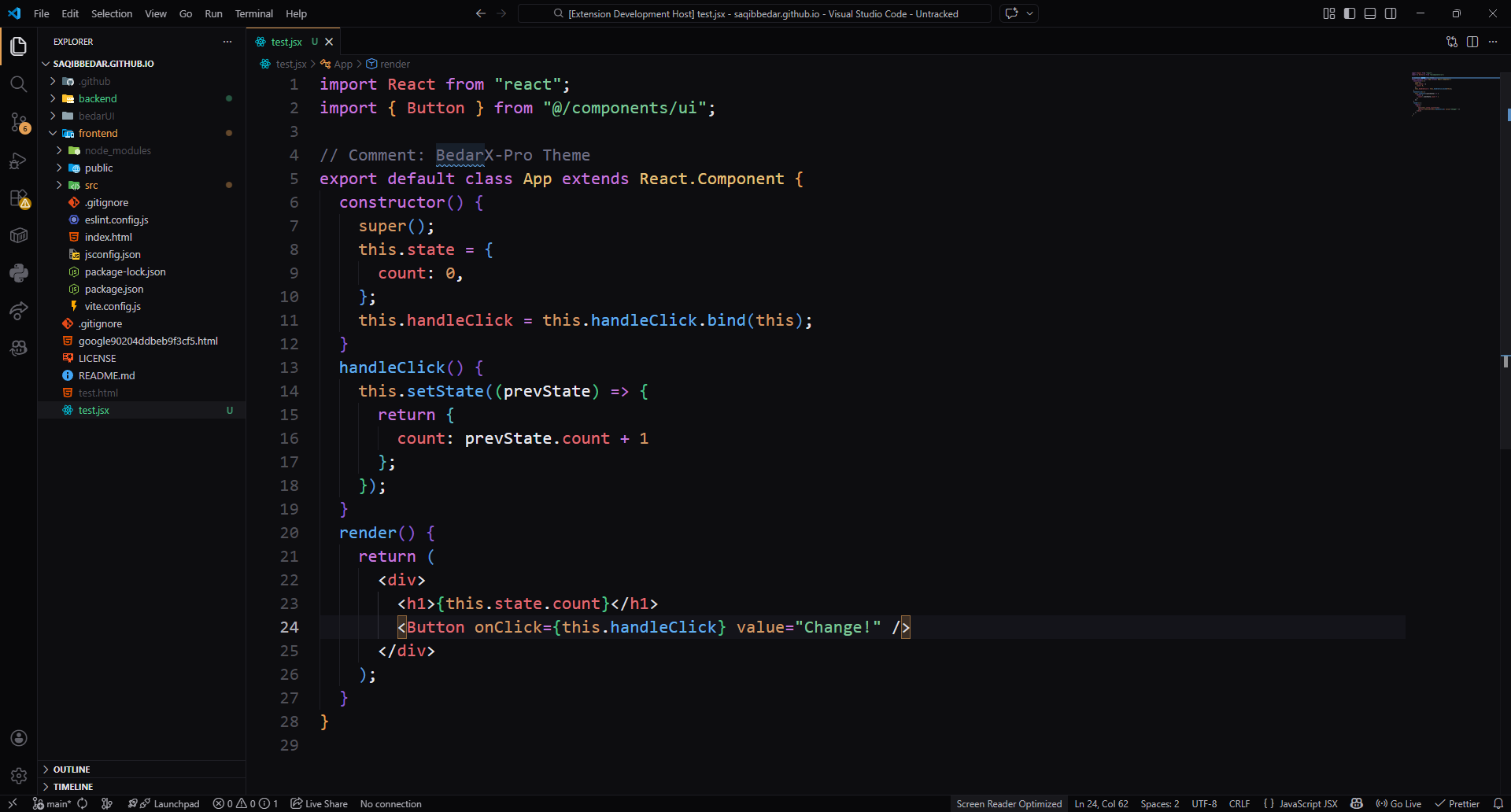
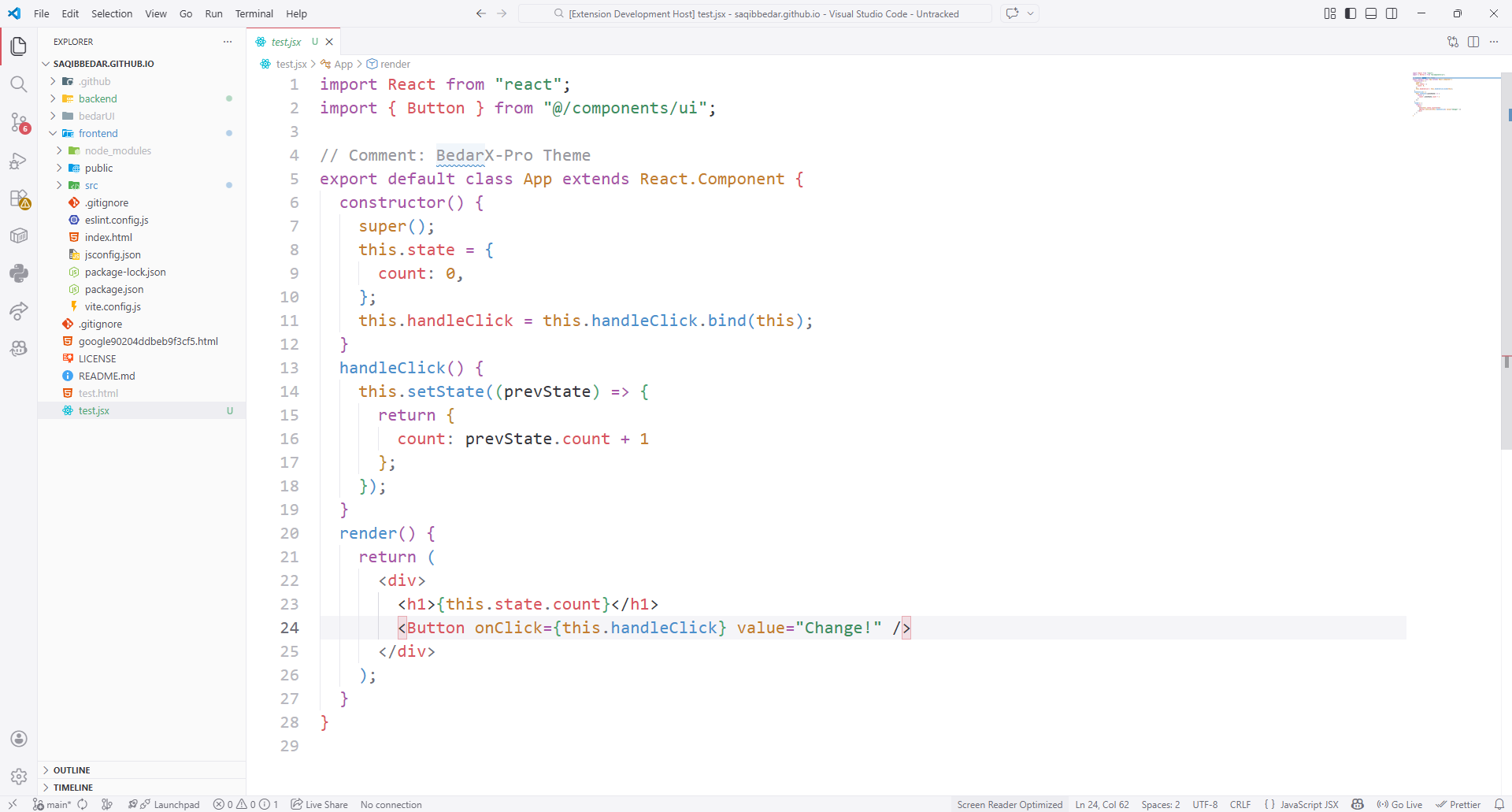
- Four unique themes with signature accent colors
- Proper background hierarchy for visual depth
- AMOLED-friendly Onyx theme with true blacks
- Eye-friendly Pearl light theme
- Consistent syntax highlighting across 15+ languages
- Modern, clean workbench and UI design
- Optimized for long coding sessions
- Thoughtful semantic token coloring
- Distinctive bracket pair colorization
- Open VS Code
- Press
Ctrl+P - Run:
ext install saqibbedar.bedarx-pro - Press
Ctrl+K Ctrl+T - Select your preferred theme:
- BedarX Obsidian
- BedarX Sapphire
- BedarX Onyx
- BedarX Pearl
- VS Code v1.60.0 or newer
We welcome contributions! See our CONTRIBUTING.md for guidelines.
See CHANGELOG.md for detailed release notes.
If you find BedarX Pro helpful, consider:
Made with ❤️ by Saqib Bedar