Strapi v5.x.x
To know which versions of Node goes with which versions of Strapi, refer to here: https://github.com/strapi/strapi/releases
If you are not familiar with using the Strapi CMS, here are some quick tutorials:
Strapi v5: https://docs.strapi.io/cms/quick-start
You can run, for example: npx create-strapi-app@5.33.0
https://www.npmjs.com/package/@filerobot-strapi/content-plugin
At this point, assuming that you already have a Strapi CMS installed and set up, and that you already have a super-admin user configured. It's time to install the Scaleflex DAM plugin for Strapi v5:
npm install @filerobot-strapi/content-plugin
(Use npm install @filerobot-strapi/content-plugin --legacy-peer-deps if you need to)
yarn build
yarn start
Click "Scaleflex DAM" on the left vertical menu (under the plugins section)
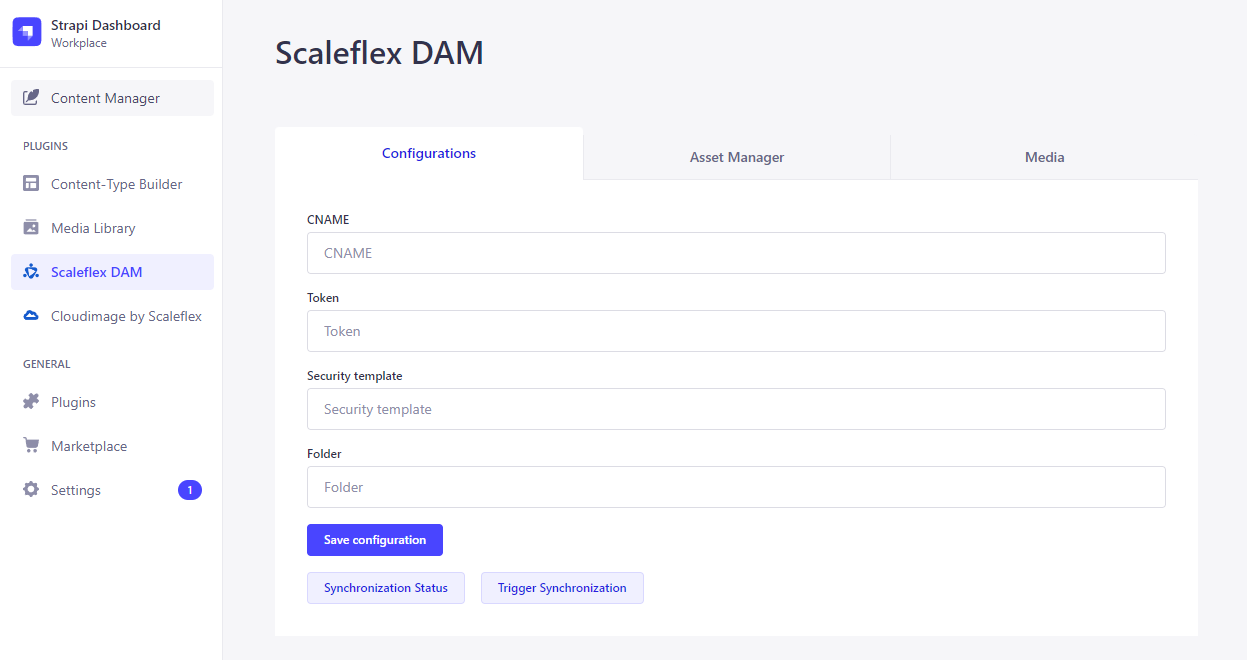
- CNAME should be without
https:// - Folder can have a preceding
/, but it's not necessary. So both/folder_nameandfolder_nameare ok
Now you can make use of the "Synchronization Status" and "Trigger Synchronization" buttons.
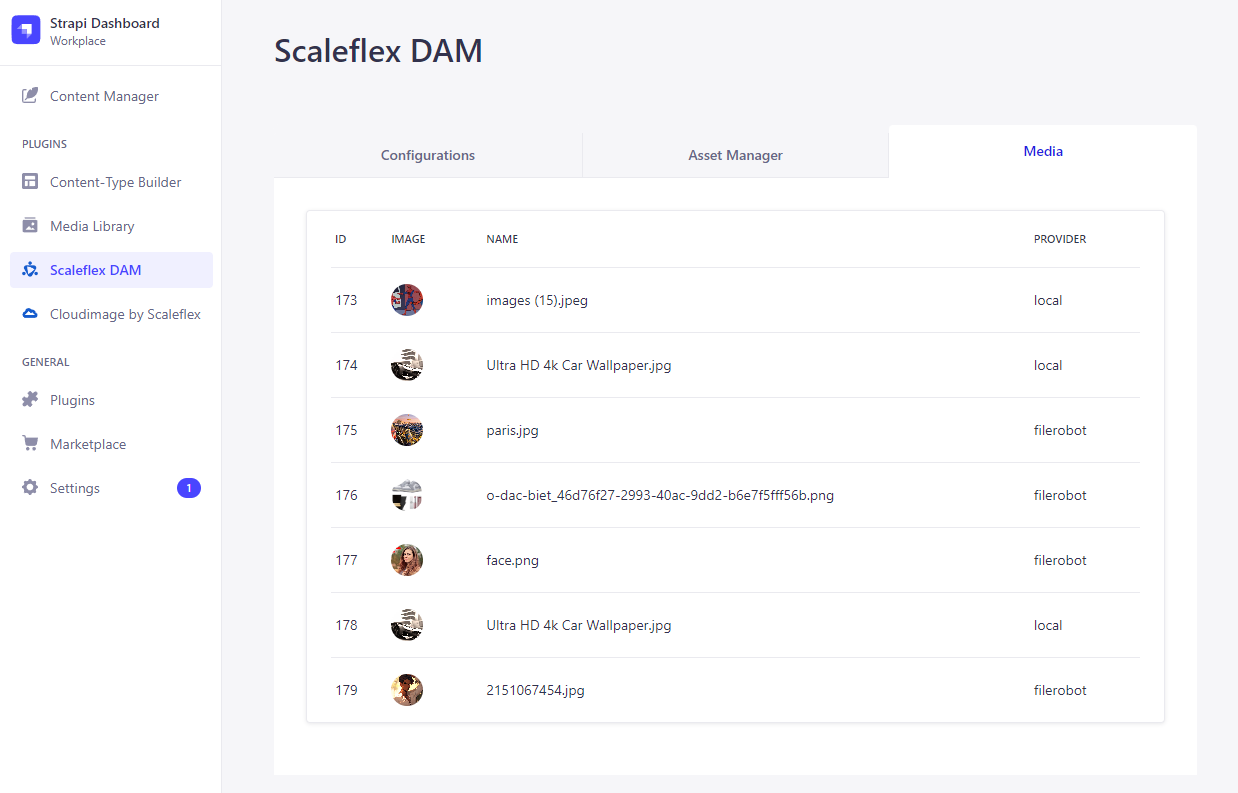
The Media Tab keeps a "log" of all your media assets.
Indeed, there are 3 local images that are yet to be synchronized to the Scaleflex DAM.
And there are indeed 4 remote images on the Scaleflex DAM that are yet to be synchronized down to the Strapi CMS.
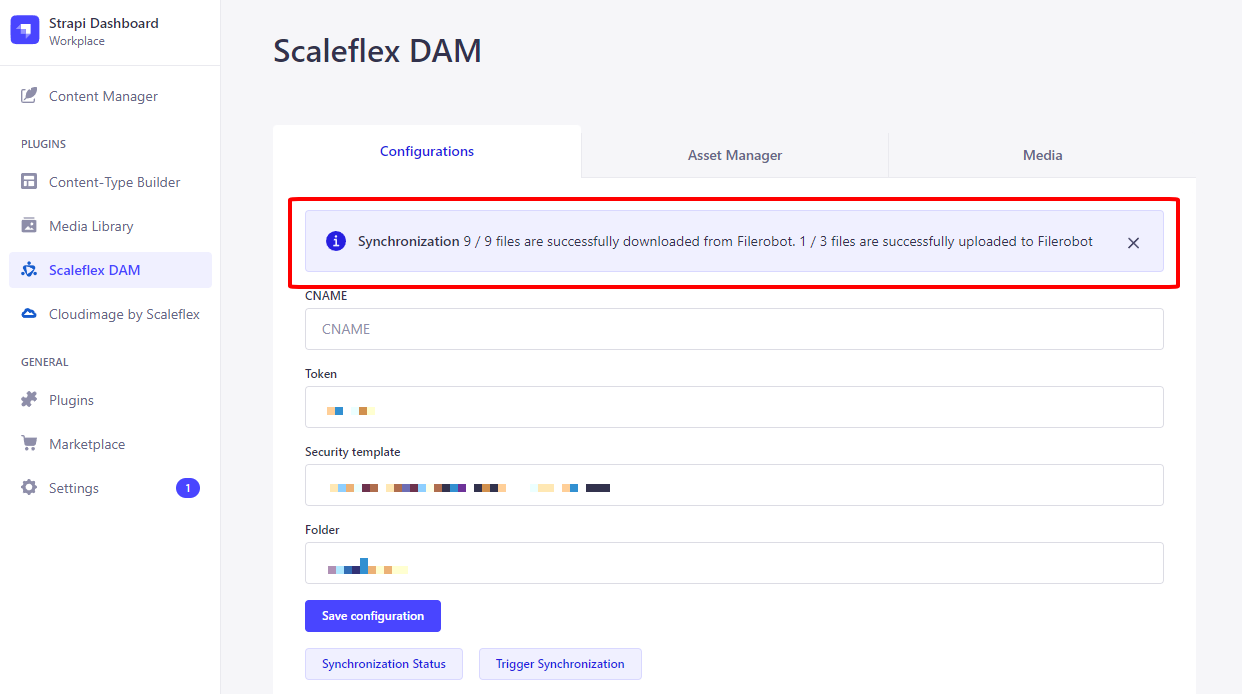
Afterwards, the logs will be updated:
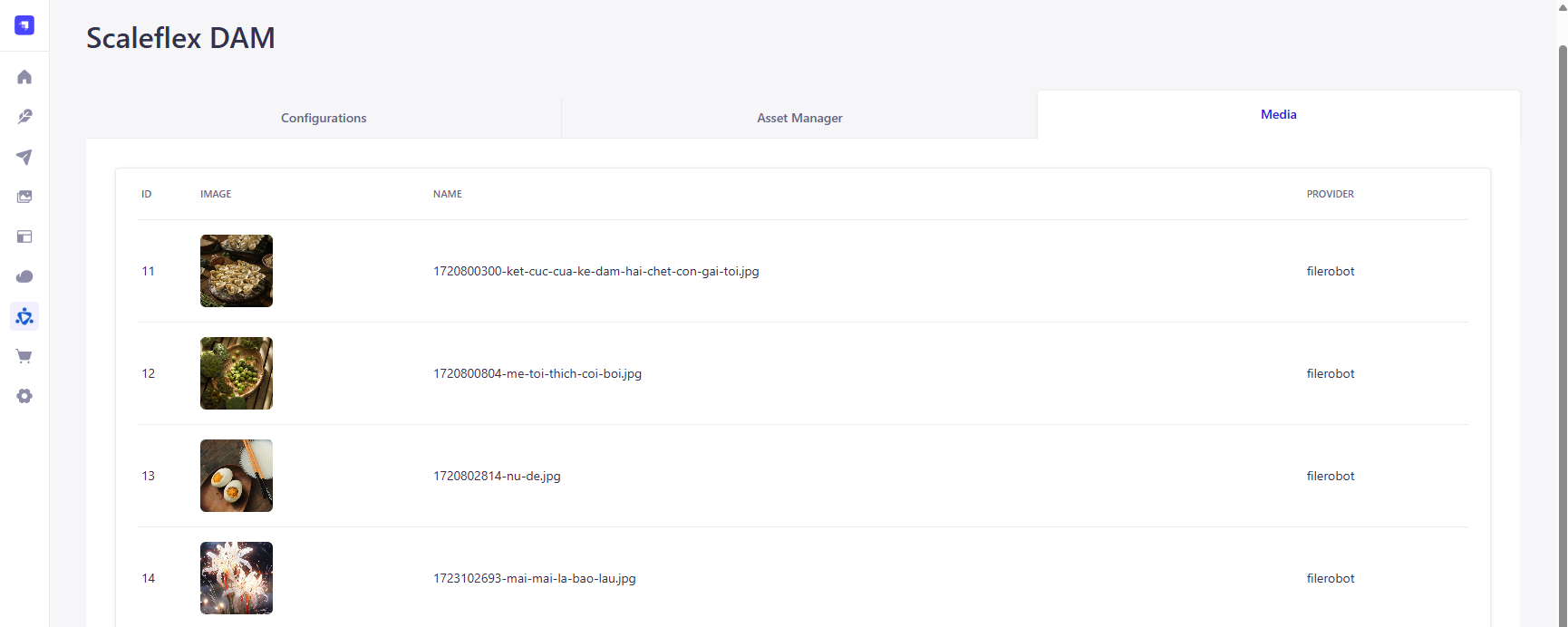
When you Upload, the image will be uploaded to the Scaleflex DAM. Also, the same image (with Scaleflex DAM URL) will go into the Strapi CMS:
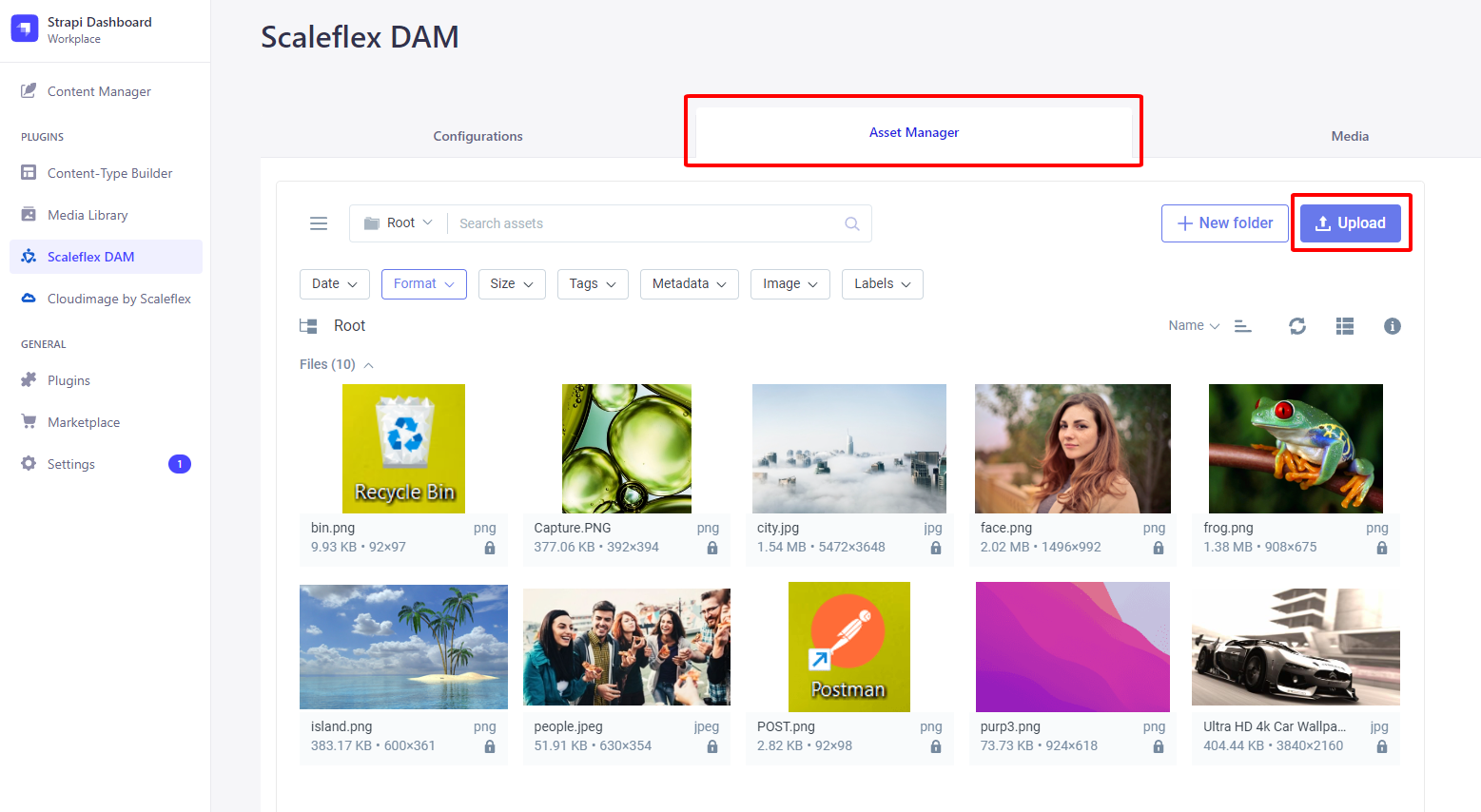
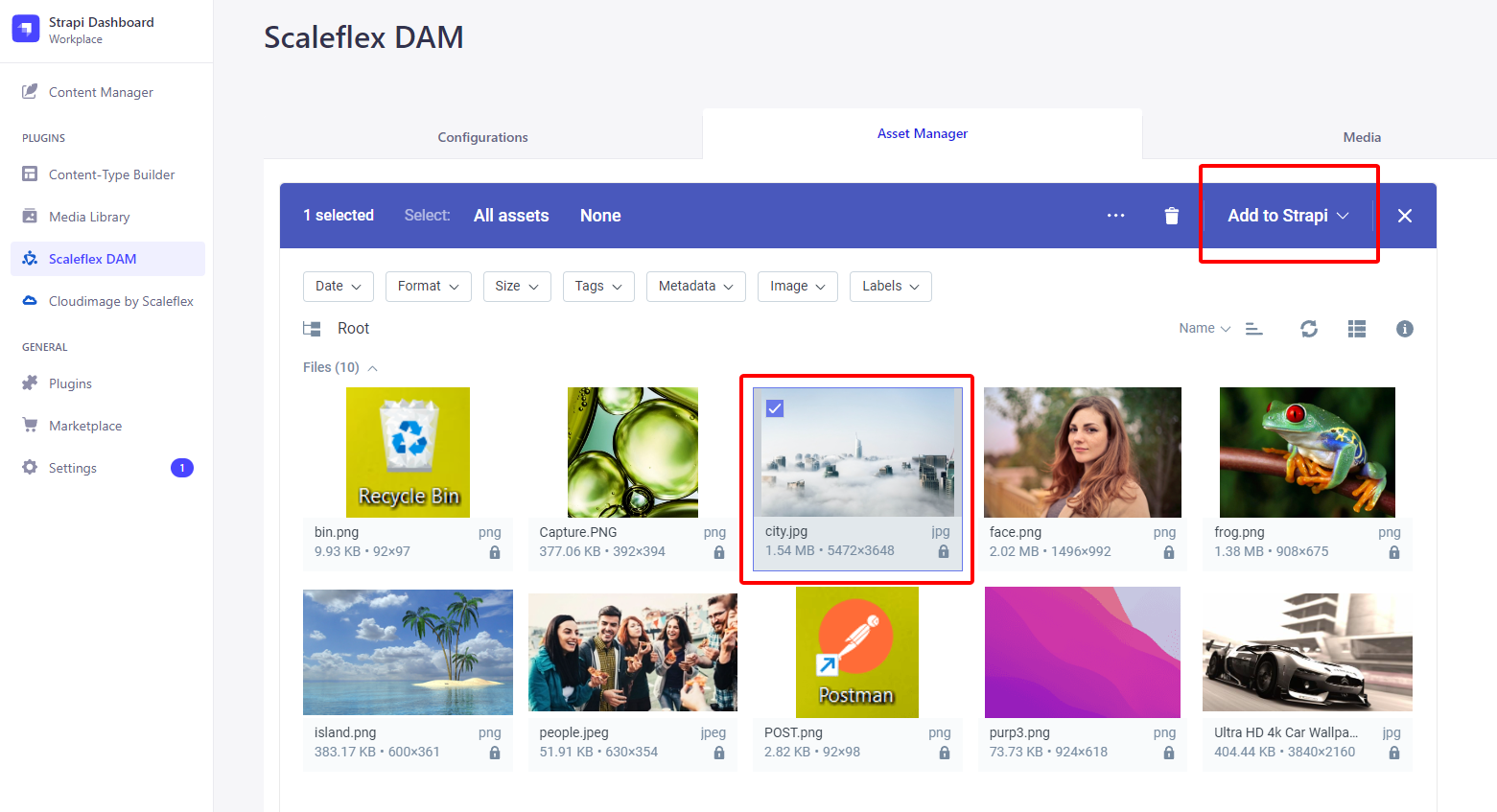
If you know that city.jpg only exists on the Scaleflex DAM (ie: haven't yet been synchronized down to the Strapi CMS), then you can check it and press "Add to Strapi":